Dropover
A floating shelf for drag and drop.
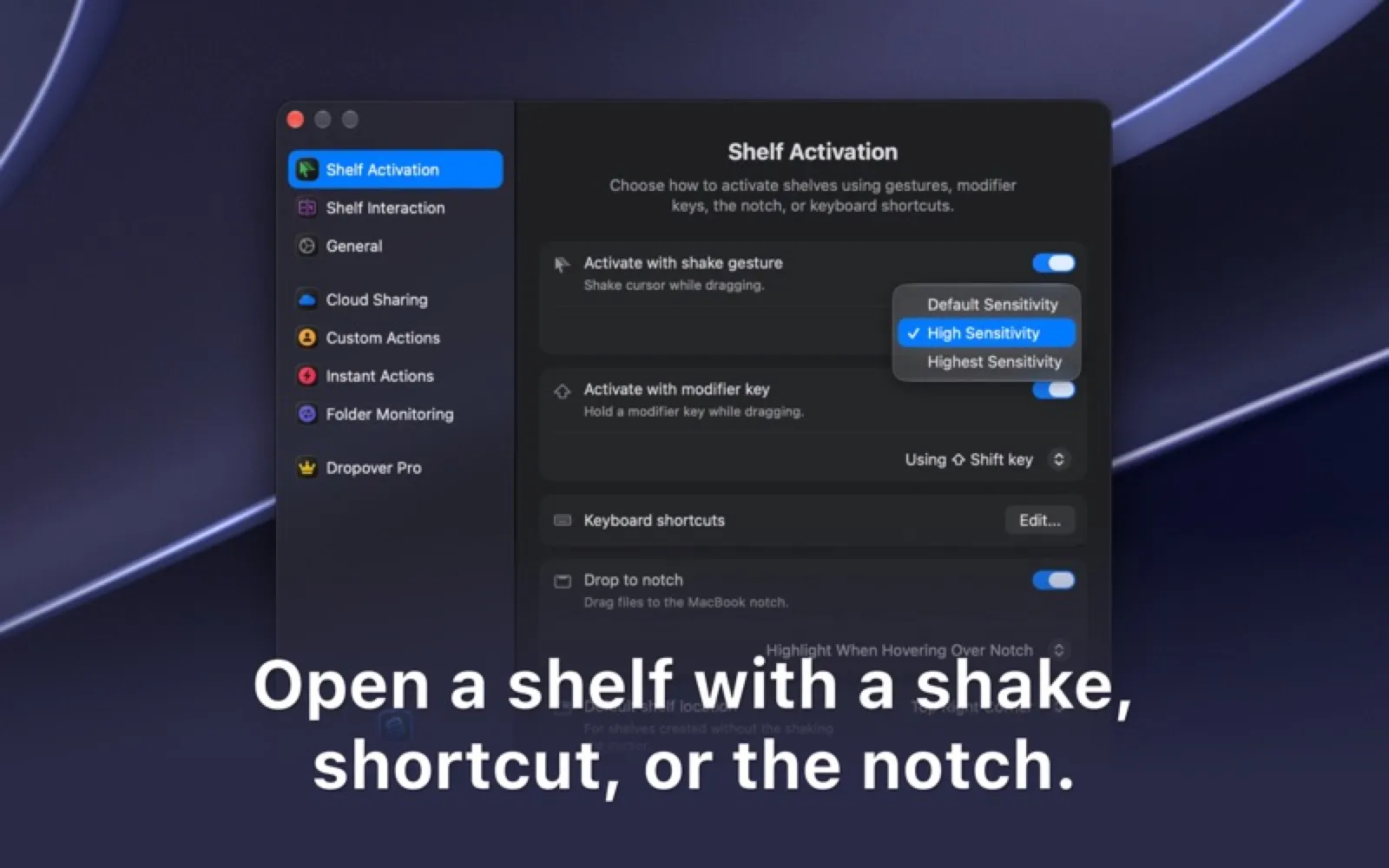
About Dropover
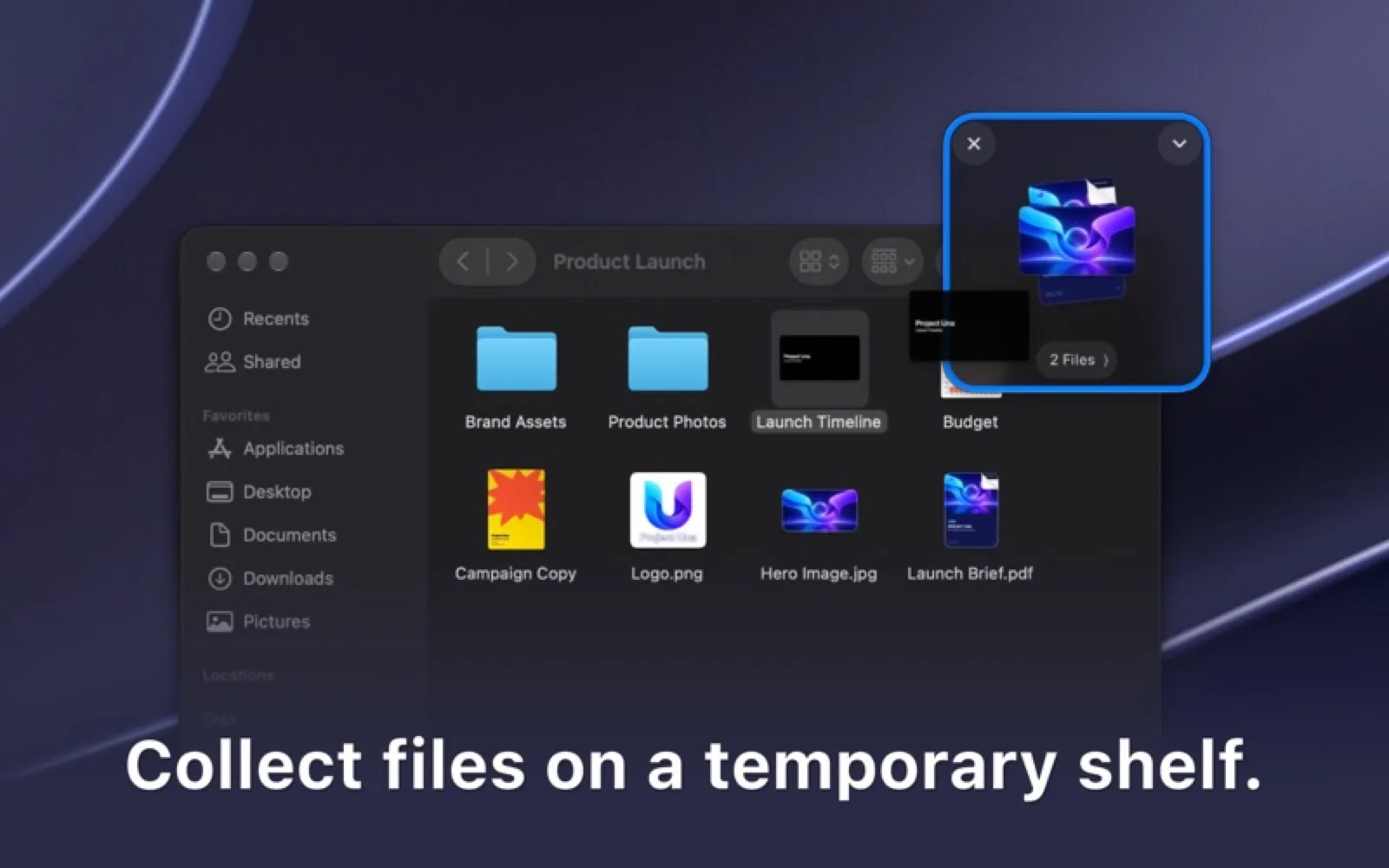
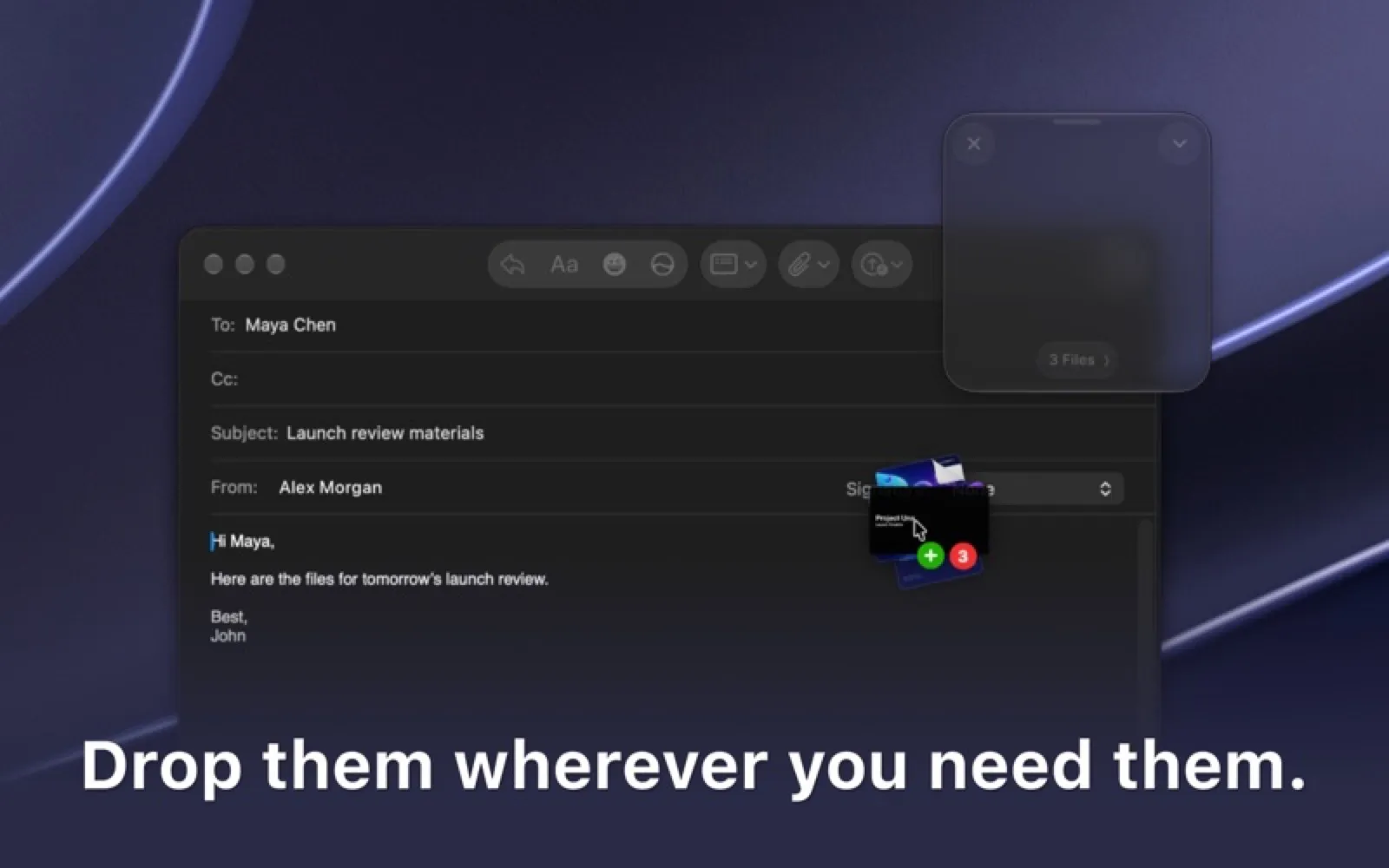
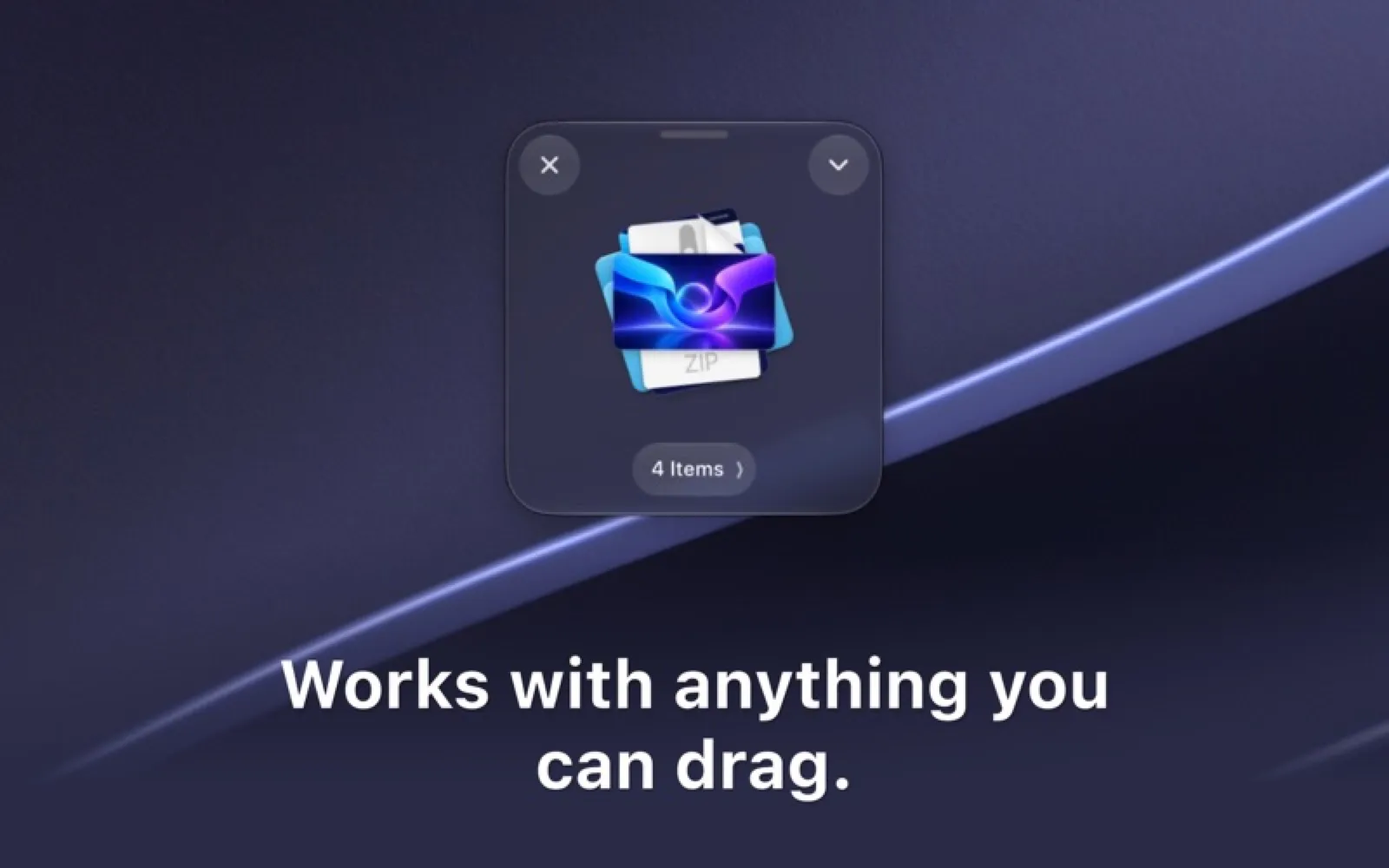
Shake the cursor while dragging and Dropover opens a shelf to park files, images and links while you find their destination. It also uploads and shares in one step.
Install Dropover
Download it from the links above, or install it from the Terminal:
mas install 1355679052 Questions about Dropover
Is Dropover free?
Dropover is free to download and use, with paid upgrades for extra features.
Where can I download Dropover for Mac?
Download Dropover from the Mac App Store and the developer's website (dropoverapp.com). MacWorthy links only to official sources.
Can I install Dropover from the Terminal?
Yes. With Mac App Store CLI, run mas install 1355679052.
Which macOS version does Dropover need?
The Mac App Store version of Dropover requires macOS 13.0 or later.
What are good alternatives to Dropover?
Other productivity apps for Mac worth a look are Yoink (one-time purchase), Things 3 (one-time purchase), Raycast (free + pro) and Fantastical (subscription).
Other productivity apps like Dropover

Yoink
Park anything at the edge of the screen.

Things 3
The task manager that feels like paper, only smarter.

Raycast
A faster way to do everything on your Mac.
Fantastical
A calendar that understands plain sentences.

OmniFocus
Industrial-strength GTD for complex lives.

Alfred
The launcher power users have trusted for a decade.
Cardhop
Contacts, rebuilt around a single search field.
Timing
Automatic time tracking that needs no timers.