
InboxFox
A local SMTP inbox for testing app email.
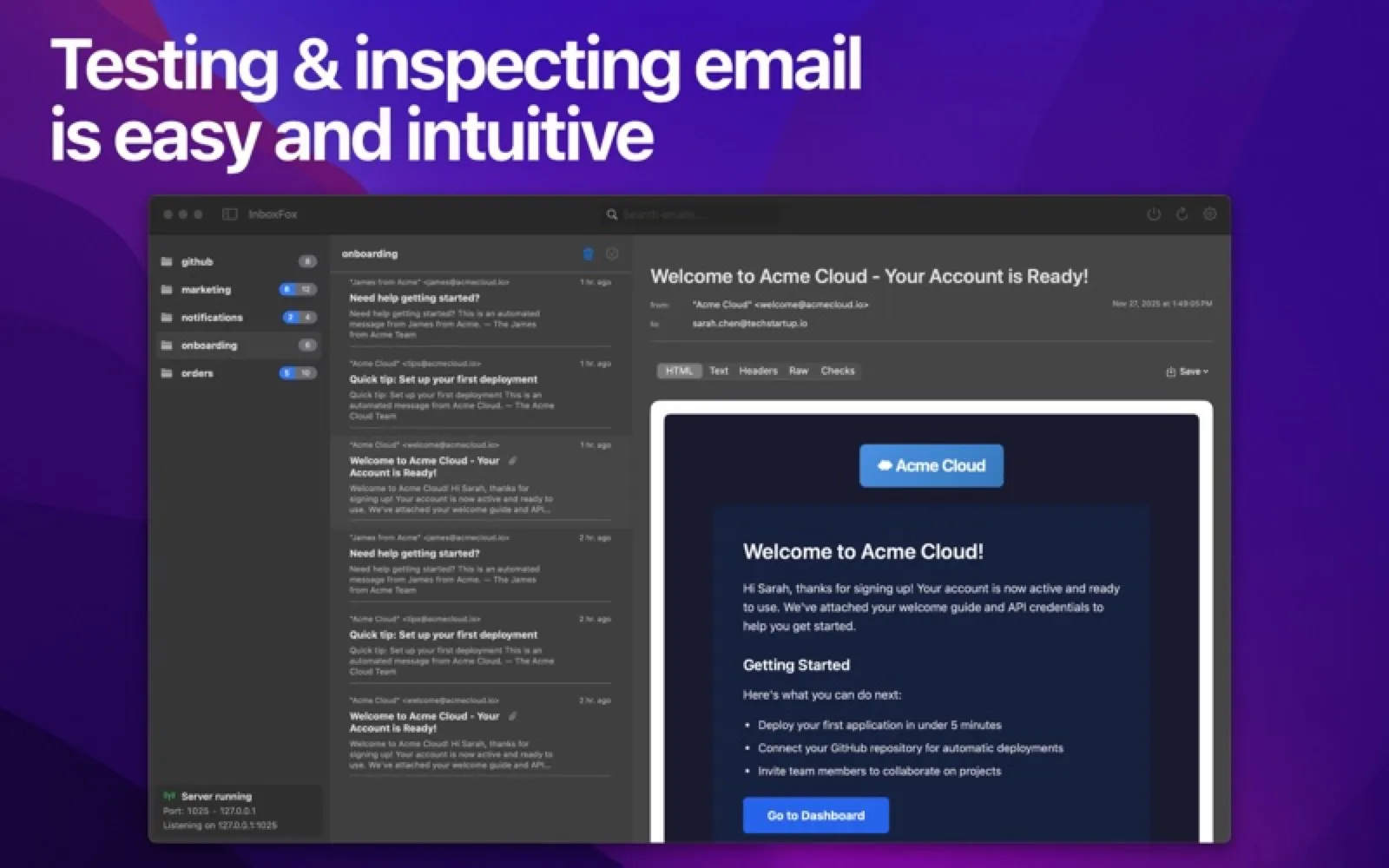
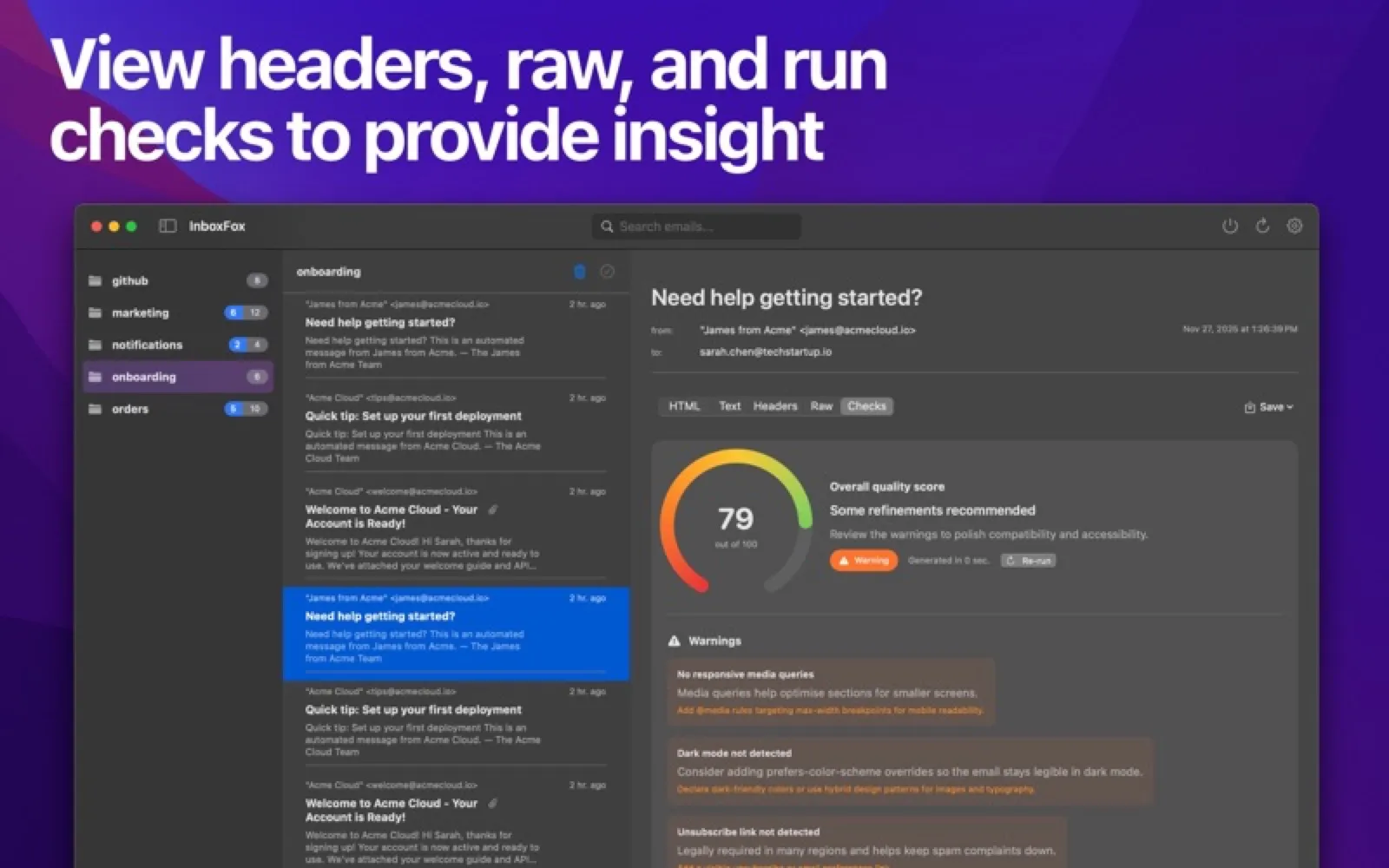
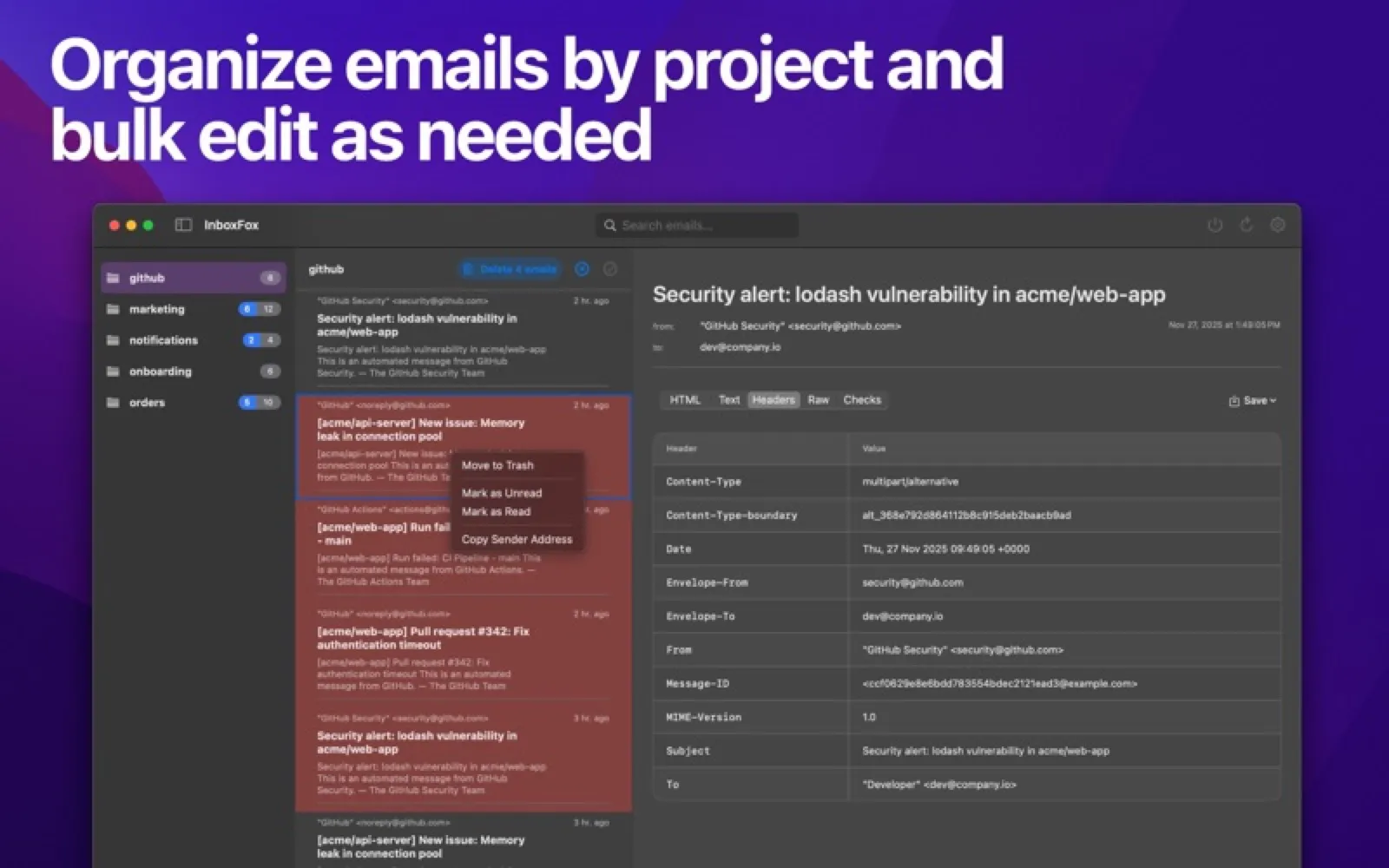
About InboxFox
Point your app's mail settings at InboxFox and it catches every message, showing the HTML, plain text, headers, source and attachments plus compatibility warnings. Pro adds separate inboxes per project, a Mailpit-compatible HTTP API and an MCP server for coding agents.
Install InboxFox
Download it from the links above, or install it from the Terminal:
mas install 6755788582 Questions about InboxFox
Is InboxFox free?
InboxFox is free to download and use, with paid upgrades for extra features.
Where can I download InboxFox for Mac?
Download InboxFox from the Mac App Store and the developer's website (skulkworks.dev). MacWorthy links only to official sources.
Can I install InboxFox from the Terminal?
Yes. With Mac App Store CLI, run mas install 6755788582.
Which macOS version does InboxFox need?
The Mac App Store version of InboxFox requires macOS 14.0 or later.
What are good alternatives to InboxFox?
Other developer tools apps for Mac worth a look are Zed (open source), Ghostty (open source), OrbStack (free + pro) and Warp (free + pro).
Other developer tools apps like InboxFox

Zed
A code editor that runs at the speed of thought.

Ghostty
A fast, feature-rich, truly native terminal.

OrbStack
Docker and Linux machines, light as a feather.

Warp
The terminal, reimagined around blocks and agents.
iTerm2
The terminal that taught macOS new tricks.

Nova
Panic's beautiful, extensible code editor.

Tower
Git, with an undo button.

Fork
A fast, friendly Git client.