
Inkstone
A WYSIWYG editor for the Markdown files already on your Mac.
About Inkstone
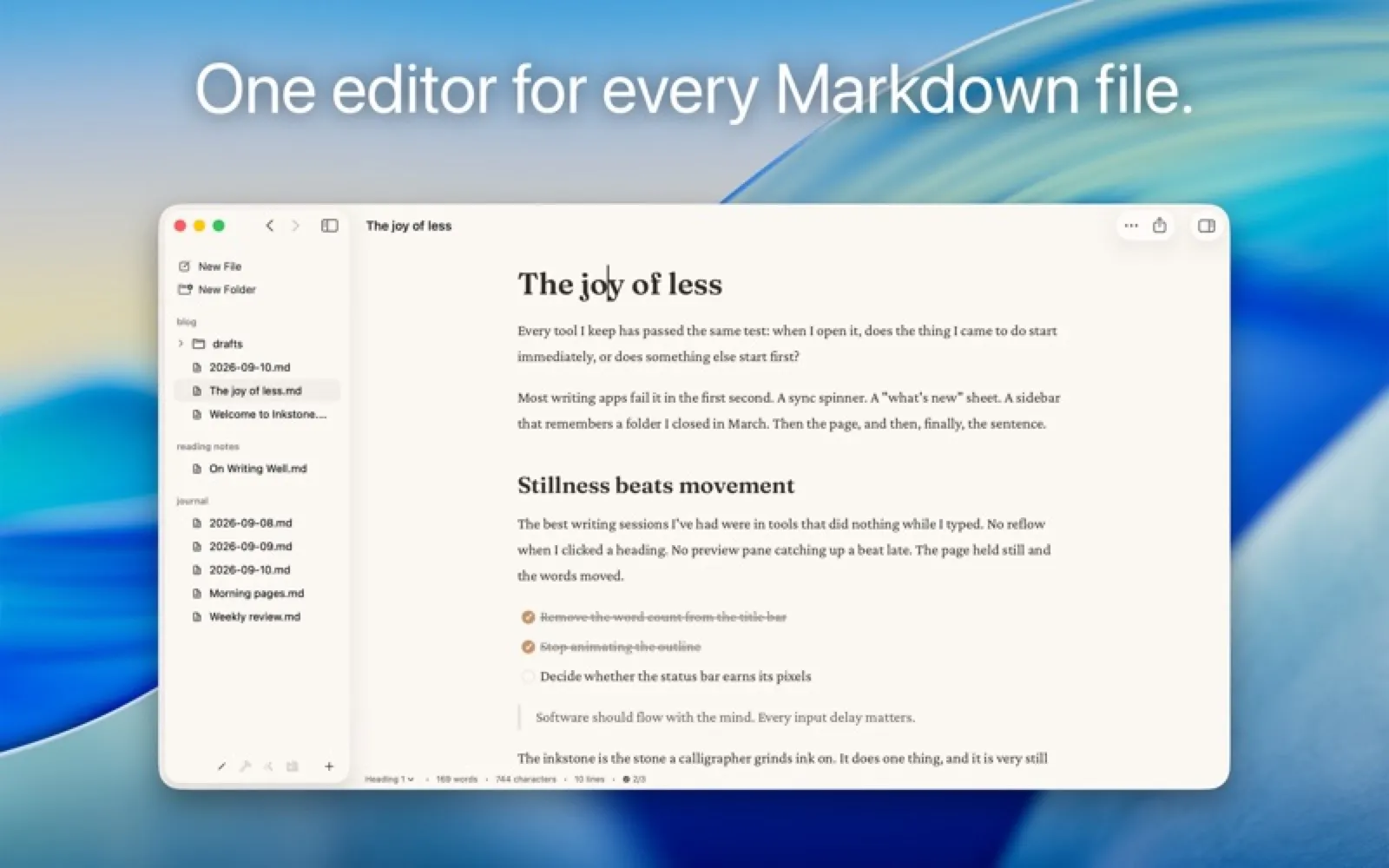
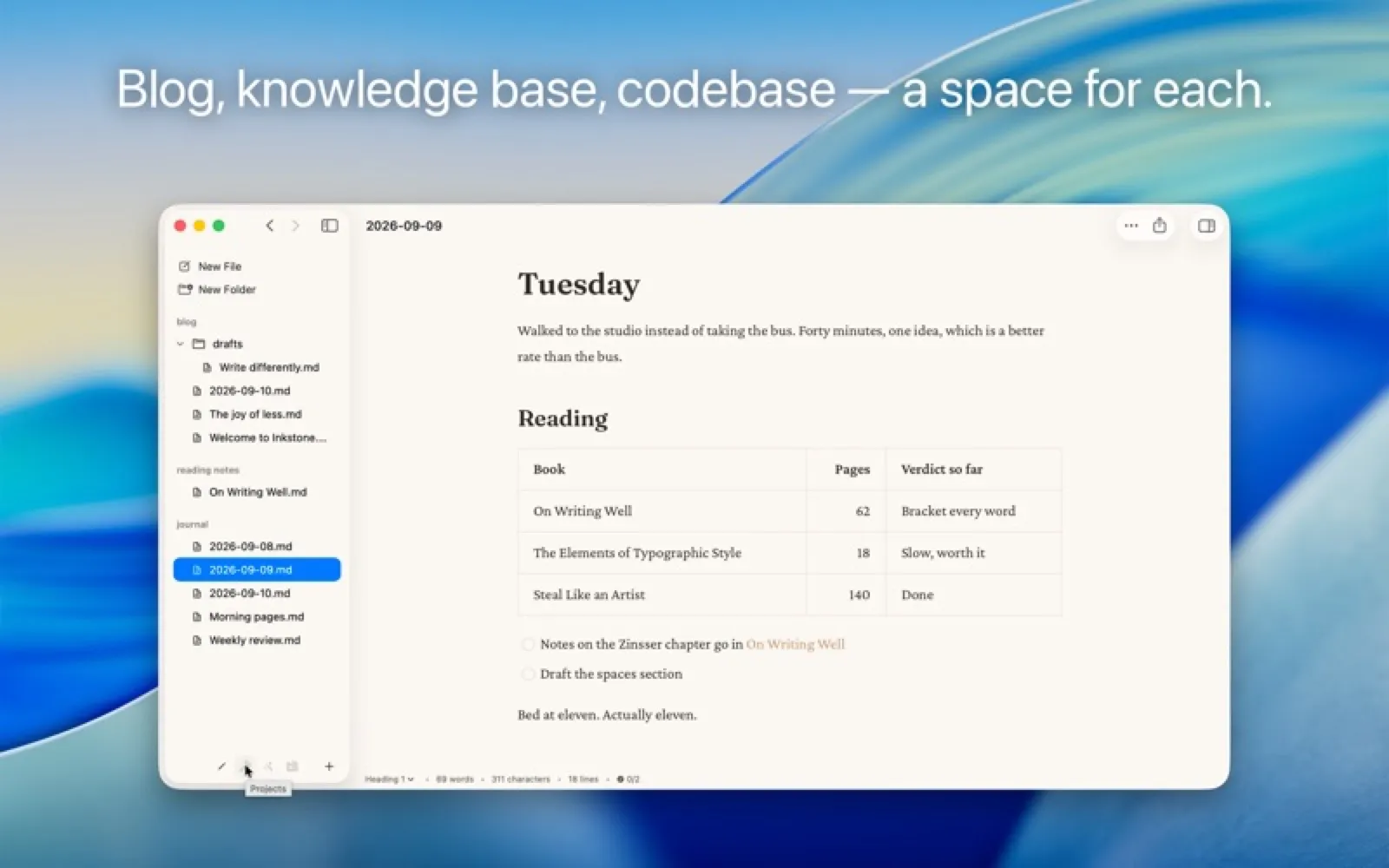
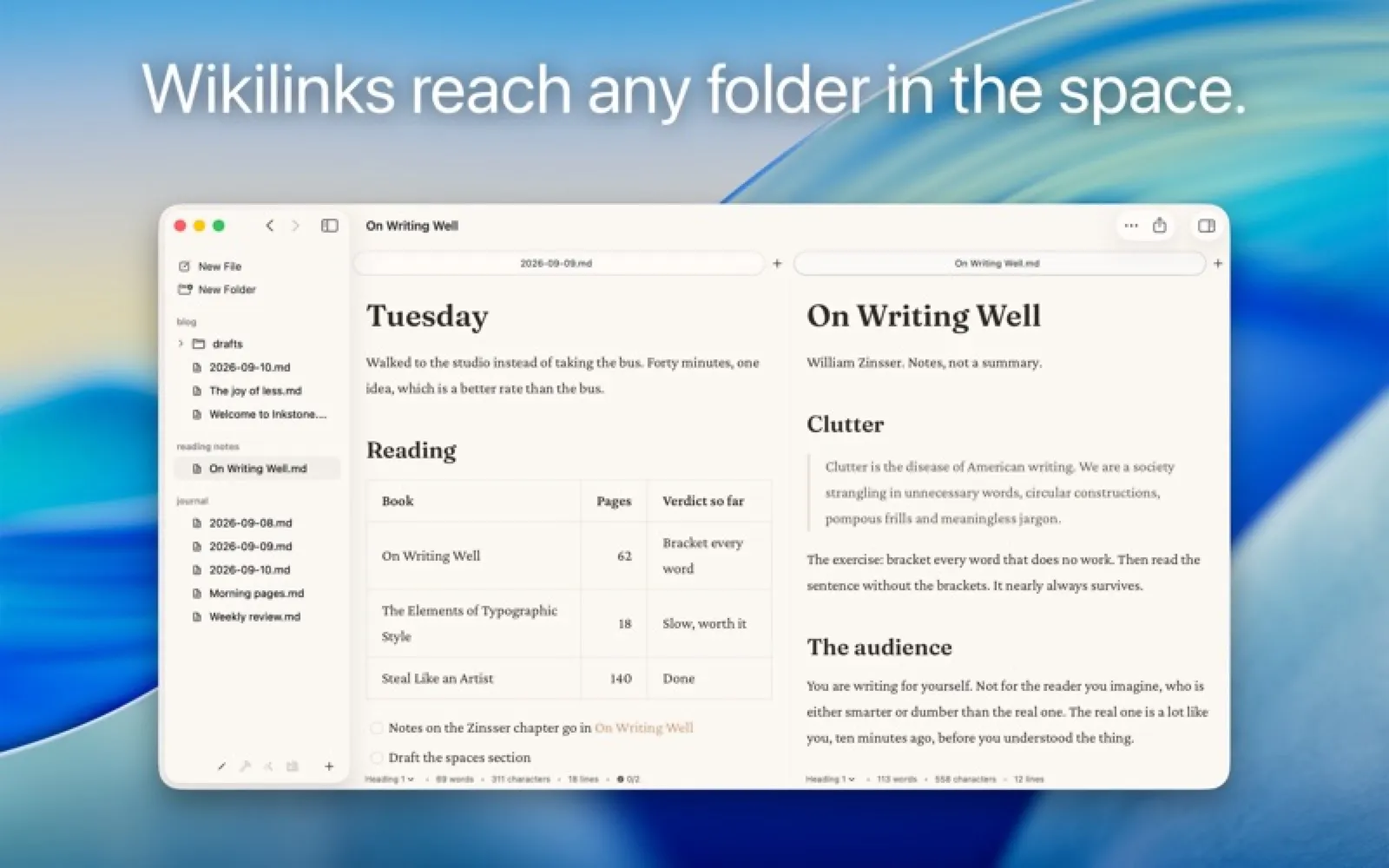
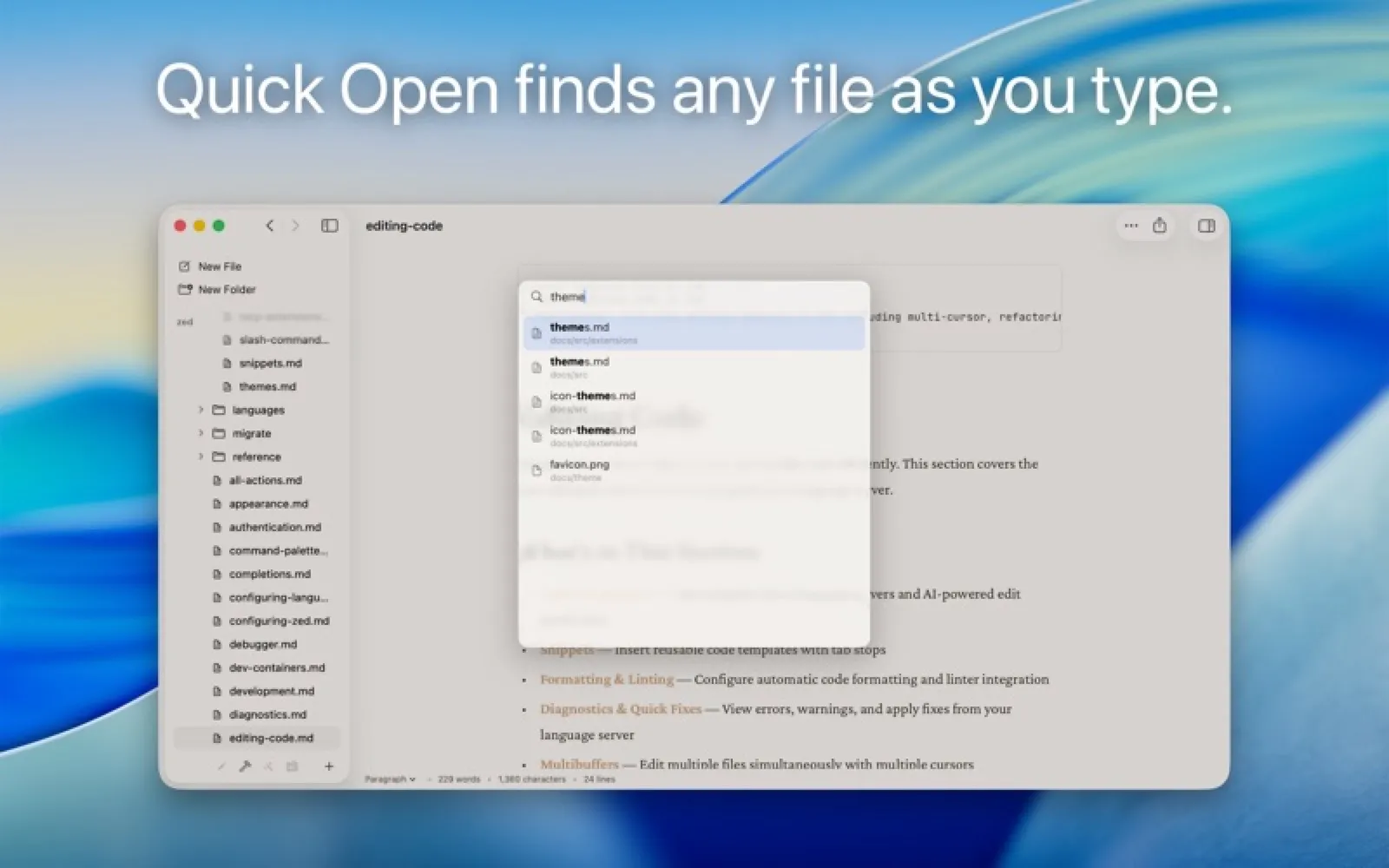
Inkstone opens any folders of .md files as spaces with tabs and splits, rendering Markdown in place as you type. It handles tables, footnotes, math and wikilinks across folders, and has focus and typewriter modes. No account and no sync service of its own.
Install Inkstone
Download it from the links above, or install it from the Terminal:
mas install 6758965732 Questions about Inkstone
How much does Inkstone cost?
Inkstone costs $29.99 as a one-time purchase on the Mac App Store.
Where can I download Inkstone for Mac?
Download Inkstone from the Mac App Store and the developer's website (inkstone.md). MacWorthy links only to official sources.
Can I install Inkstone from the Terminal?
Yes. With Mac App Store CLI, run mas install 6758965732.
Which macOS version does Inkstone need?
The Mac App Store version of Inkstone requires macOS 14.0 or later.
What are good alternatives to Inkstone?
Other writing & notes apps for Mac worth a look are Clearly (free), iA Writer (one-time purchase), Ulysses (subscription) and Bear (free + pro).
Other writing & notes apps like Inkstone
Clearly
A Markdown editor that opens plain .md files.
iA Writer
Focused Markdown writing, nothing more.

Ulysses
A complete writing environment for long work.

Bear
Beautiful notes, linked and tagged.

MarkEdit
TextEdit, if it spoke Markdown.

NotePlan
Tasks, calendar and notes in plain Markdown.

Cirrus
A Markdown note that pops up over whatever you are doing.

Markdown Preview
Read .md files as formatted documents.