
Keka
The macOS file archiver.
About Keka
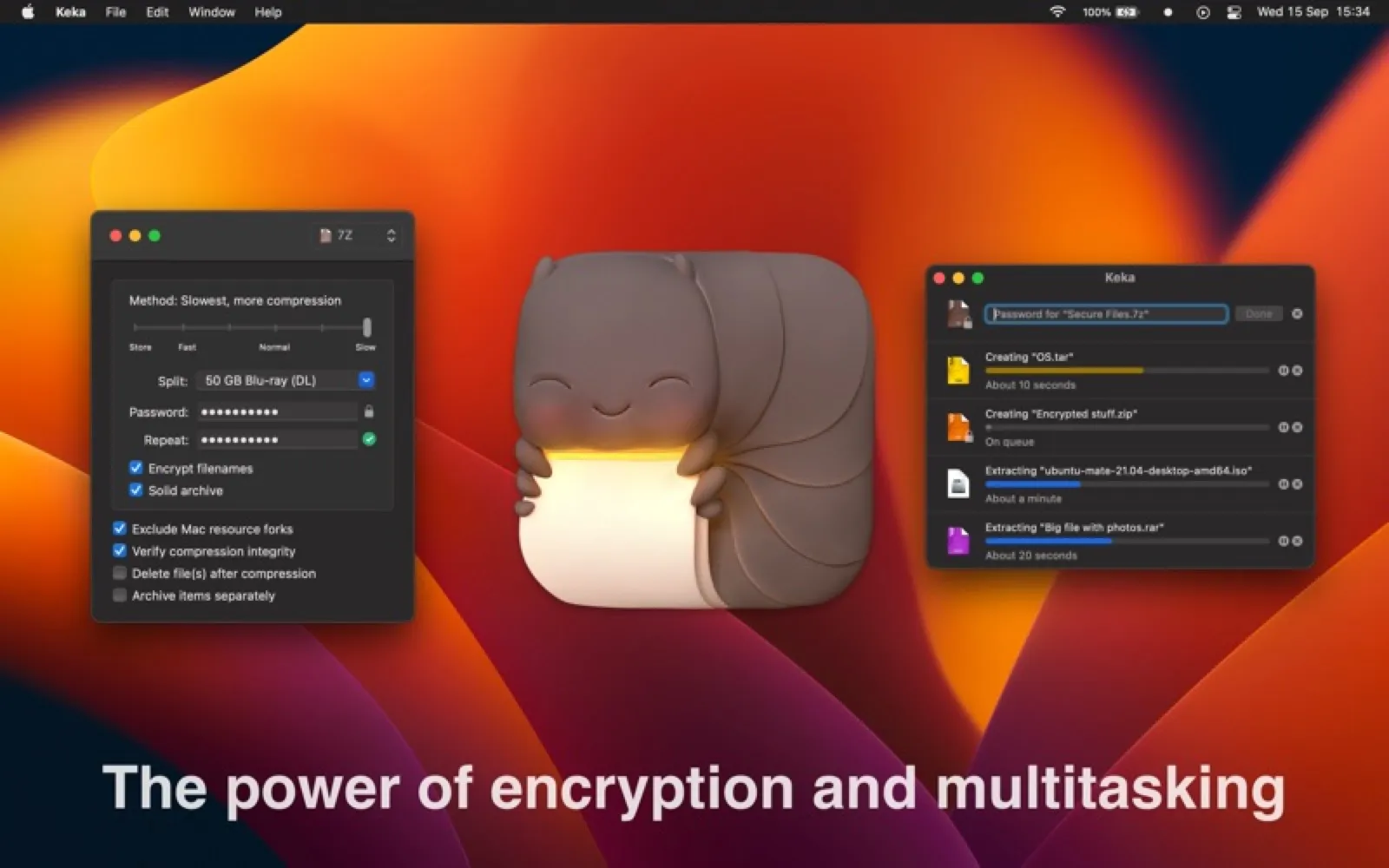
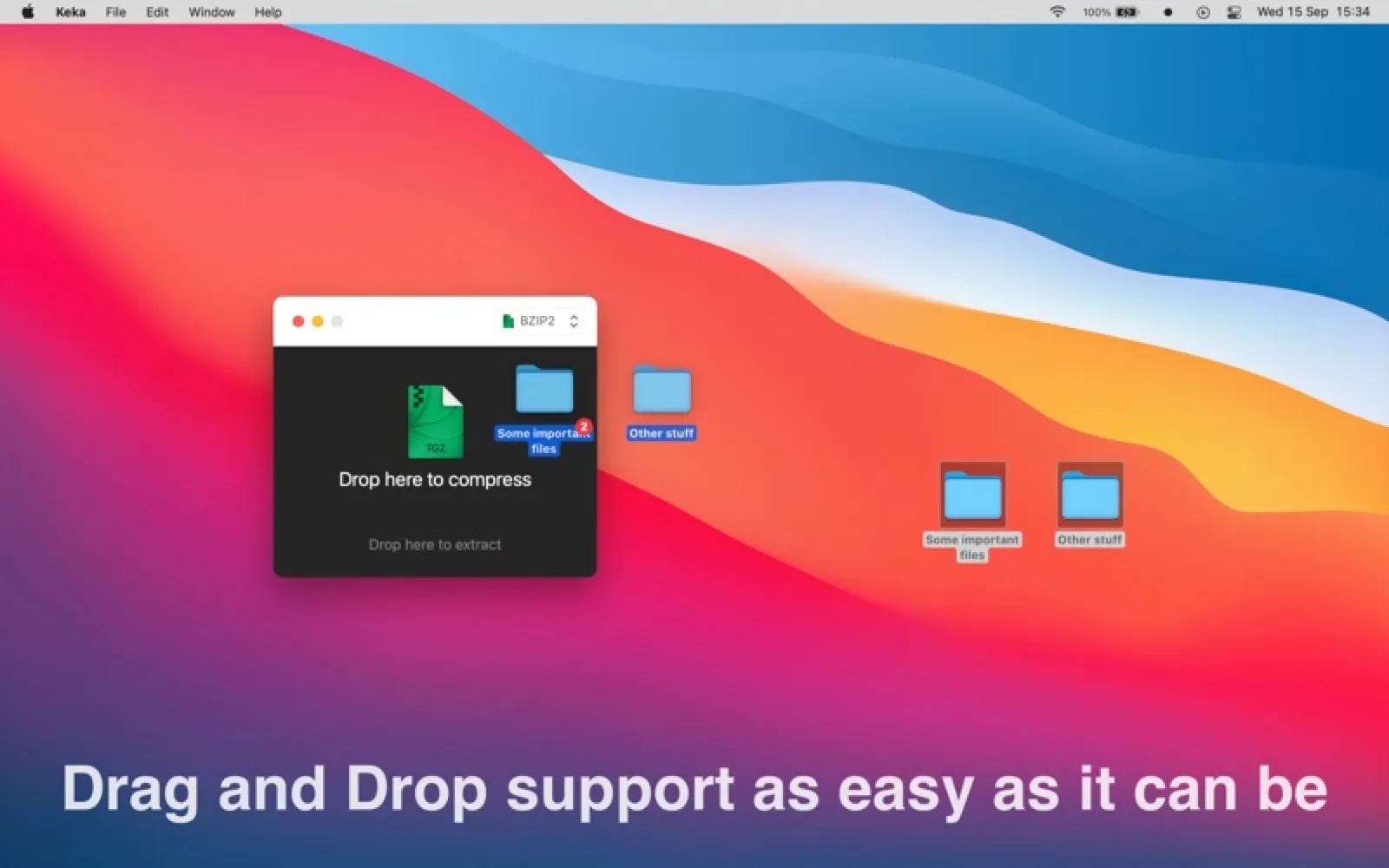
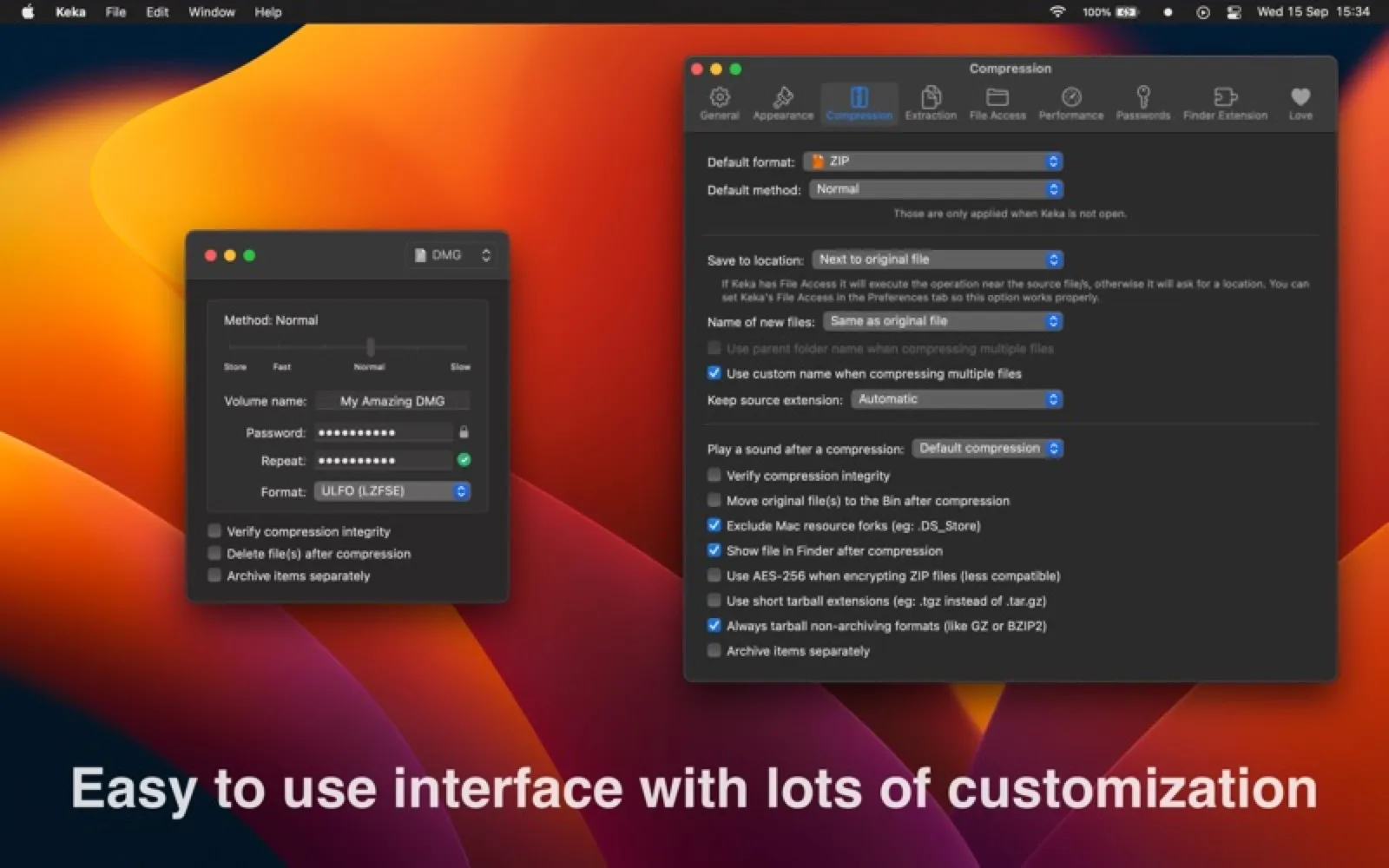
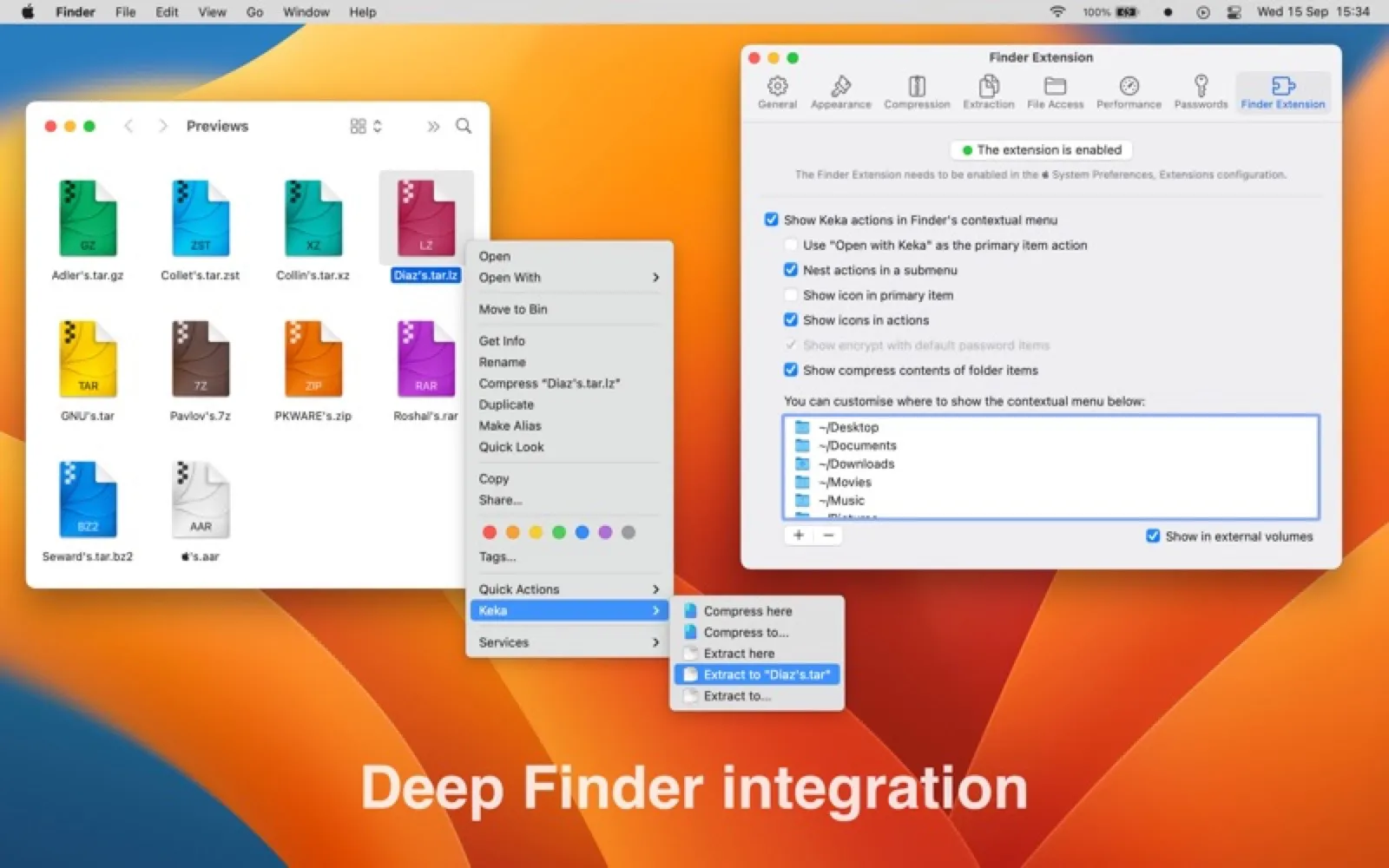
Compress and extract 7z, ZIP, RAR, TAR and more by dragging onto the Dock icon. Free to download, paid on the App Store to support development.
Install Keka
Download it from the links above, or install it from the Terminal:
brew install --cask keka mas install 470158793 Questions about Keka
Is Keka free?
Yes. Keka is free and open source. The source code is on GitHub at aonez/Keka.
Where can I download Keka for Mac?
Download Keka from the Mac App Store, the developer's website (keka.io) and GitHub. MacWorthy links only to official sources.
Can I install Keka from the Terminal?
Yes. With Homebrew, run brew install --cask keka. With Mac App Store CLI, run mas install 470158793.
Which macOS version does Keka need?
The Mac App Store version of Keka requires macOS 10.10 or later.
What are good alternatives to Keka?
Other utilities apps for Mac worth a look are Ice (open source), Stats (open source), The Unarchiver (free) and Karabiner-Elements (open source).
Other utilities apps like Keka

Ice
A powerful, free menu bar manager.

Stats
Free system monitor for the menu bar.

The Unarchiver
Open almost any archive format.

Karabiner-Elements
The keyboard customizer.

Mos
Smooth scrolling for any mouse.

KeyCastr
Show your keystrokes on screen.

Latest
Every app update, in one place.

Purge
A careful Mac cleaner that uses the Trash.