Klack
Mechanical keyboard sounds for every keystroke.
About Klack
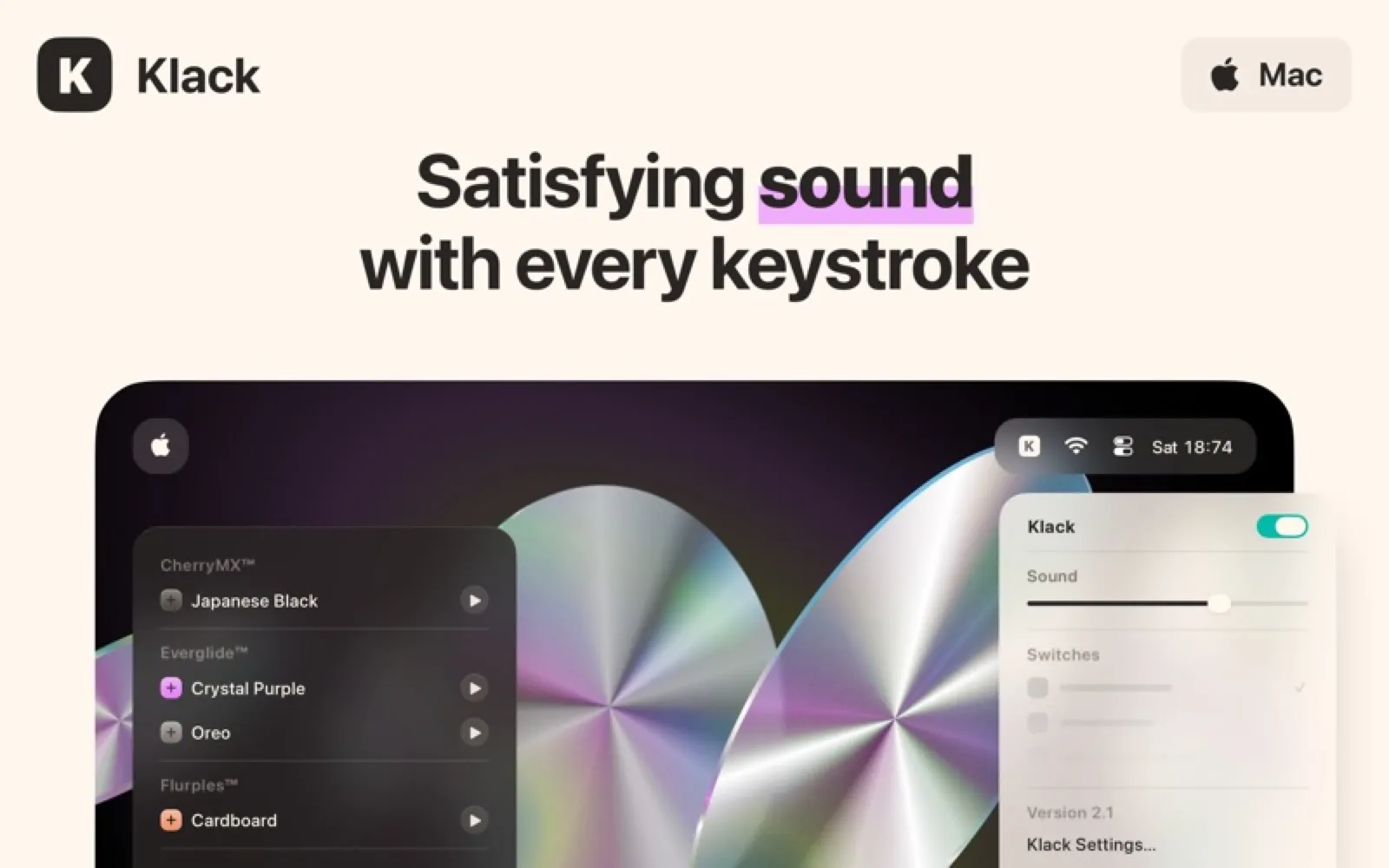
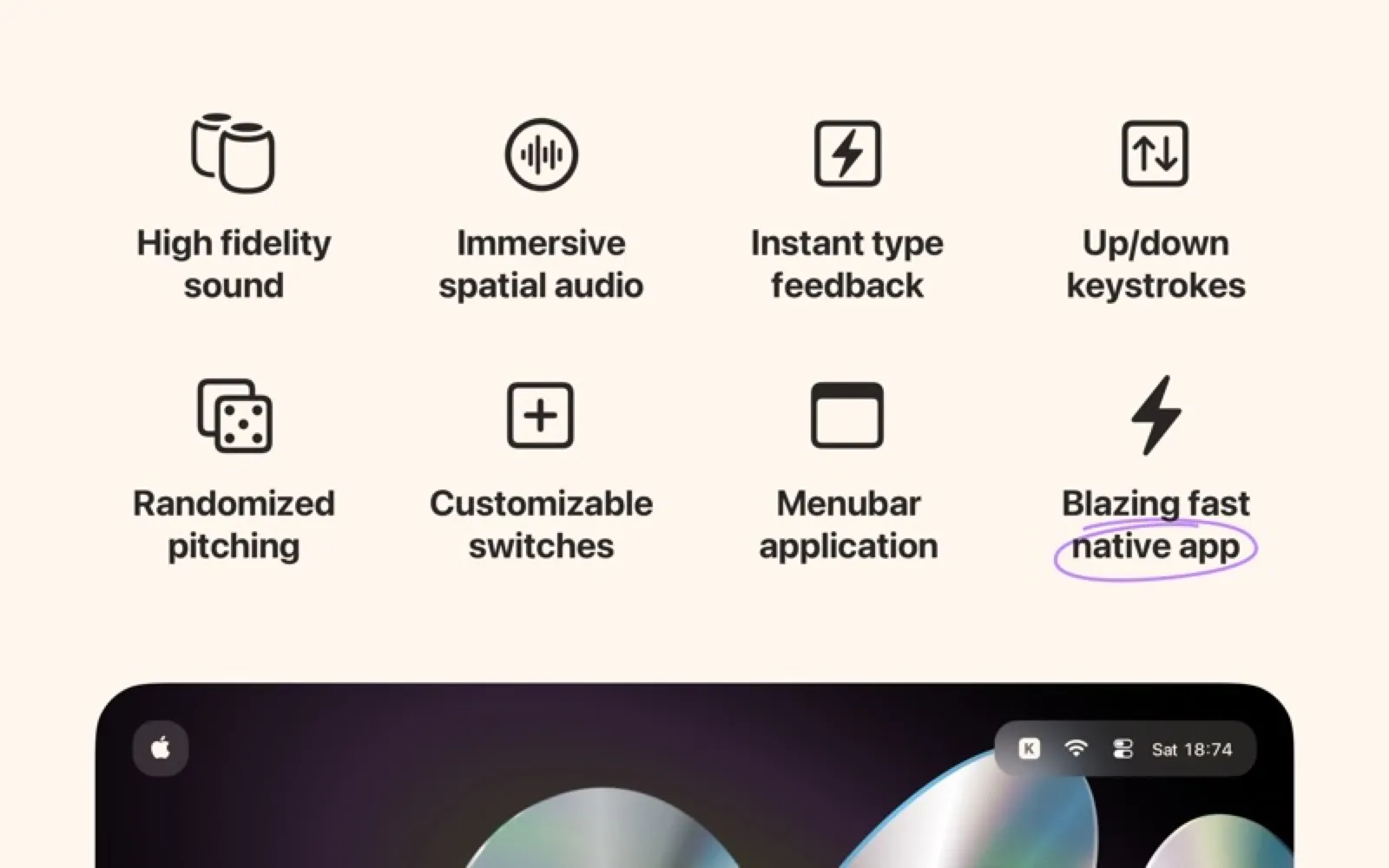
Klack plays recorded switch sounds as you type, with separate key-down and key-up samples, slight pitch variation and spatial audio. Pick a switch from the menu bar and set the volume.
Install Klack
Download it from the links above, or install it from the Terminal:
mas install 6446206067 Questions about Klack
How much does Klack cost?
Klack costs $4.99 as a one-time purchase on the Mac App Store.
Where can I download Klack for Mac?
Download Klack from the Mac App Store and the developer's website (tryklack.com). MacWorthy links only to official sources.
Can I install Klack from the Terminal?
Yes. With Mac App Store CLI, run mas install 6446206067.
Which macOS version does Klack need?
The Mac App Store version of Klack requires macOS 15.0 or later.
What are good alternatives to Klack?
Other utilities apps for Mac worth a look are Bartender 6 (one-time purchase), Ice (open source), iStat Menus (one-time purchase) and Amphetamine (free).
Other utilities apps like Klack

Bartender 6
Organize and hide menu bar icons.

Ice
A powerful, free menu bar manager.

iStat Menus
Your Mac's vital signs, in the menu bar.

Amphetamine
Keep your Mac awake, on your terms.

BetterTouchTool
Customize every gesture, key and button.
Karabiner-Elements
The keyboard customizer.

Homerow
Click anything without a mouse.
BrowserBar
Change the default browser from the menu bar, no prompt.