
Melt
Recent screenshots in the menu bar, old ones in the Trash.
About Melt
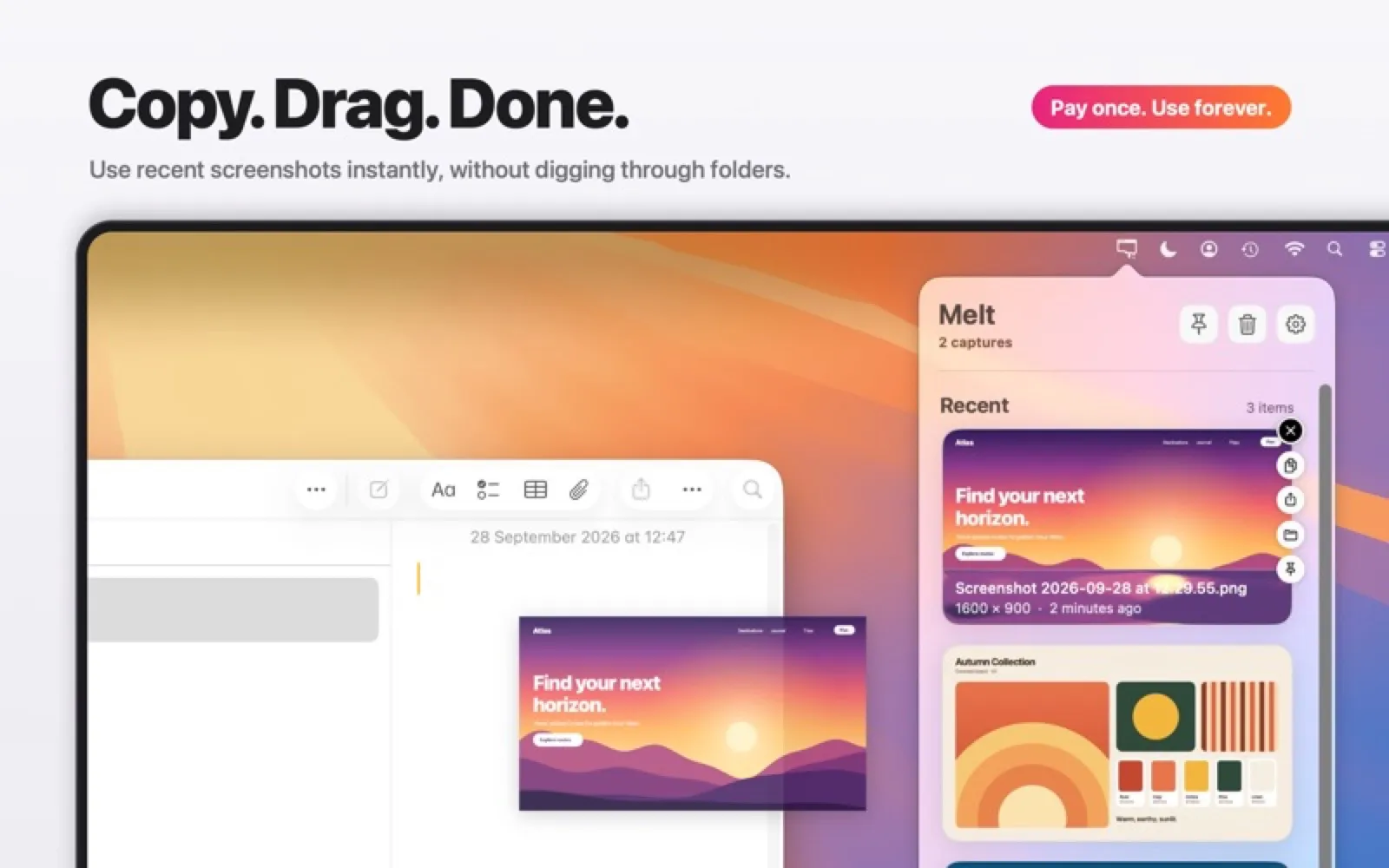
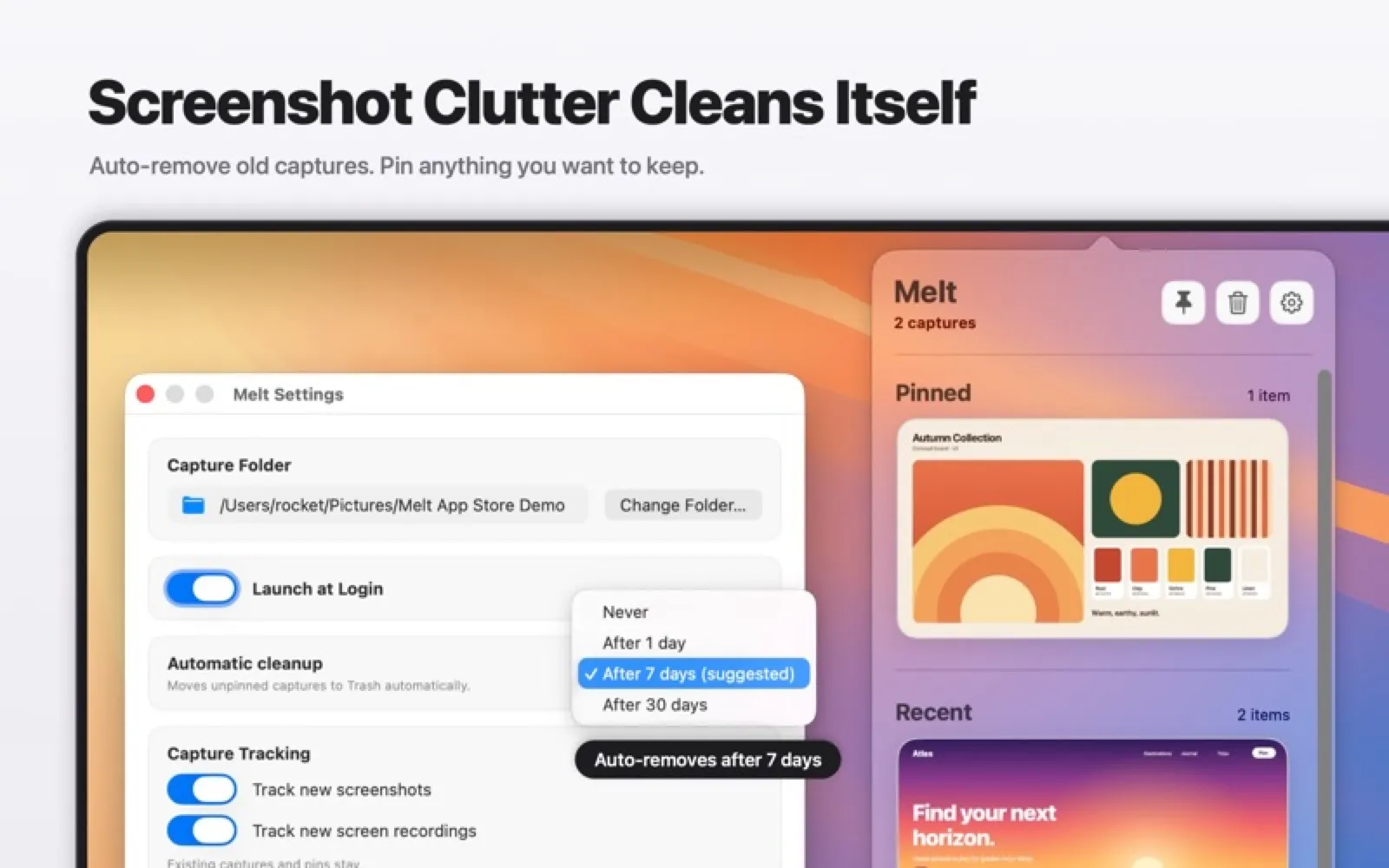
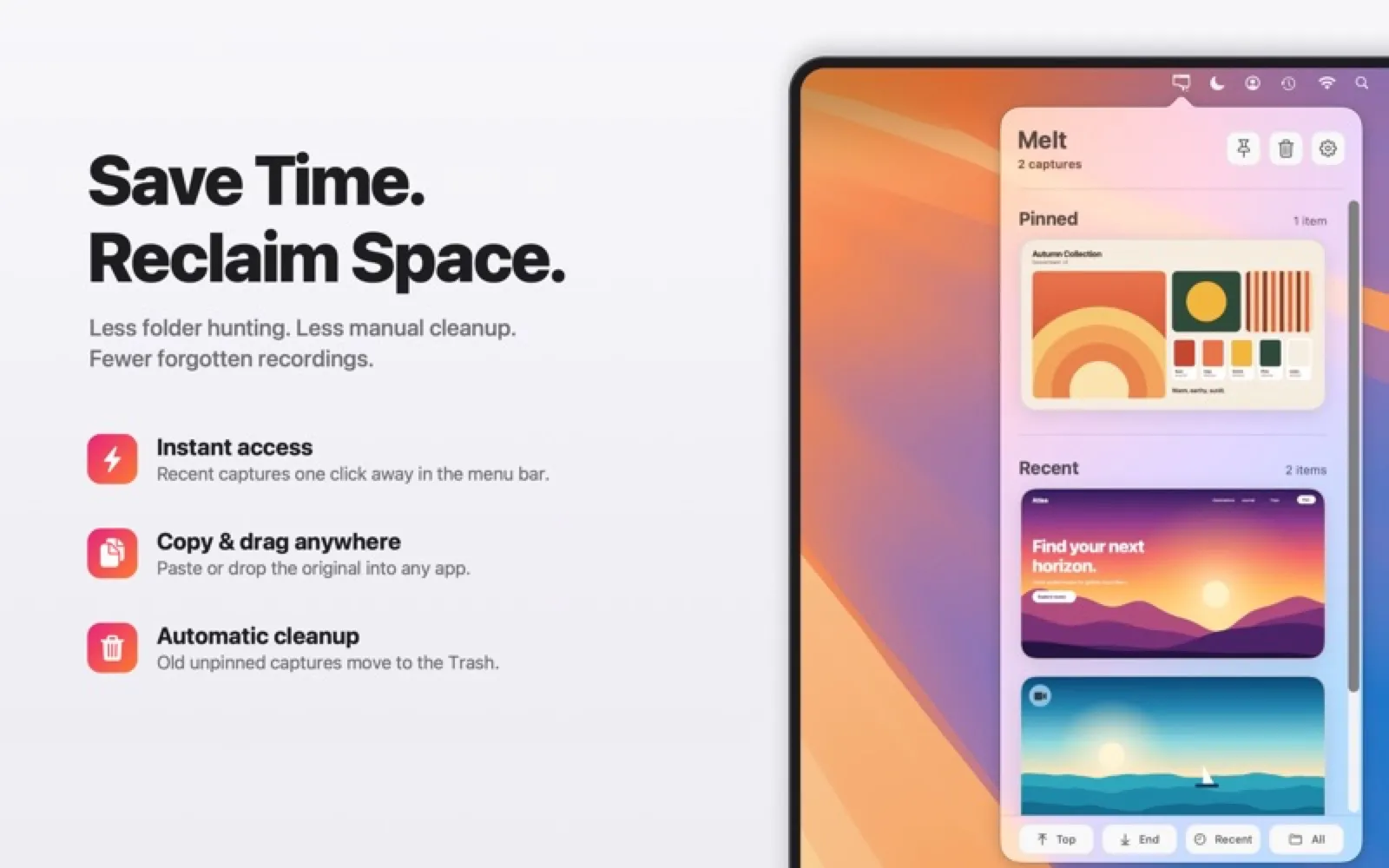
Melt lists your latest screenshots and screen recordings in a menu bar tray, ready to copy or drag into any app. Pin the ones worth keeping and it moves the rest to the Trash after the period you choose.
Install Melt
Download it from the links above, or install it from the Terminal:
mas install 6816598058 Questions about Melt
How much does Melt cost?
Melt costs $4.99 as a one-time purchase on the Mac App Store.
Where can I download Melt for Mac?
Download Melt from the Mac App Store and the developer's website (creamsoft.com). MacWorthy links only to official sources.
Can I install Melt from the Terminal?
Yes. With Mac App Store CLI, run mas install 6816598058.
Which macOS version does Melt need?
The Mac App Store version of Melt requires macOS 15.0 or later.
What are good alternatives to Melt?
Other video & capture apps for Mac worth a look are Magpie (free + pro), CleanShot X (one-time purchase), IINA (open source) and Shottr (free + pro).
Other video & capture apps like Melt

Magpie
Screenshots and recordings with arrows and steps.
CleanShot X
The screenshot tool that does everything.

IINA
The modern media player for macOS.

Shottr
A tiny, very fast screenshot tool.

Infuse
A beautiful home for your video library.

Gifski
High-quality GIFs from any video.

QuickRecorder
A lightweight, high-performance screen recorder.

Downie
Download video from almost anywhere.