Sequel Ace
The free MySQL and MariaDB client.
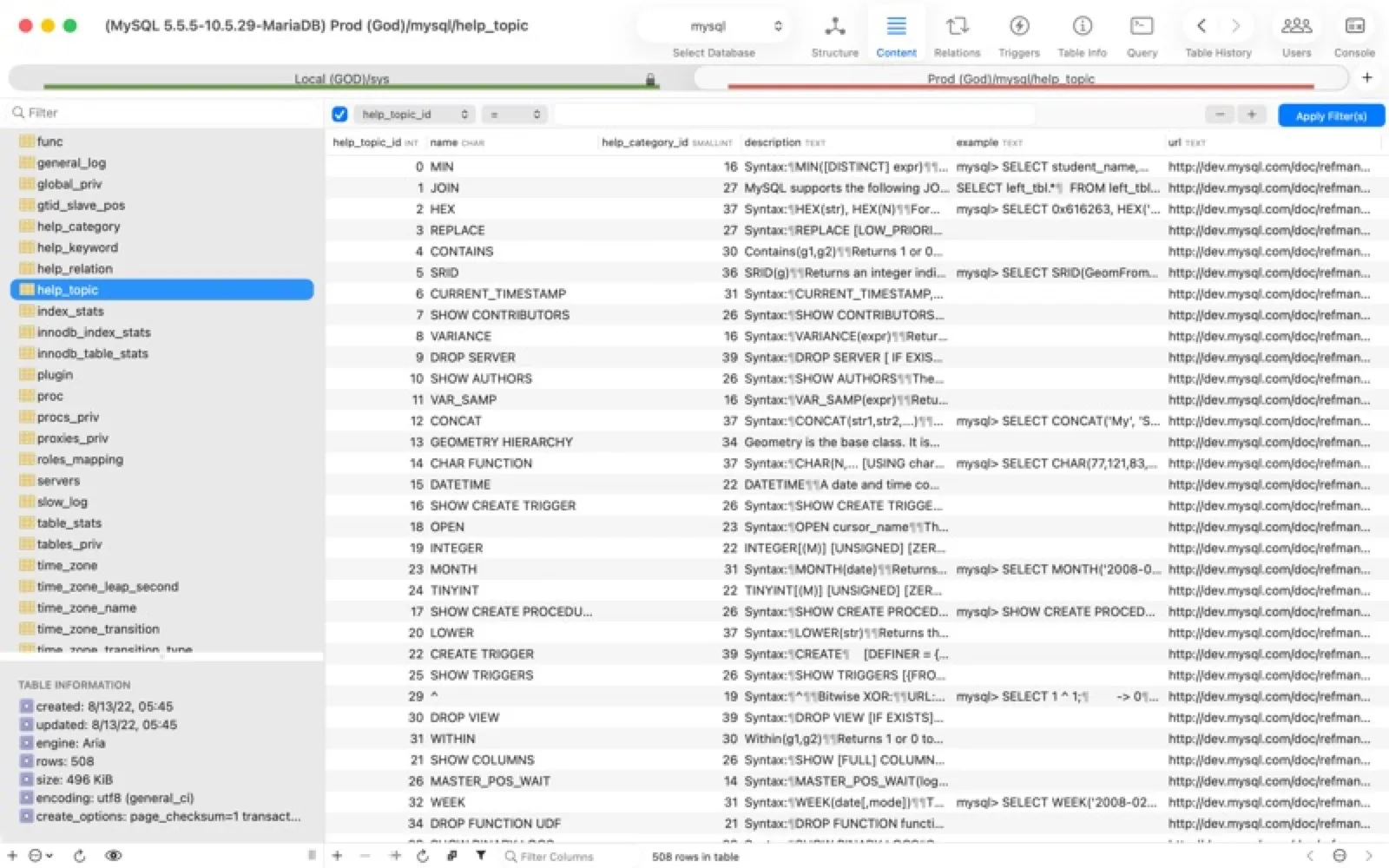
About Sequel Ace
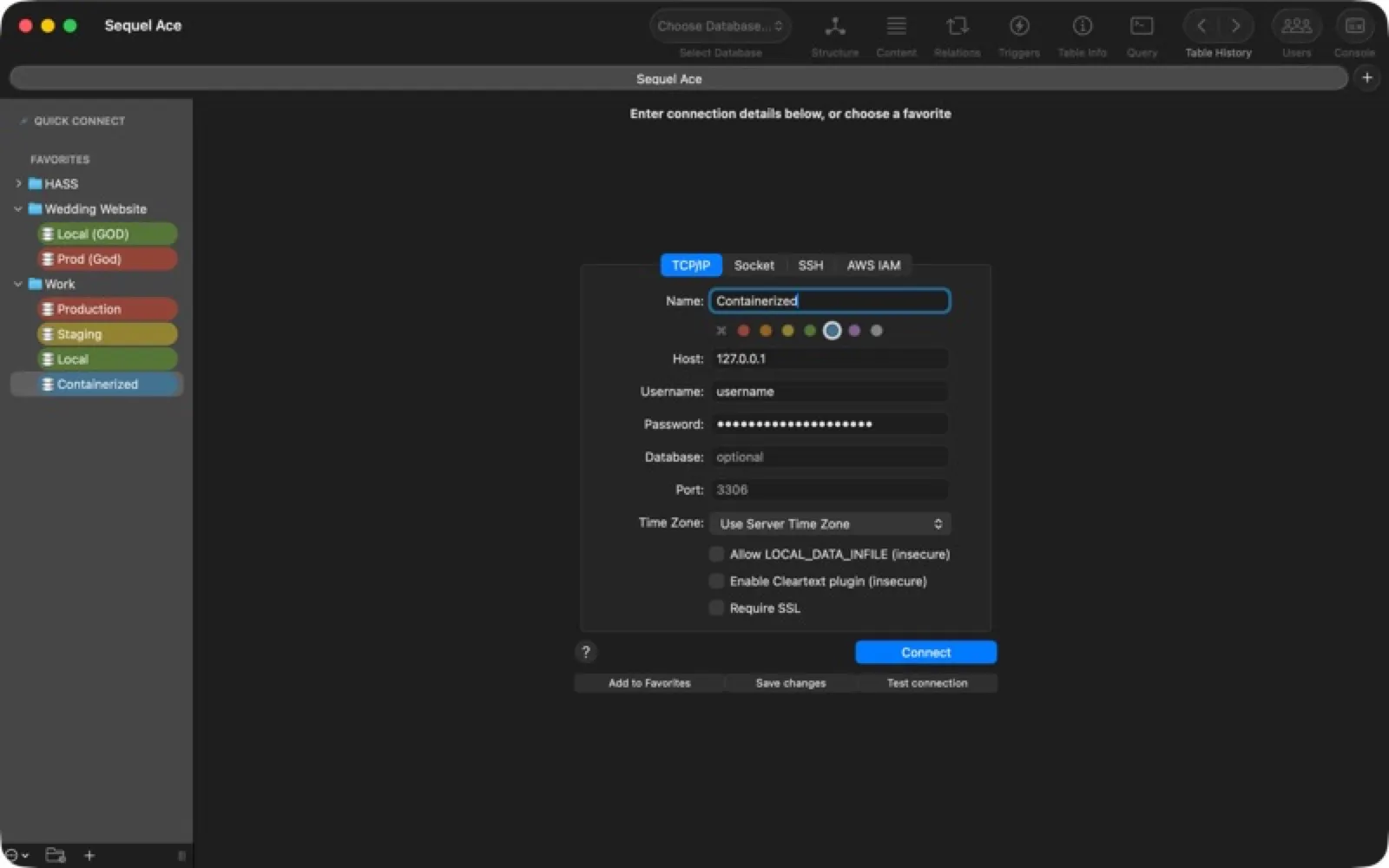
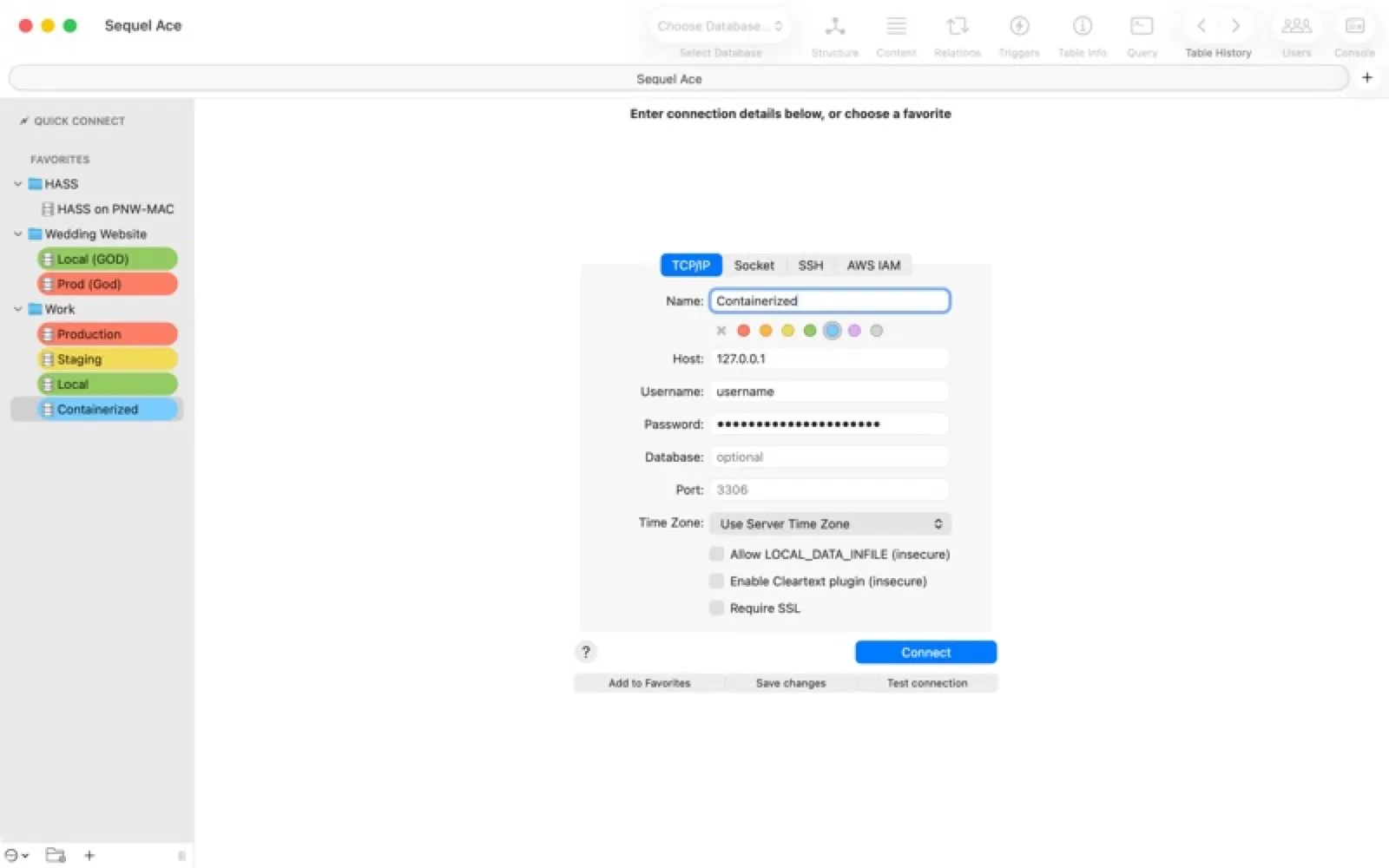
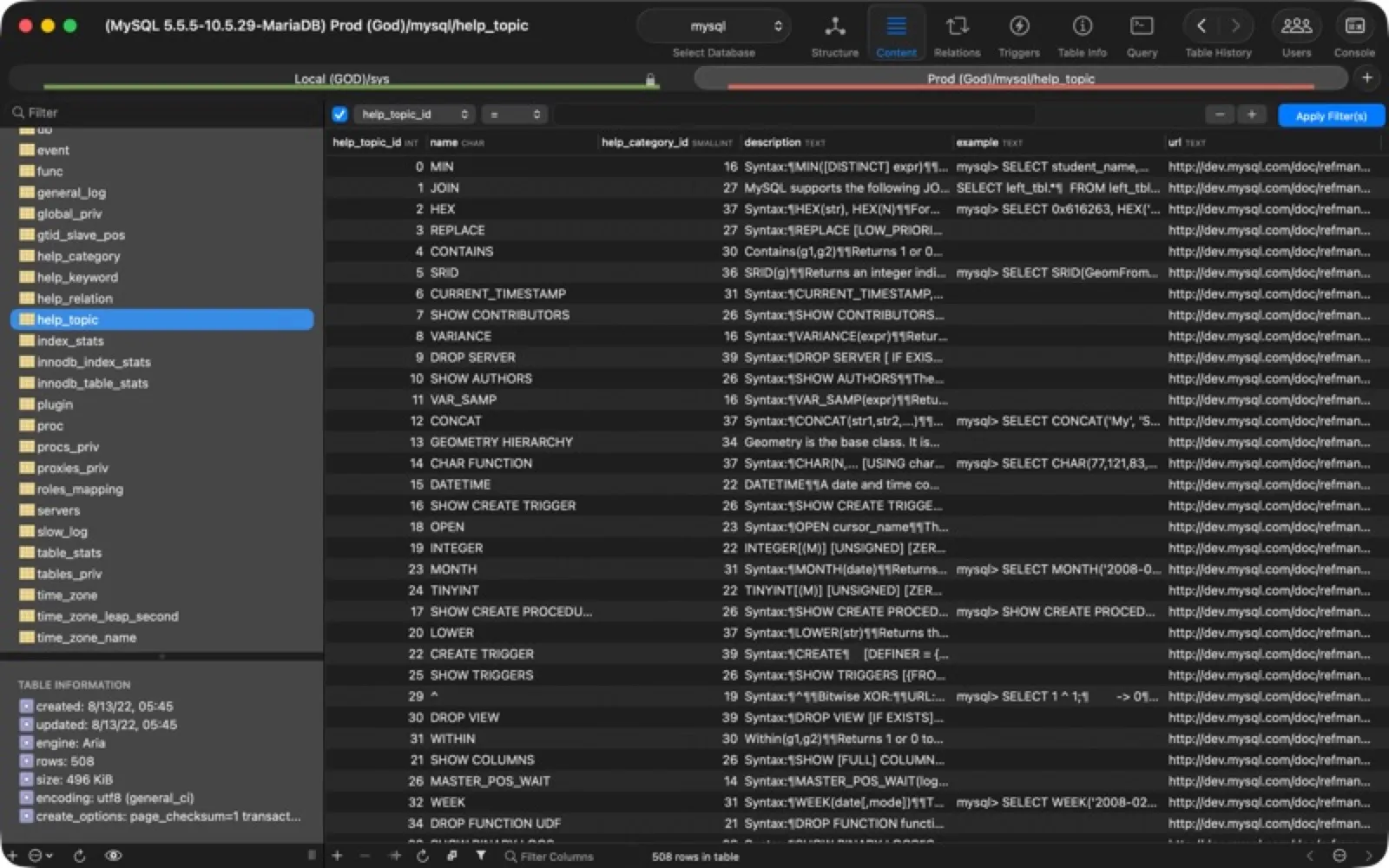
The open-source successor to Sequel Pro, Sequel Ace browses, edits and queries MySQL and MariaDB databases with ease.
Install Sequel Ace
Download it from the links above, or install it from the Terminal:
brew install --cask sequel-ace mas install 1518036000 Questions about Sequel Ace
Is Sequel Ace free?
Yes. Sequel Ace is free and open source. The source code is on GitHub at Sequel-Ace/Sequel-Ace.
Where can I download Sequel Ace for Mac?
Download Sequel Ace from the Mac App Store, the developer's website (sequel-ace.com) and GitHub. MacWorthy links only to official sources.
Can I install Sequel Ace from the Terminal?
Yes. With Homebrew, run brew install --cask sequel-ace. With Mac App Store CLI, run mas install 1518036000.
Which macOS version does Sequel Ace need?
The Mac App Store version of Sequel Ace requires macOS 13.5 or later.
What are good alternatives to Sequel Ace?
Other developer tools apps for Mac worth a look are TablePro (free + pro), Zed (open source), Ghostty (open source) and iTerm2 (open source).
Other developer tools apps like Sequel Ace
TablePro
An open-source database client for many engines.
Zed
A code editor that runs at the speed of thought.

Ghostty
A fast, feature-rich, truly native terminal.
iTerm2
The terminal that taught macOS new tricks.

TablePlus
A modern client for every database you touch.
Postico 2
PostgreSQL, made approachable.

CodeEdit
A native, open-source code editor in Swift.

Cork
A friendly face for Homebrew.