
Beavery
Turn videos into Live Photos, GIFs and stills on the Mac.
About Beavery
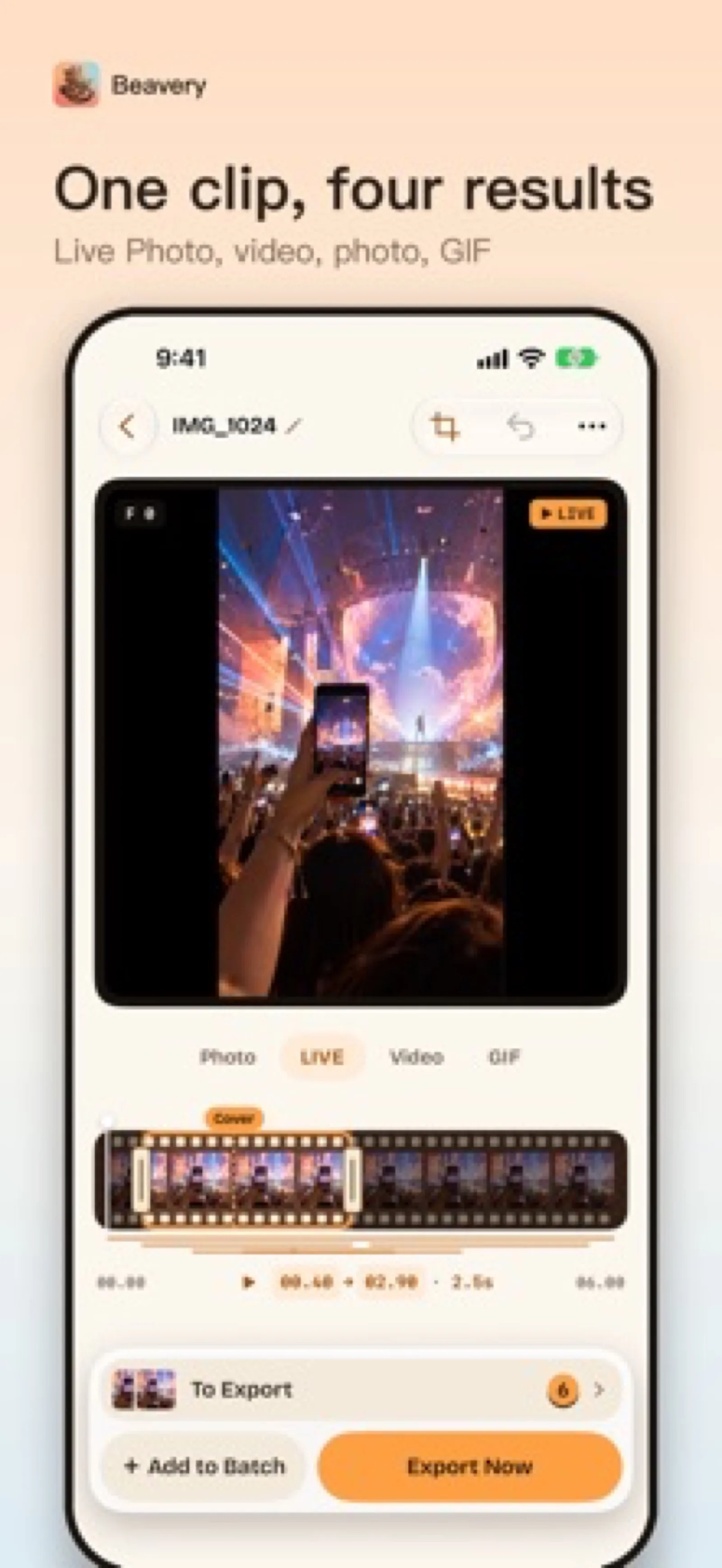
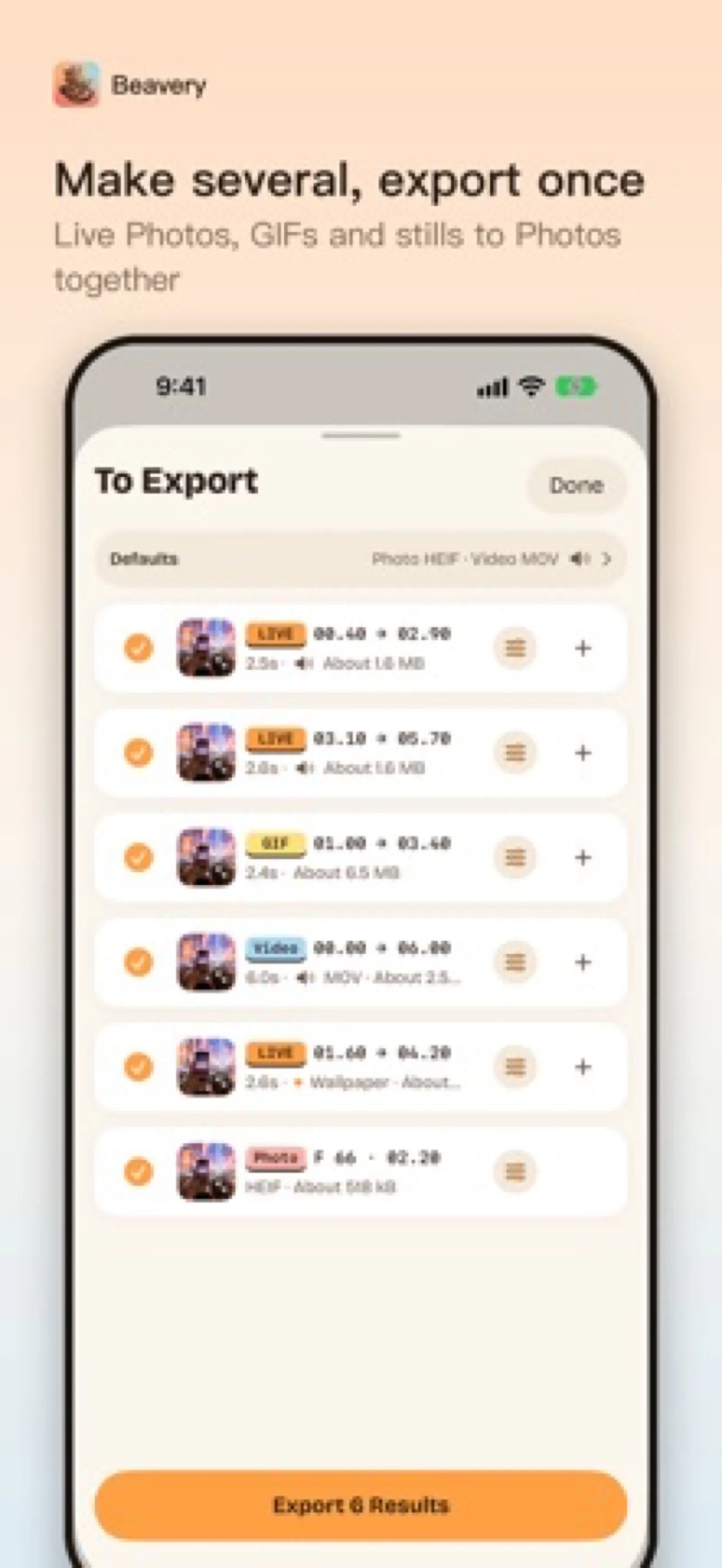
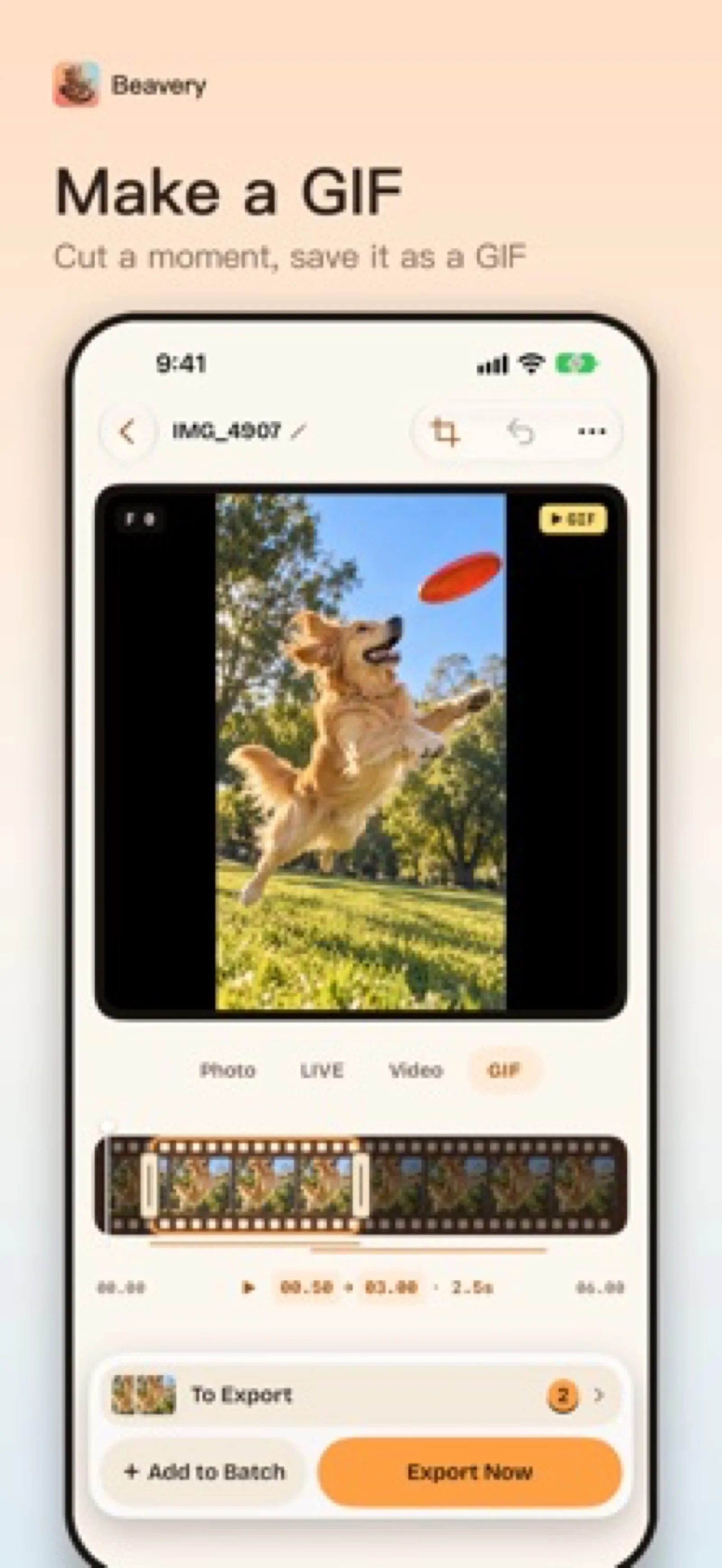
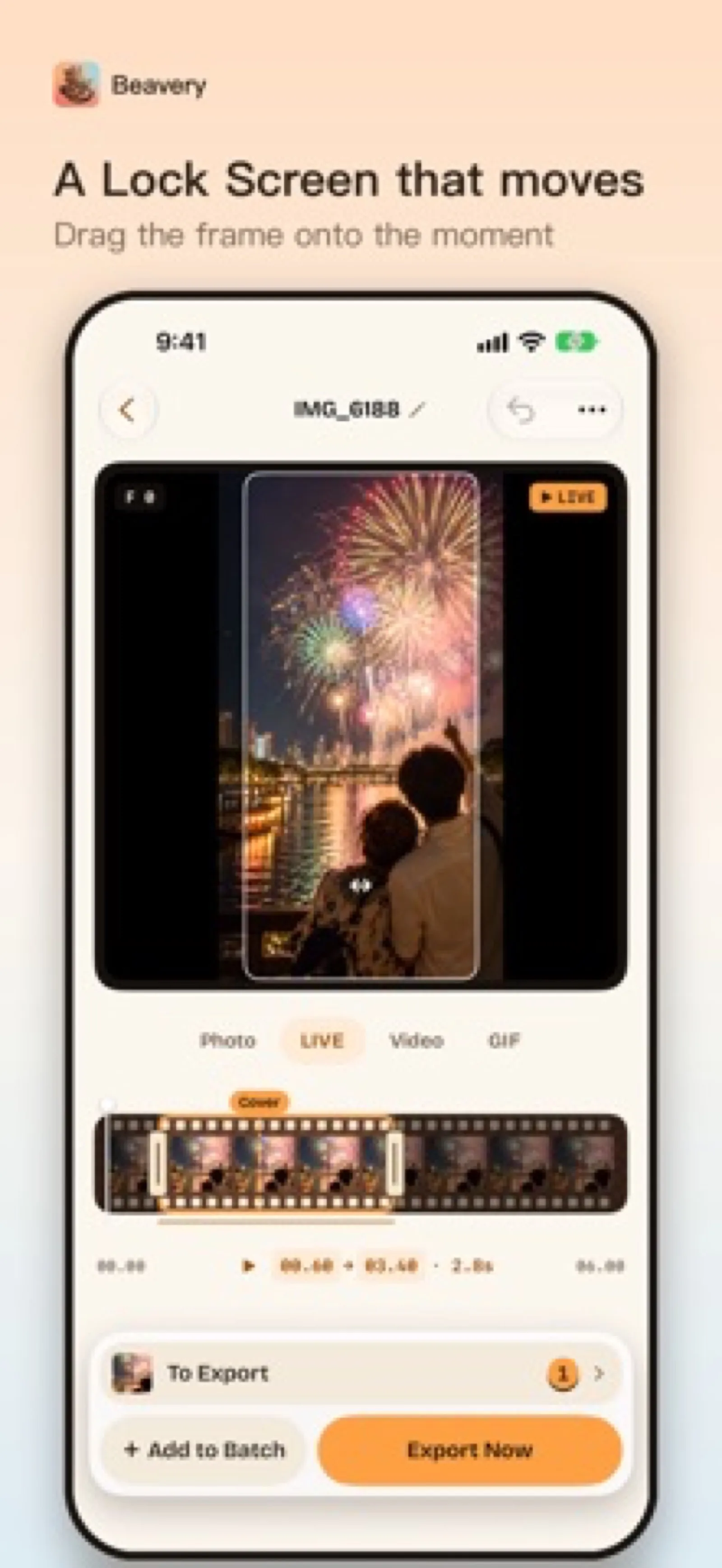
Beavery turns a stretch of video into a Live Photo with any frame as its cover, a GIF of up to 20 seconds, a shorter video or a still photo, and converts Live Photos, GIFs and photos the other way, including a photo into a Live Photo that holds still or zooms slightly. You mark several moments on a frame-by-frame timeline, crop to common ratios and save to Photos or Files; HDR, sound and the capture date, time and place are kept unless you remove or replace the place or date. Media is processed on the Mac and never uploaded. No account; anonymous usage statistics through PostHog are off by default and sent only if you turn them on during onboarding or in Settings. The same app runs on iPhone and iPad; needs macOS 15 or later.
Install Beavery
Download it from the links above, or install it from the Terminal:
mas install 6826636404 Mac App Store CLI: This works once your Apple Account has the app. The first time, get it from the Mac App Store.
Questions about Beavery
Is Beavery free?
Beavery is free to download and use, with paid upgrades for extra features. Price: Free with one result per export; Pro is $3.99 a year or $6.99 once on the App Store, and exports a whole list at once.
Where can I download Beavery for Mac?
Download Beavery from the Mac App Store and the developer's website (beavery.savetimefor.fun). MacWorthy links only to official sources.
Can I install Beavery from the Terminal?
Yes. With Mac App Store CLI, run mas install 6826636404. This works once your Apple Account has the app. The first time, get it from the Mac App Store.
Which macOS version does Beavery need?
The Mac App Store version of Beavery requires macOS 18.0 or later.
What are good alternatives to Beavery?
Other video & capture apps for Mac worth a look are Gifski (open source), Downie (one-time purchase), HandBrake (open source) and ShotMap (open source).
Other video & capture apps like Beavery
Gifski
High-quality GIFs from any video.

Downie
Download video from almost anywhere.

HandBrake
Convert almost any video into a format your devices can play.

ShotMap
Turns a video into one storyboard image you can take in at a glance.

MemoryString
Turns hundreds of photos and videos into a slideshow movie with music and captions.

CleanShot X
The screenshot tool that does everything.

IINA
The modern media player for macOS.

Make It a Video
Screen recorder and editor that cuts the ums and lets you edit by deleting words.