bitPDF
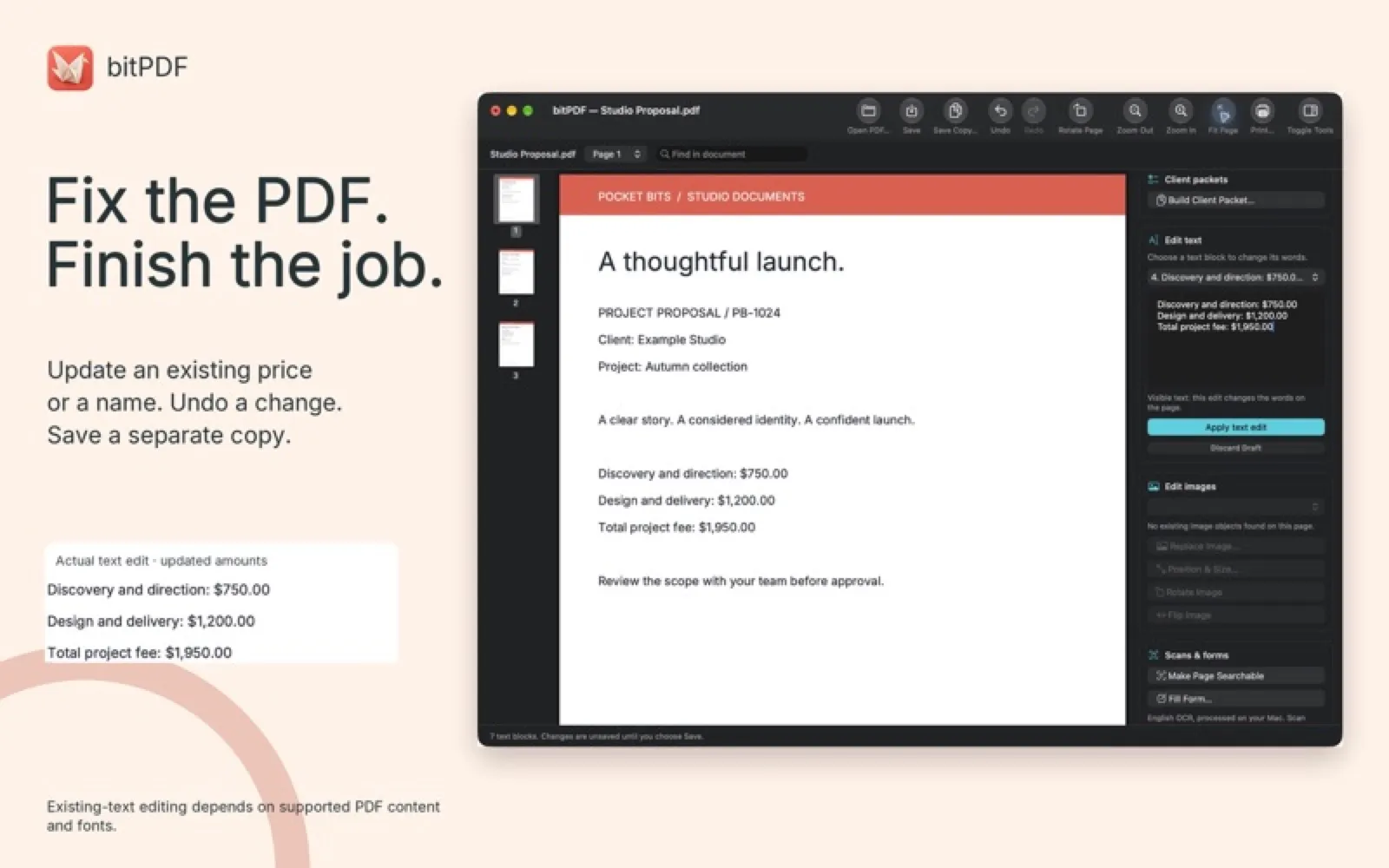
Builds the same client PDF packet from a saved checklist, with on-device OCR.
About bitPDF
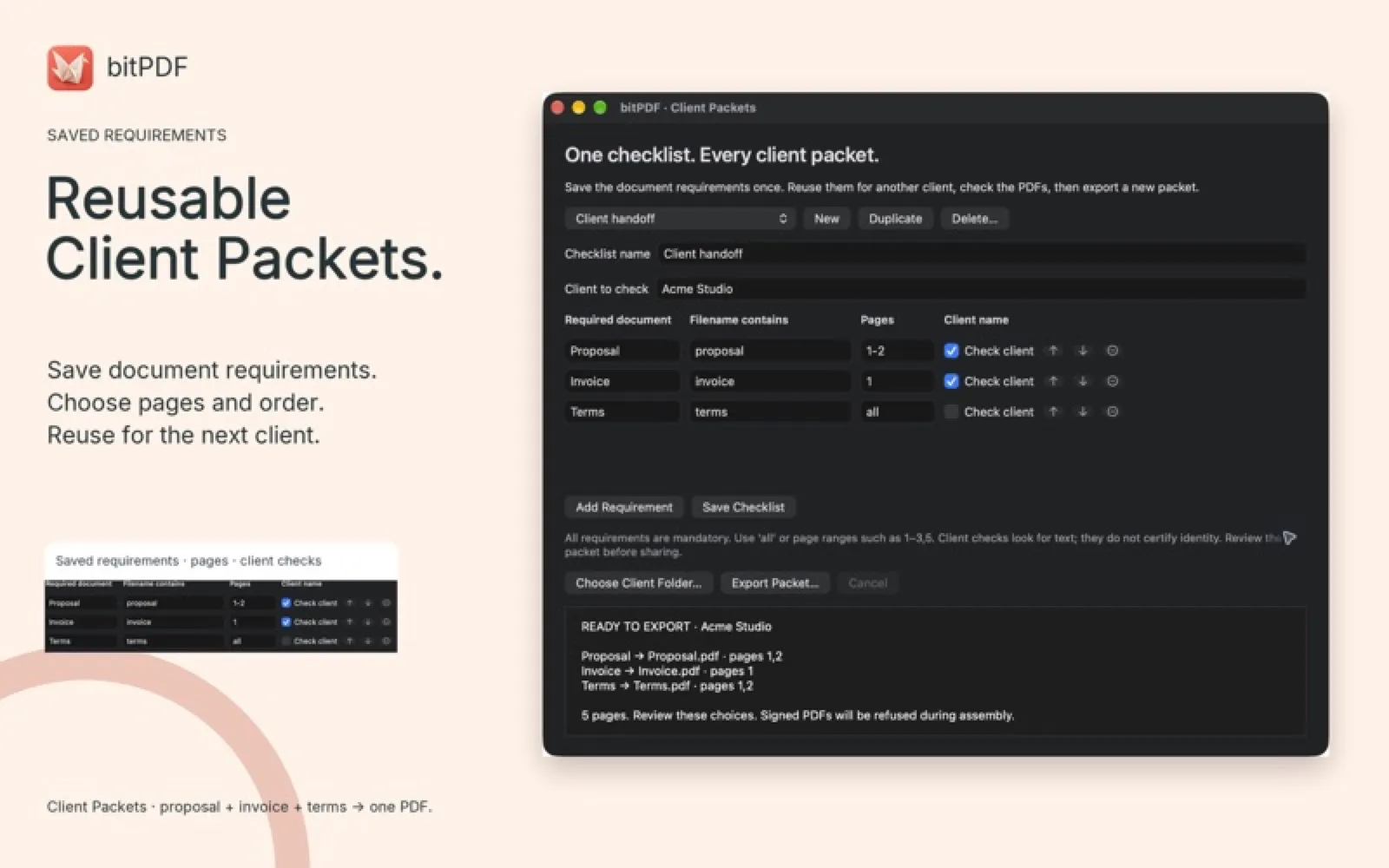
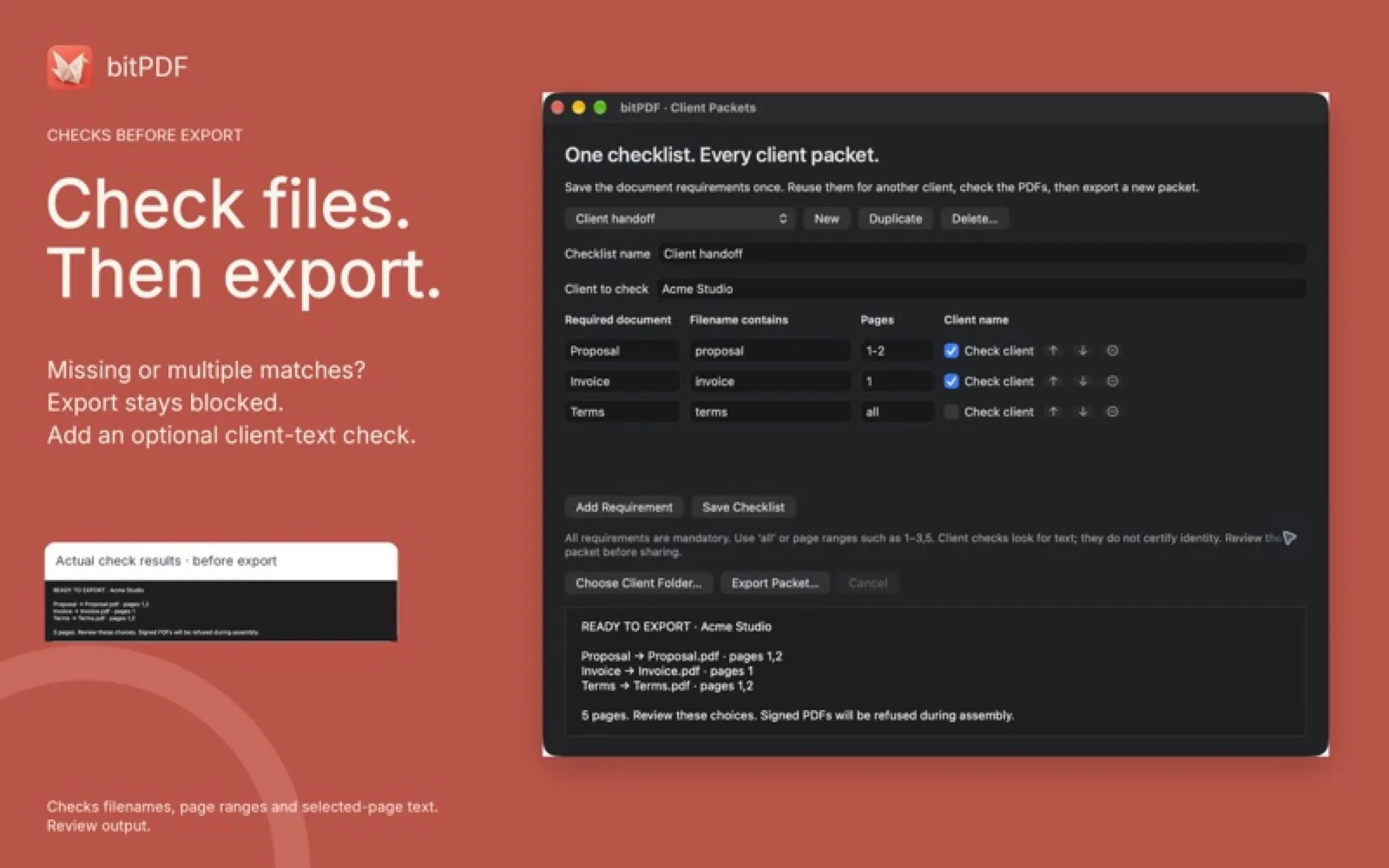
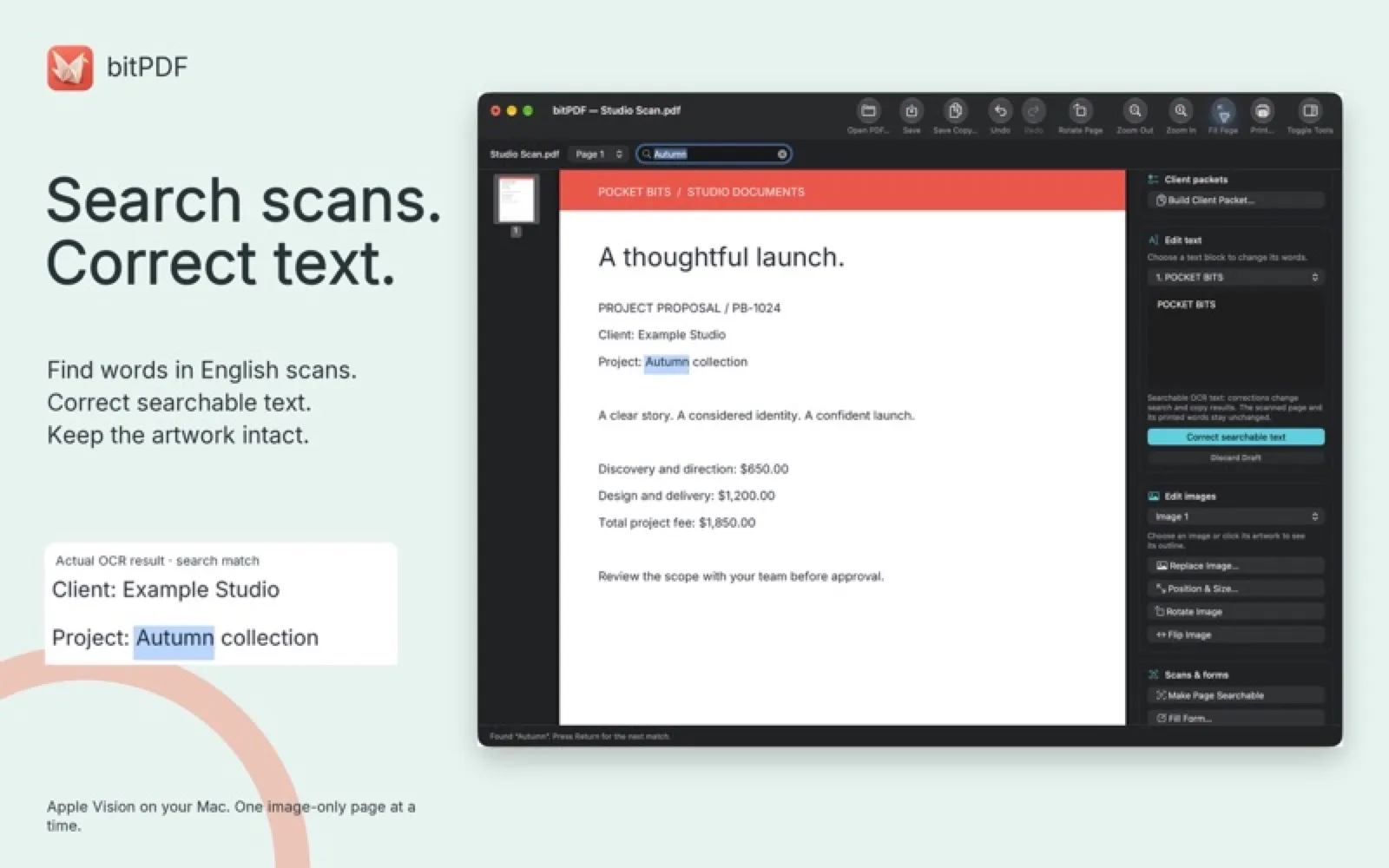
bitPDF saves the documents a client packet needs as a reusable checklist, two to eight of them with a filename match and a page range each, and keeps up to 20 checklists. When you choose a client folder it looks for exactly one matching PDF per requirement, blocks export while a file is missing or ambiguous, can check that a client phrase appears on chosen pages, and then assembles a new PDF in checklist order without touching the originals. It also edits text and images, fills forms, highlights and adds notes, and makes English image-only pages searchable one page at a time with Apple's on-device Vision OCR. There is no account or upload service, and the App Store label says no data is collected. It does not sign, redact, compress or convert Office files, and password-locked PDFs are not supported. Mac App Store only; requires macOS 14 or later on Apple silicon.
Install bitPDF
Download it from the links above, or install it from the Terminal:
mas install 6822129255 Mac App Store CLI: This works once your Apple Account has the app. The first time, get it from the Mac App Store.
Questions about bitPDF
How much does bitPDF cost?
bitPDF: $39.99 one-time (US price, Mac App Store), no in-app purchases.
Where can I download bitPDF for Mac?
Download bitPDF from the Mac App Store and the developer's website (apps.apple.com). MacWorthy links only to official sources.
Can I install bitPDF from the Terminal?
Yes. With Mac App Store CLI, run mas install 6822129255. This works once your Apple Account has the app. The first time, get it from the Mac App Store.
Which macOS version does bitPDF need?
The Mac App Store version of bitPDF requires macOS 14.0 or later.
What are good alternatives to bitPDF?
Other productivity apps for Mac worth a look are Archie (one-time purchase), Afterimage (one-time purchase), Tucket (one-time purchase) and Office Alternative (free + pro).
Other productivity apps like bitPDF
Archie
Notch shelf that collects new screenshots for quick edits and sharing.
Afterimage
Search anything you've seen on screen, kept on your Mac.

Tucket
A clipboard history that drops down from the notch and searches the text in your screenshots.
Office Alternative
Opens and edits Word, Excel, CSV and PowerPoint files in their own formats.
Things 3
The task manager that feels like paper, only smarter.
Raycast
A faster way to do everything on your Mac.
Fantastical
A calendar that understands plain sentences.

OmniFocus
Industrial-strength GTD for complex lives.