
Blinkivo
A menu bar eye-break timer that can pause for, or run only with, the apps you choose.
About Blinkivo
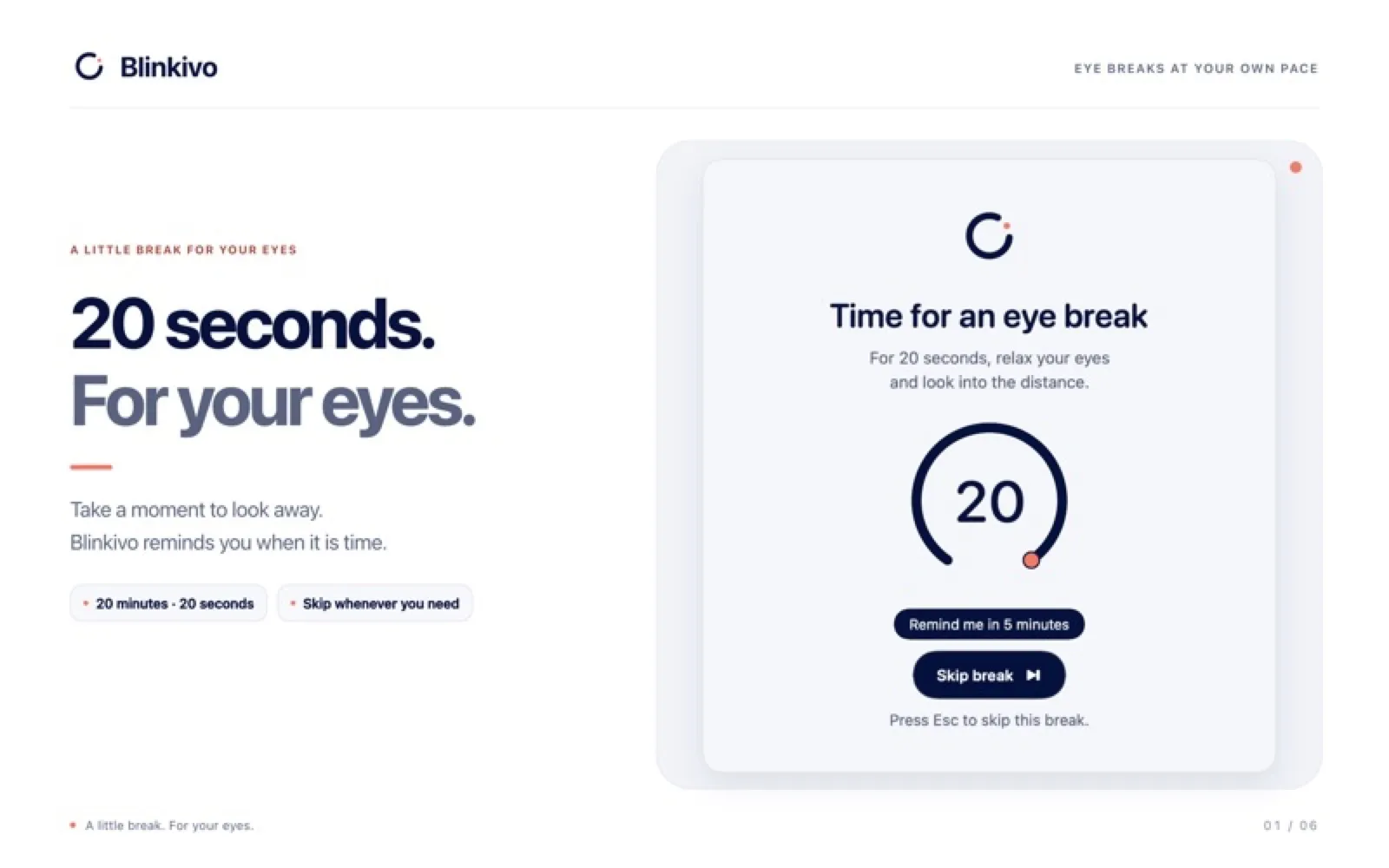
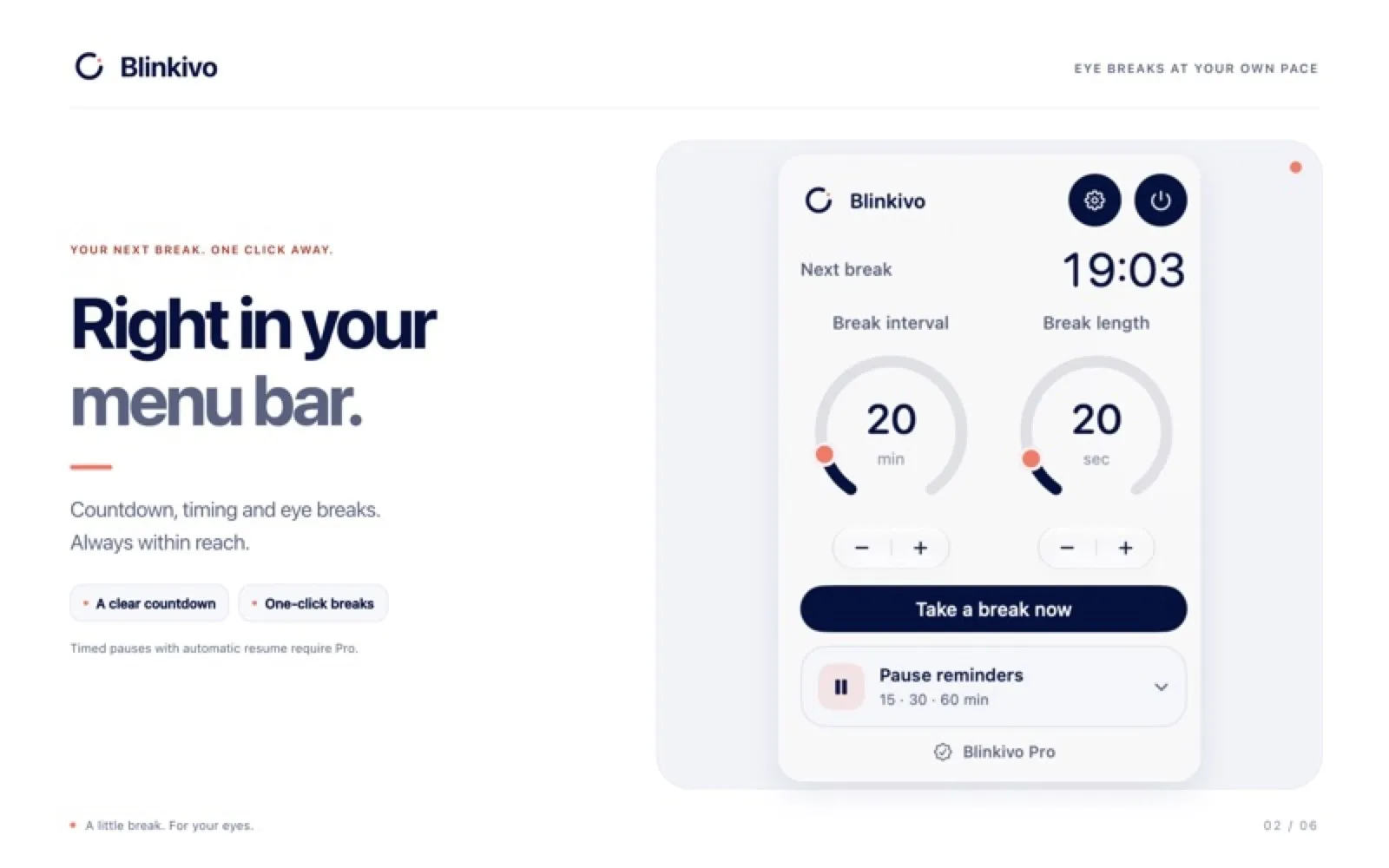
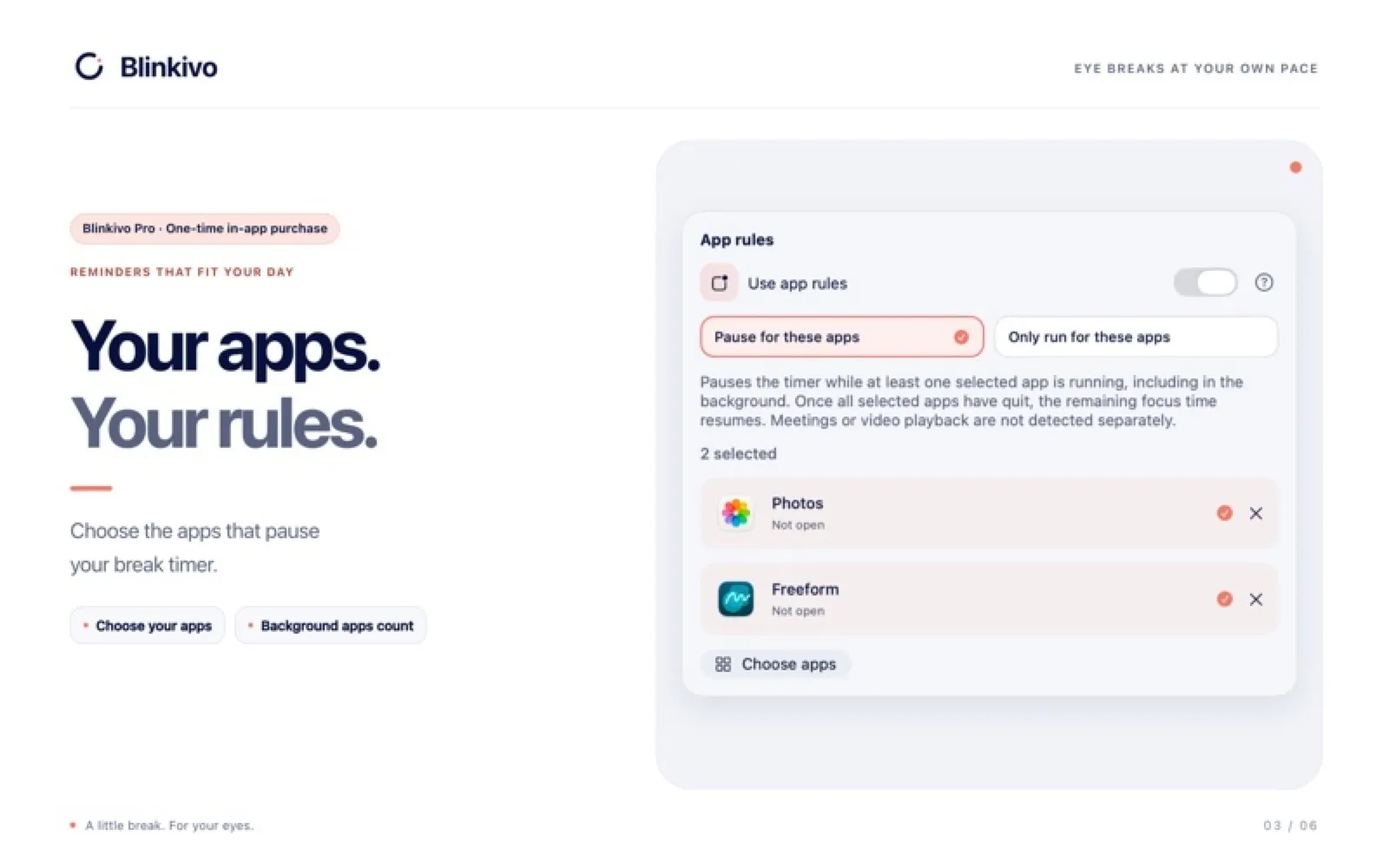
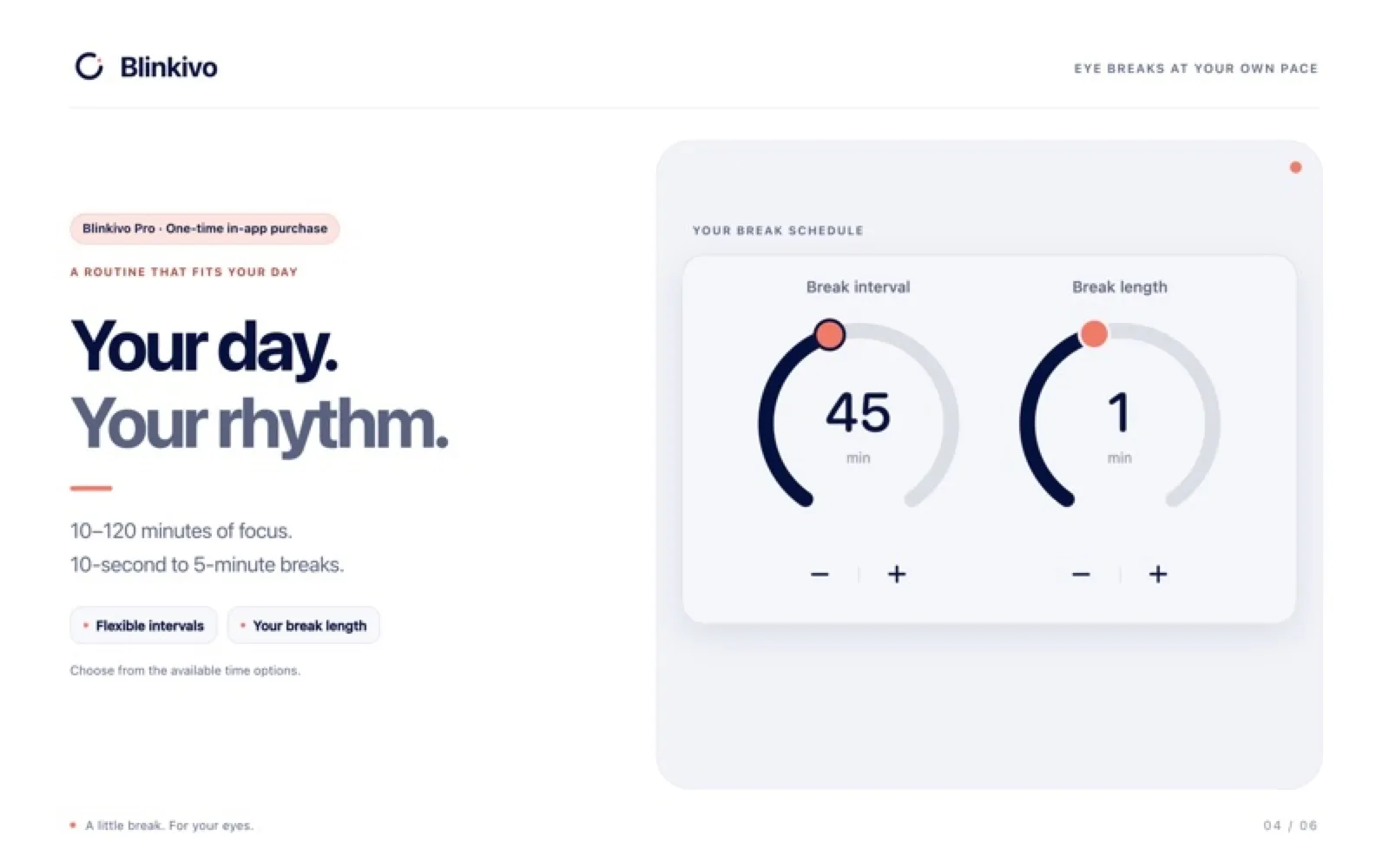
Blinkivo counts down to your next eye break in the menu bar and, when it is due, shows a break screen on every connected display asking you to look into the distance, 20 seconds every 20 minutes by default, with an optional heads-up 15 seconds before. A break can be started early, postponed by five minutes or skipped, and reminders can be paused until you resume them. The free version offers 20- or 30-minute intervals and 20- or 30-second breaks; the one-time Pro upgrade adds intervals from 10 to 120 minutes and breaks of up to five minutes, pauses that resume after 15, 30 or 60 minutes, app rules that pause the timer while chosen apps run or let it count only while one is open, credit for time away from the keyboard and mouse, more alert sounds and a lower volume during breaks. It works offline with no account, and the App Store label says Data Not Collected. English and German; Mac App Store only, requires macOS 26 or later.
Install Blinkivo
Download it from the links above, or install it from the Terminal:
mas install 6818887084 Mac App Store CLI: This works once your Apple Account has the app. The first time, get it from the Mac App Store.
Questions about Blinkivo
Is Blinkivo free?
Blinkivo is free to download and use, with paid upgrades for extra features. Price: Free; Blinkivo Pro is a $9.99 one-time in-app purchase.
Where can I download Blinkivo for Mac?
Download Blinkivo from the Mac App Store and the developer's website (blinkivo.app). MacWorthy links only to official sources.
Can I install Blinkivo from the Terminal?
Yes. With Mac App Store CLI, run mas install 6818887084. This works once your Apple Account has the app. The first time, get it from the Mac App Store.
Which macOS version does Blinkivo need?
The Mac App Store version of Blinkivo requires macOS 26.0 or later.
What are good alternatives to Blinkivo?
Other productivity apps for Mac worth a look are TimeGo Clock (one-time purchase), Mushroom (one-time purchase), DeskMinder (free + pro) and DropToDo (one-time purchase).
Other productivity apps like Blinkivo
TimeGo Clock
A tiny menu bar countdown timer with chained timers and a floating HUD.

Mushroom
A pixel mushroom pet that nudges you to drink, move and rest your eyes, timed by your actual desk time.
DeskMinder
Quick desktop reminders with full-screen alerts that are hard to miss.

DropToDo
Set a reminder by dragging down from the menu bar: the distance is the time.
Fadeclock
A slide-friendly timer that shows when an activity ends, with music that fades out before time's up.
Fantastical
A calendar that understands plain sentences.

Cardhop
Contacts, rebuilt around a single search field.

Dato
The menu bar clock macOS should have had.