DuoBar
Battery, Wi-Fi and memory folded into one menu bar icon.
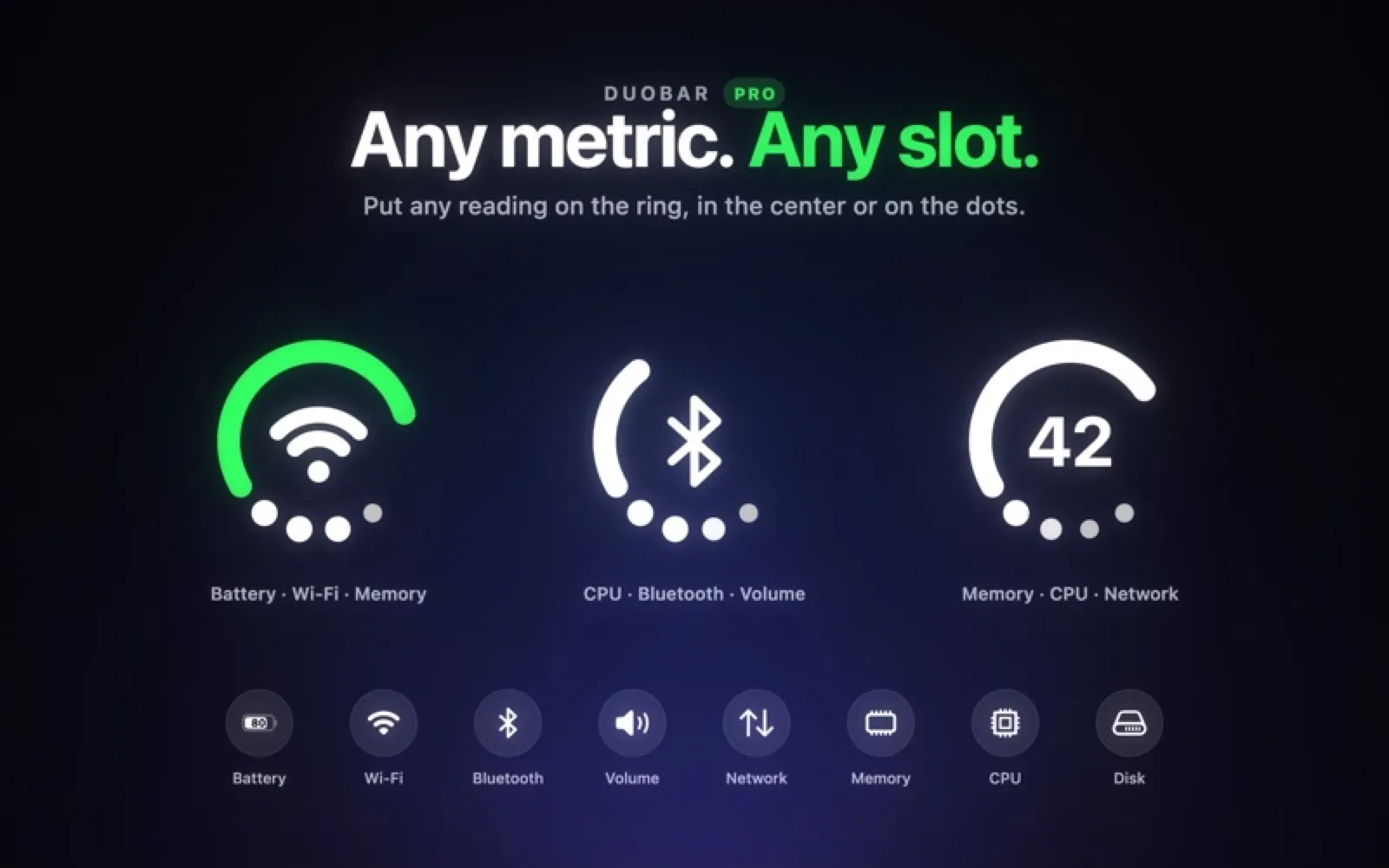
About DuoBar
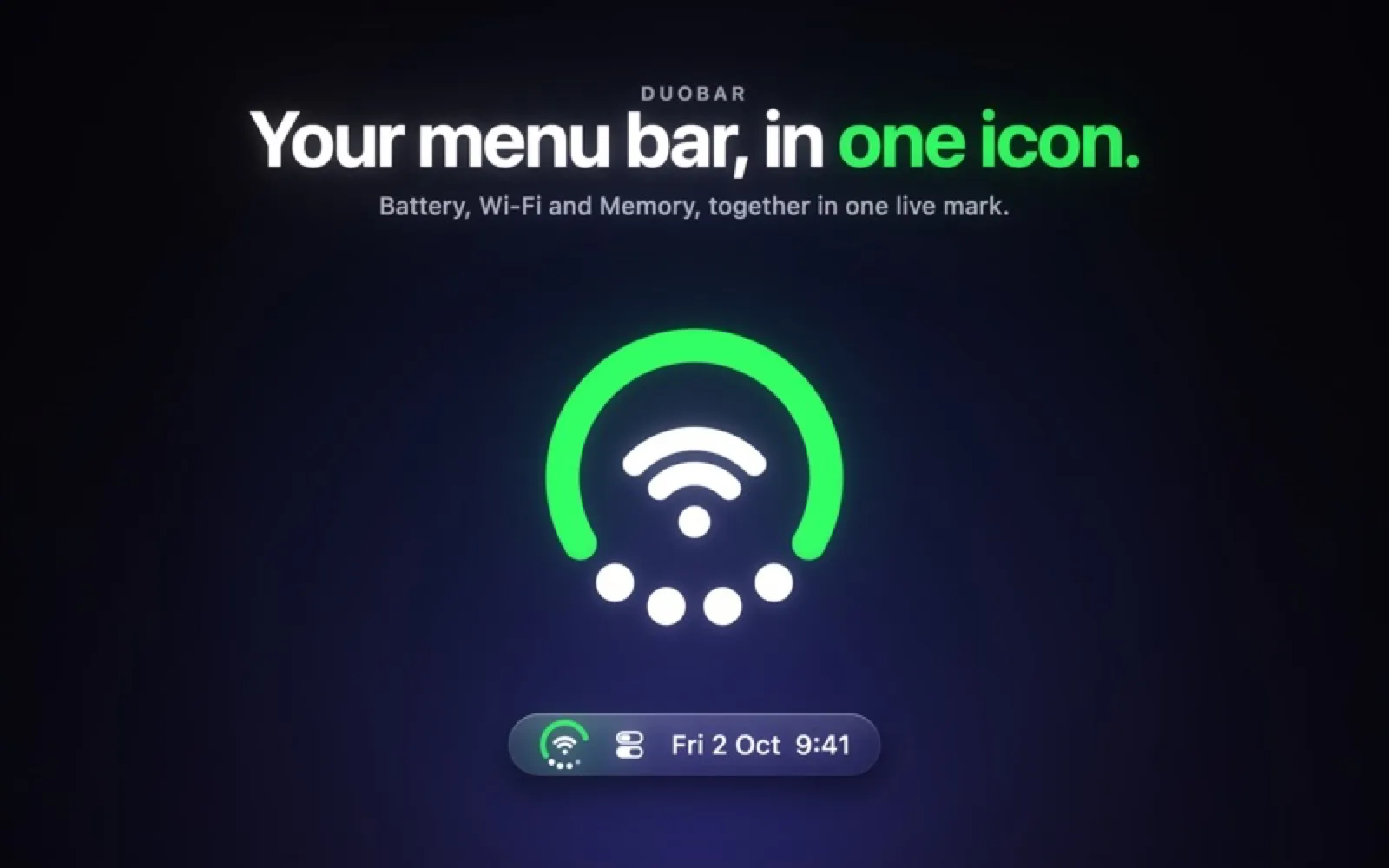
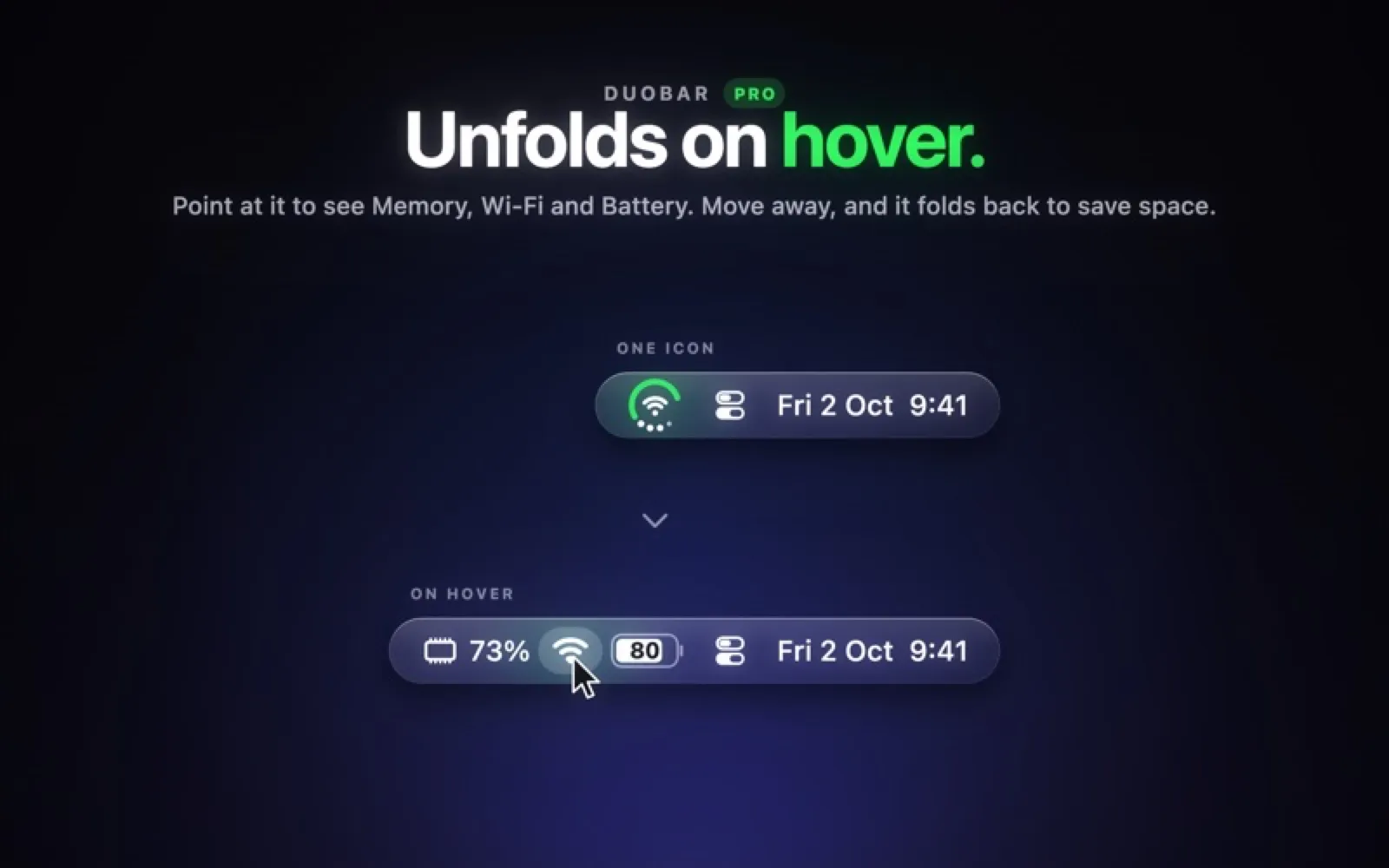
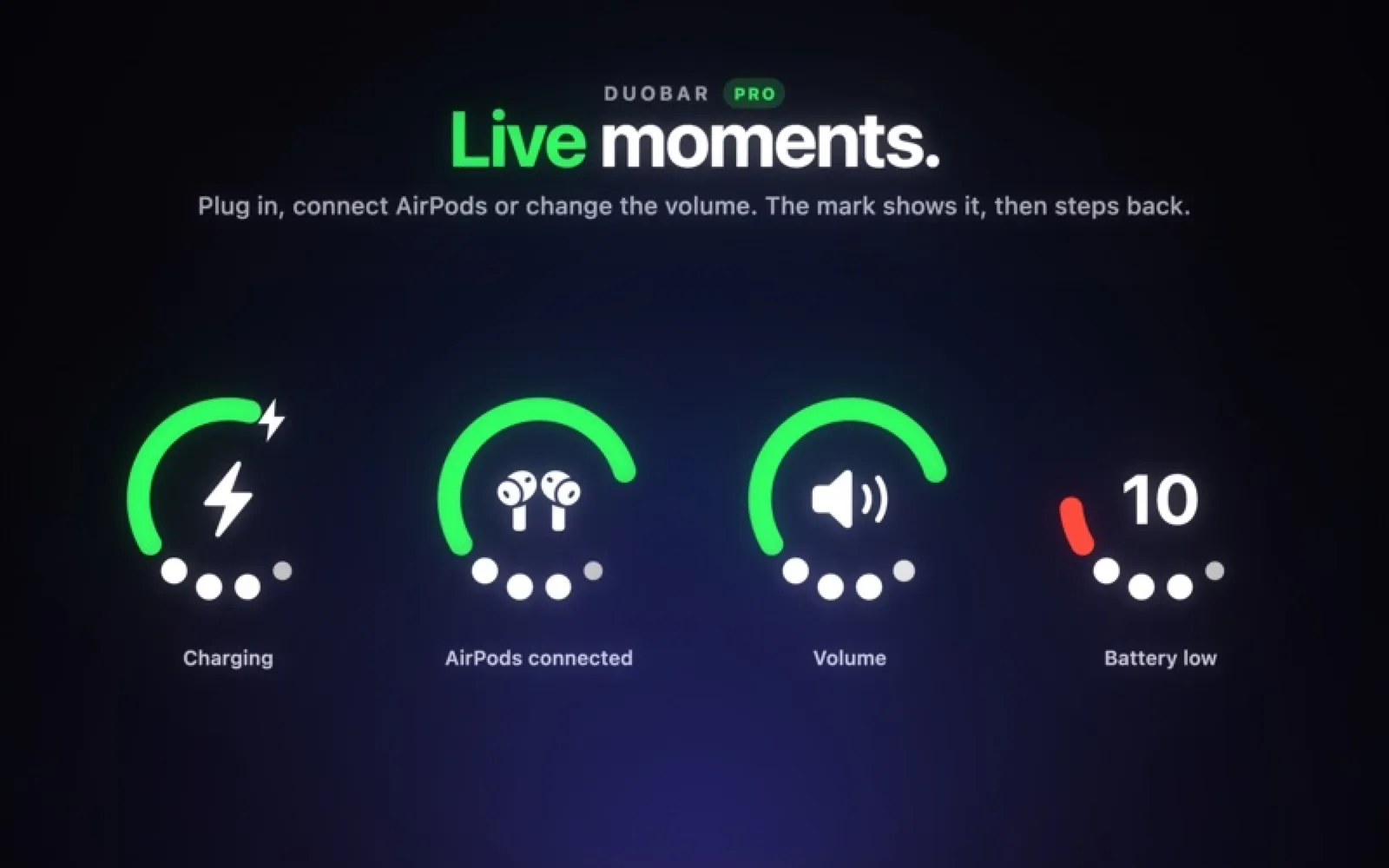
DuoBar replaces several of the Mac's own menu bar icons with a single mark: a ring, a centre glyph and a row of dots, each showing one reading, Battery, Wi-Fi and Memory by default, so a crowded menu bar keeps room beside the notch. Clicking it opens a popover with a page for each of eight readings: battery health and cycle count, Wi-Fi networks to join, Bluetooth devices with their battery levels, volume and output device, a one-minute network graph, memory split the way Activity Monitor does, CPU load and thermal state, and free space on every volume. It doesn't hide or move other apps' icons; you turn off Apple's battery, Wi-Fi and sound icons in System Settings yourself. The one-time Pro upgrade lets any reading sit in any slot, unfolds the mark into separate icons on hover, briefly shows events such as AirPods connecting, and adds profiles and more ring styles. It is sandboxed, needs no Screen Recording or Accessibility access, has no account and, per its App Store label, collects no data. Mac App Store only; requires macOS 14 or later, on Apple silicon and Intel.
Install DuoBar
Download it from the links above, or install it from the Terminal:
mas install 6812335628 Mac App Store CLI: This works once your Apple Account has the app. The first time, get it from the Mac App Store.
Questions about DuoBar
Is DuoBar free?
DuoBar is free to download and use, with paid upgrades for extra features. Price: Free; DuoBar Pro is a $6.99 one-time in-app purchase (Black Friday: $4.99 from November 24 to December 1).
Where can I download DuoBar for Mac?
Download DuoBar from the Mac App Store and the developer's website (teekamsuthar.com). MacWorthy links only to official sources.
Can I install DuoBar from the Terminal?
Yes. With Mac App Store CLI, run mas install 6812335628. This works once your Apple Account has the app. The first time, get it from the Mac App Store.
Which macOS version does DuoBar need?
The Mac App Store version of DuoBar requires macOS 14.0 or later.
What are good alternatives to DuoBar?
Other utilities apps for Mac worth a look are iStat Menus (one-time purchase), Dormouse (free + pro), Mac Ninja (one-time purchase) and Bartender 6 (one-time purchase).
Other utilities apps like DuoBar

iStat Menus
Your Mac's vital signs, in the menu bar.

Dormouse
Why your MacBook woke up overnight, and where the battery went.

Mac Ninja
Unloads idle browser tabs and slows background CPU hogs, without closing anything.

Bartender 6
Organize and hide menu bar icons.

Ice
A powerful, free menu bar manager.

Stats
Free system monitor for the menu bar.

Amphetamine
Keep your Mac awake, on your terms.

AlDente
Charge limiter for a longer battery life.