
HazeOver
Dims every window except the one you're using.
About HazeOver
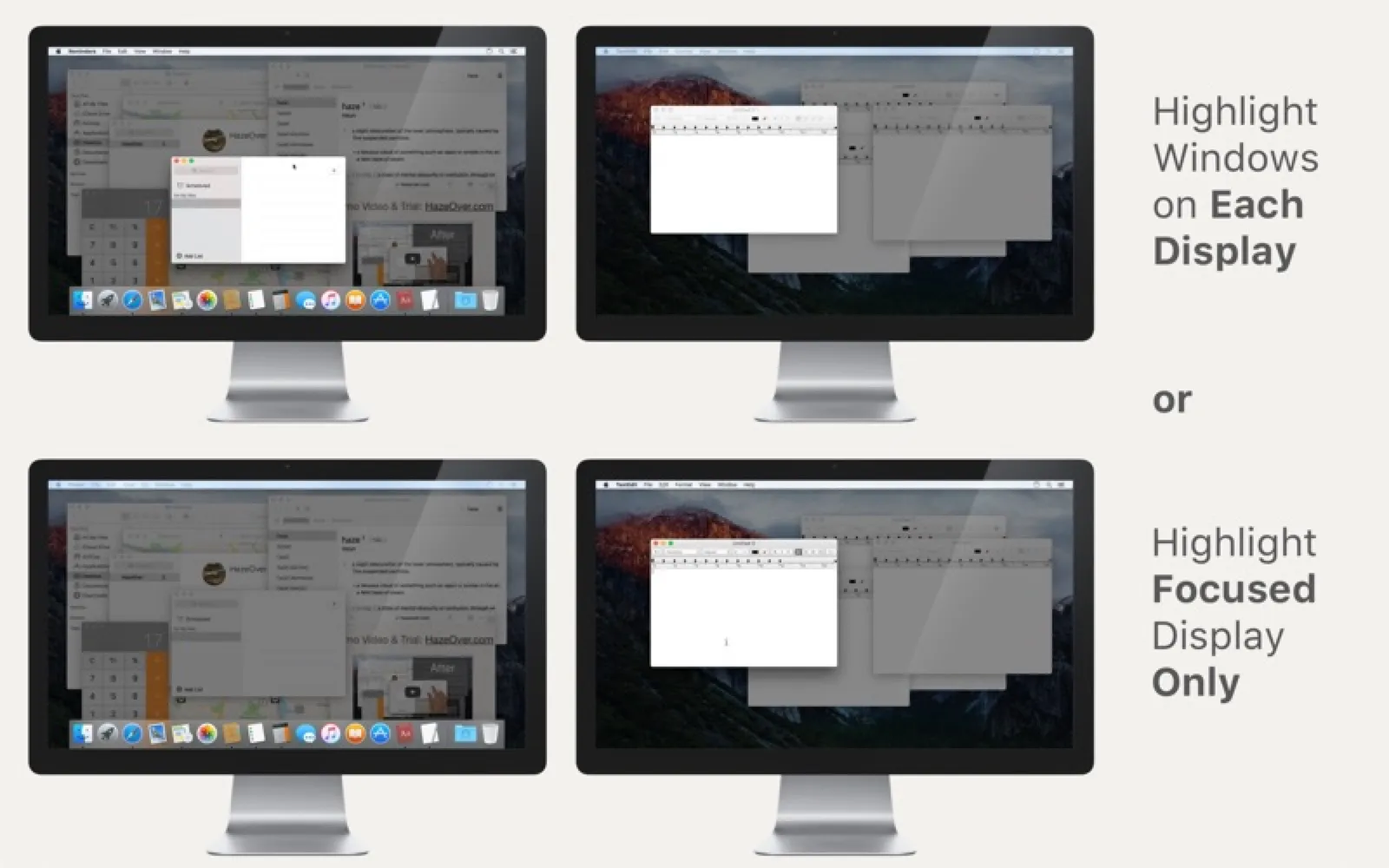
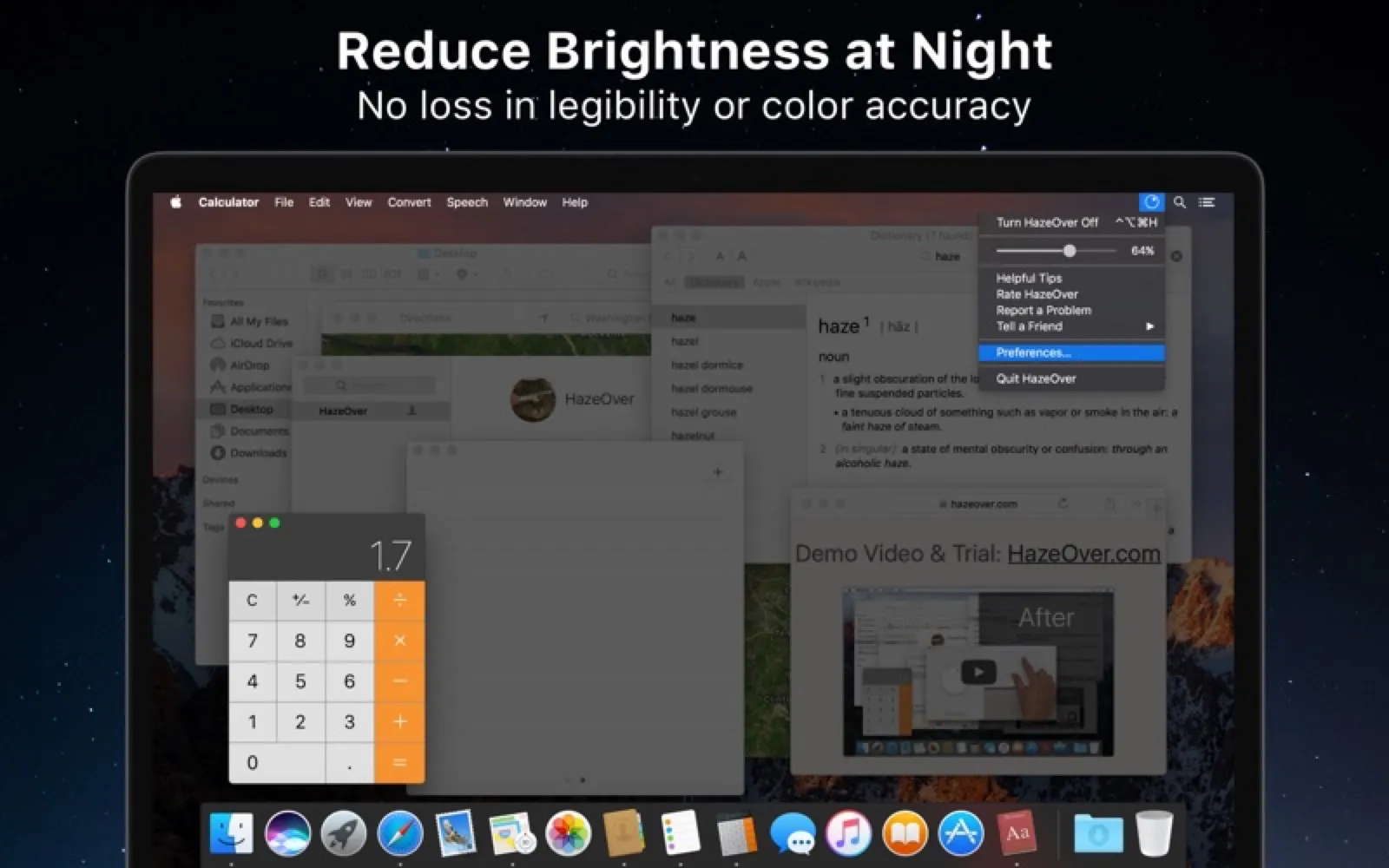
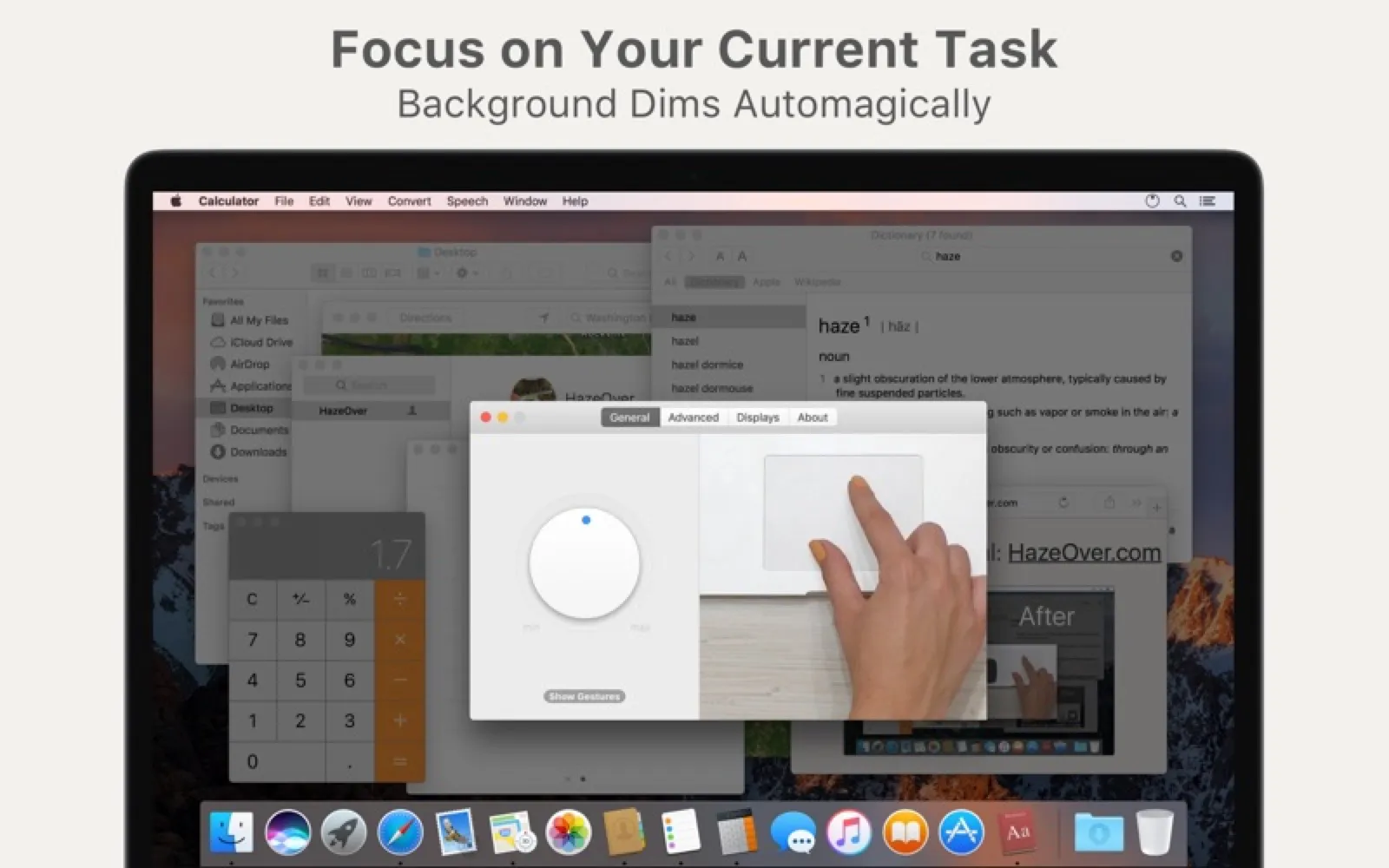
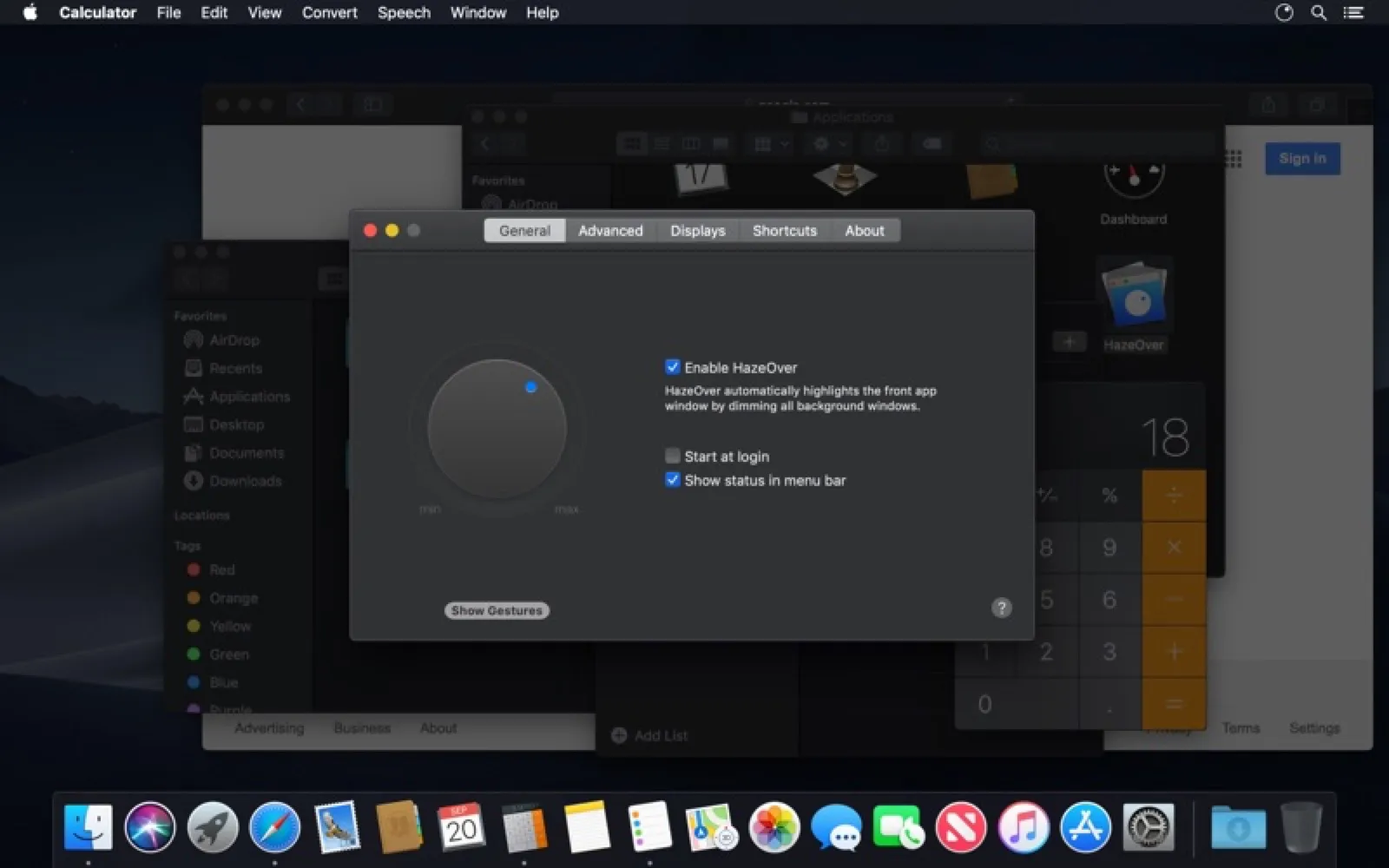
HazeOver softly darkens background windows so the active one stands out. Set how dark the haze gets and how fast it fades, and switch it on or off from the menu bar.
Install HazeOver
Download it from the links above, or install it from the Terminal:
brew install --cask hazeover mas install 430798174 Questions about HazeOver
How much does HazeOver cost?
HazeOver costs $4.99 as a one-time purchase on the Mac App Store.
Where can I download HazeOver for Mac?
Download HazeOver from the Mac App Store and the developer's website (hazeover.com). MacWorthy links only to official sources.
Can I install HazeOver from the Terminal?
Yes. With Homebrew, run brew install --cask hazeover. With Mac App Store CLI, run mas install 430798174.
Which macOS version does HazeOver need?
The Mac App Store version of HazeOver requires macOS 13 or later.
What are good alternatives to HazeOver?
Other windows & desktop apps for Mac worth a look are Hand Mirror (free + pro), Thaw (open source), SnapState (one-time purchase) and PulseTiles (one-time purchase).
Other windows & desktop apps like HazeOver

Hand Mirror
Check your camera with one click.

Thaw
A free menu bar manager for recent macOS.

SnapState
Puts every window back where it was after sleep or a monitor swap.

PulseTiles
Window snapping that only happens while you hold ⌘.
Rectangle
Window snapping with keyboard shortcuts.

Magnet
Snap windows into place by dragging.

Moom
Save and restore entire window layouts.

Loop
Window management with a radial menu.