
Otterdock
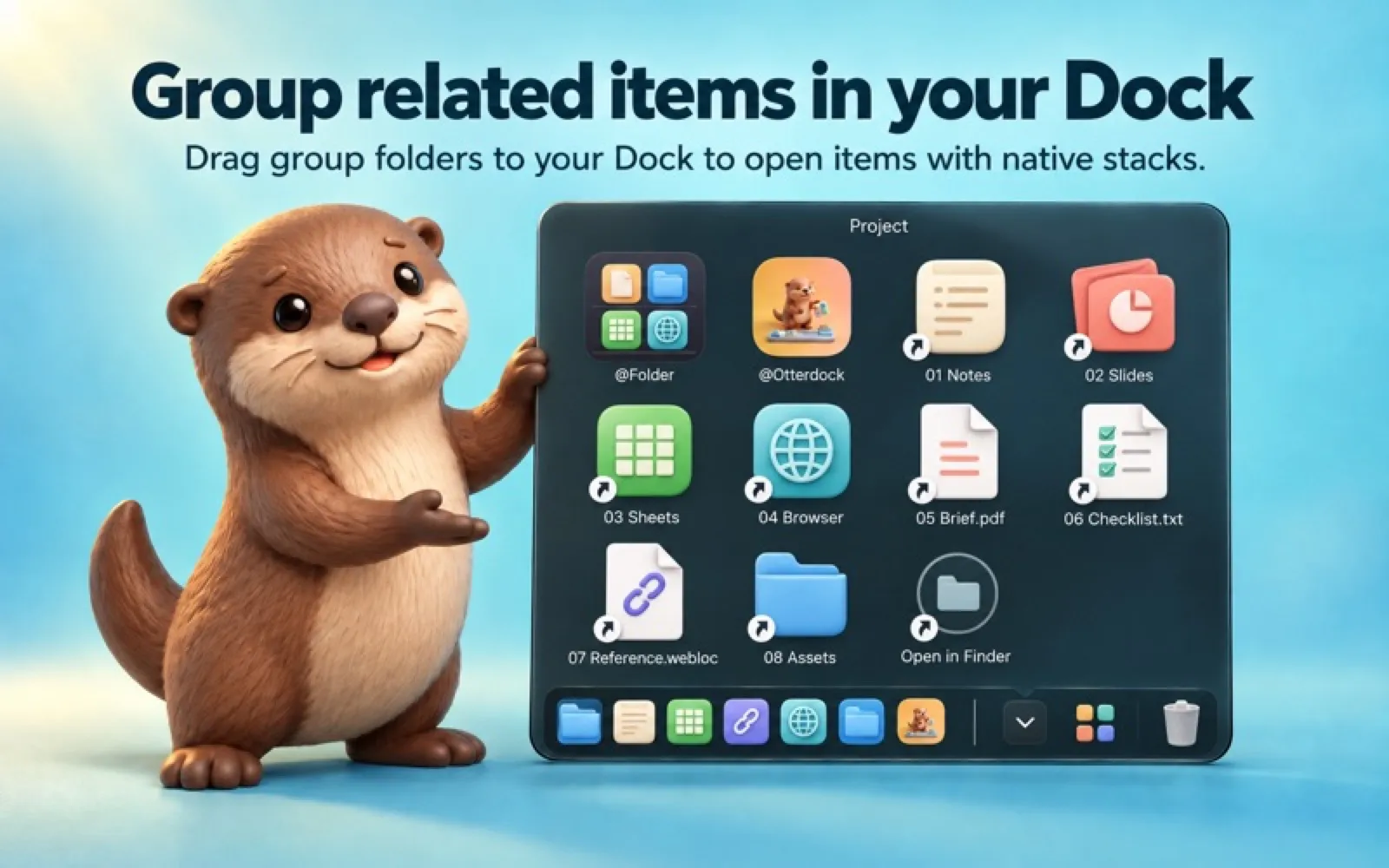
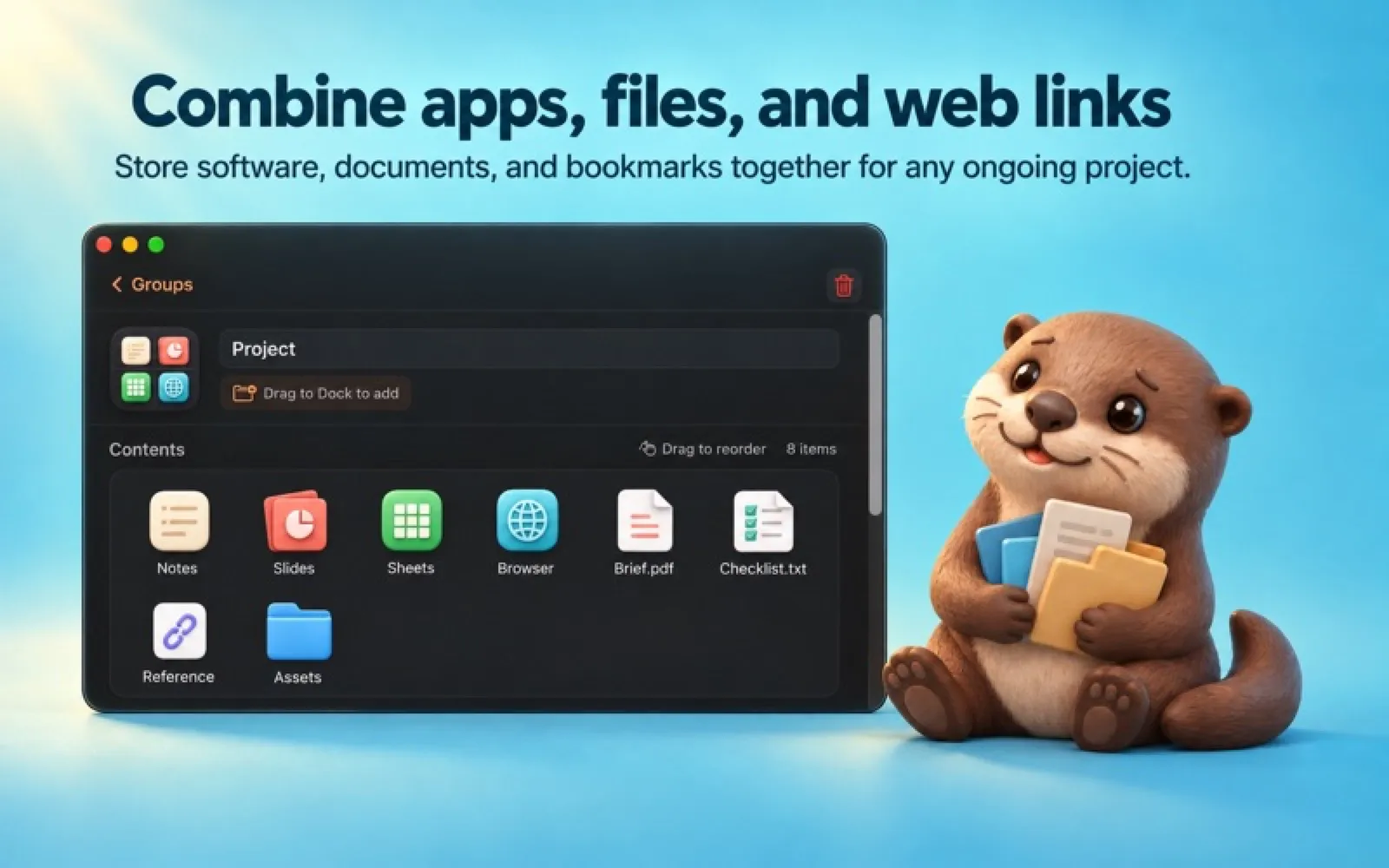
One Dock icon per project, holding its apps, files and links.
About Otterdock
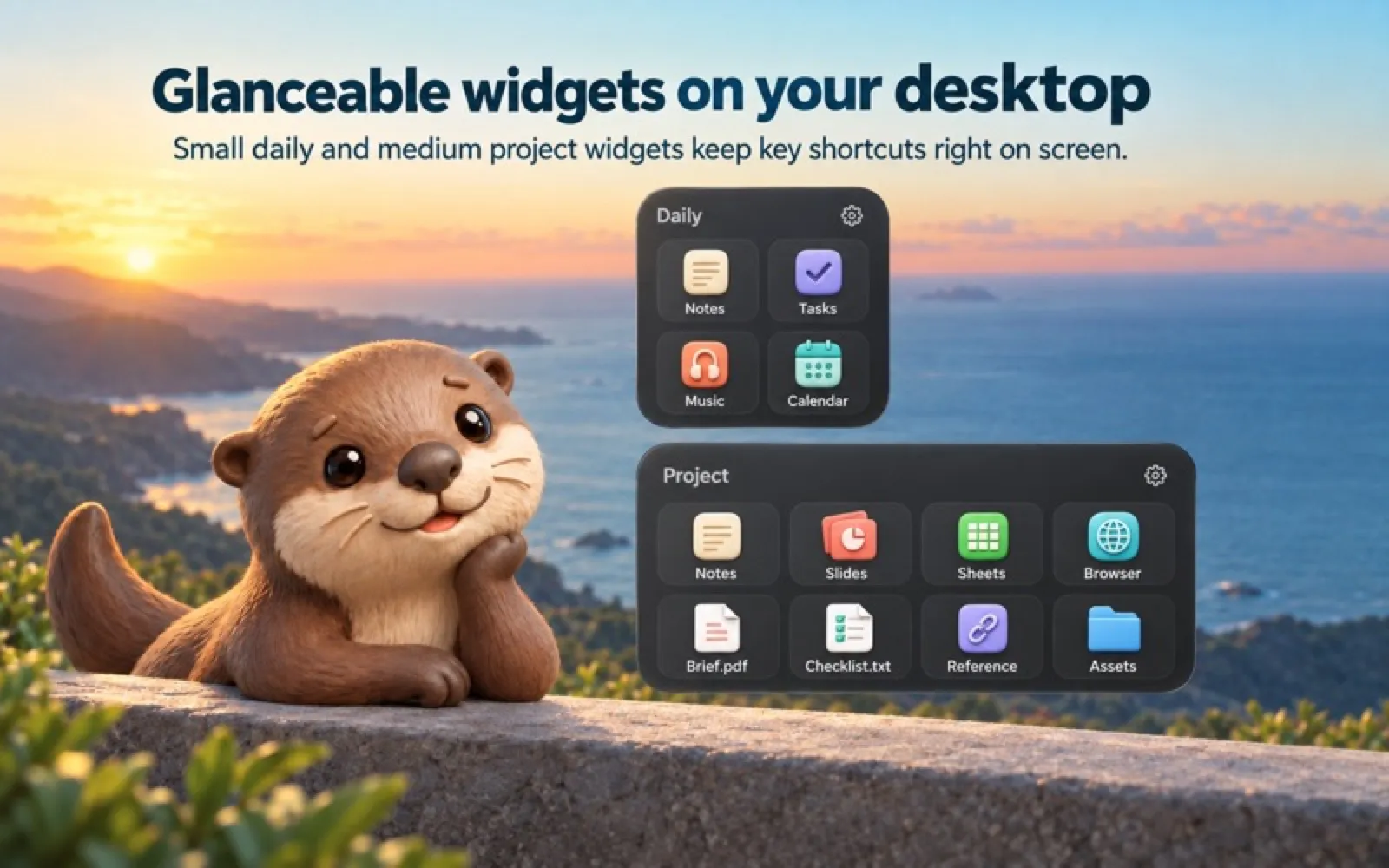
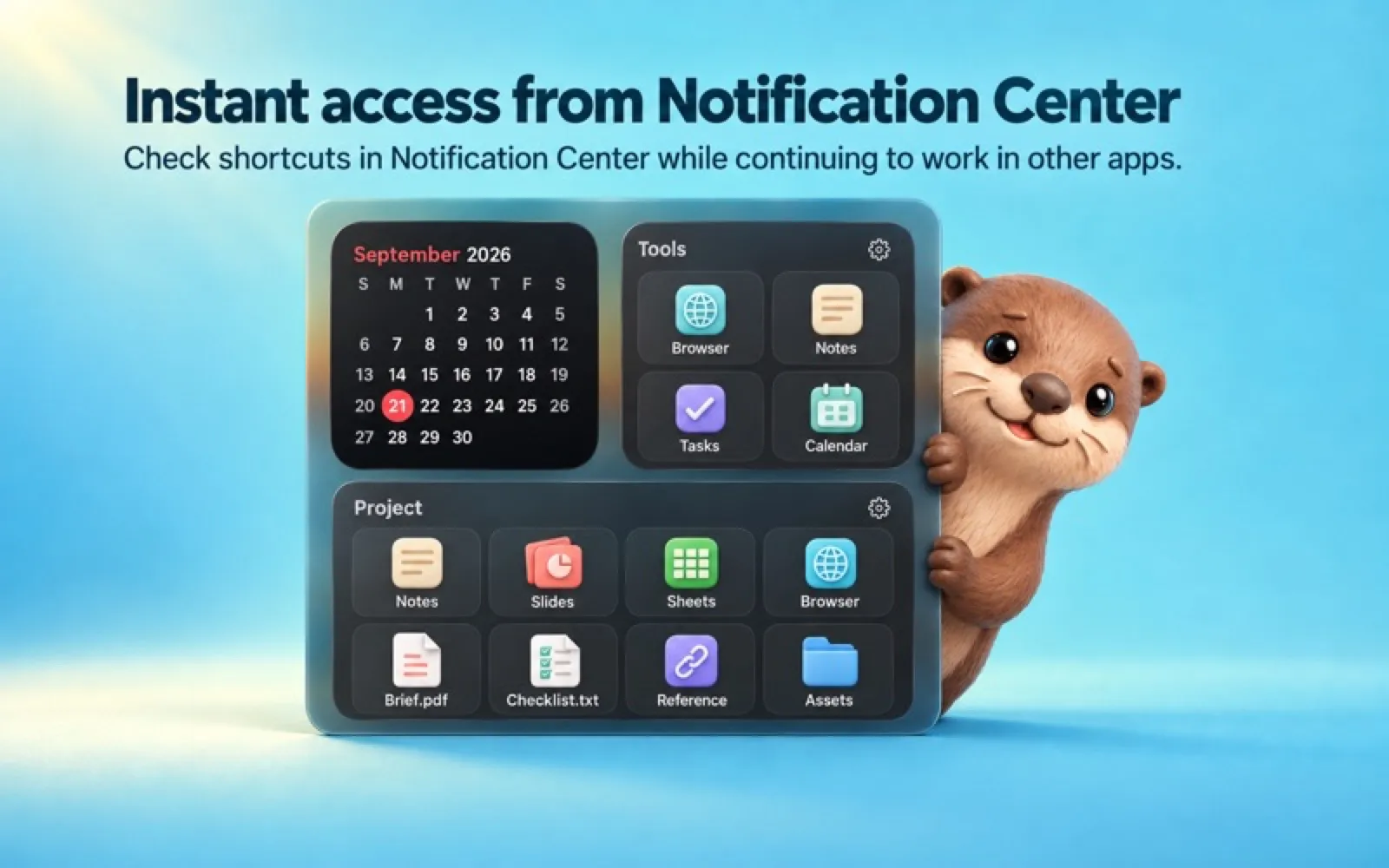
Otterdock gathers apps, files, folders and links into project groups that each take one place in the Dock, with desktop and Notification Center widgets that open single items. The direct download adds groups to the Dock itself by editing the Dock's settings and restarting it, and adds a popup with search, hover-to-open and global shortcuts; hover and click interception need Accessibility access. The Mac App Store edition is sandboxed and uses ordinary Dock folders you drag in yourself, on Apple silicon only, and Pro purchases don't carry between the two editions. No account; optional analytics through TelemetryDeck and PostHog are off by default. Needs macOS 14 or later.
Install Otterdock
Download it from the links above, or install it from the Terminal:
mas install 6792306537 Mac App Store CLI: This works once your Apple Account has the app. The first time, get it from the Mac App Store.
Questions about Otterdock
Is Otterdock free?
Otterdock is free to download and use, with paid upgrades for extra features. Price: Free for 2 groups of 8 items; Pro is $6.99 once, on the Mac App Store or direct for up to three Macs.
Where can I download Otterdock for Mac?
Download Otterdock from the Mac App Store and the developer's website (otterdock.savetimefor.fun). MacWorthy links only to official sources.
Can I install Otterdock from the Terminal?
Yes. With Mac App Store CLI, run mas install 6792306537. This works once your Apple Account has the app. The first time, get it from the Mac App Store.
Which macOS version does Otterdock need?
The Mac App Store version of Otterdock requires macOS 14.0 or later.
What are good alternatives to Otterdock?
Other windows & desktop apps for Mac worth a look are Magic Dock (one-time purchase), DockLatch (one-time purchase), DockDoor (open source) and NotchNook (one-time purchase).
Other windows & desktop apps like Otterdock
Magic Dock
A replacement Dock with widgets, themes and per-task workspaces.
DockLatch
Keeps the macOS Dock on the display you choose.
DockDoor
Window previews when you hover the Dock.
NotchNook
A drop-down shelf of widgets that lives in the notch.

Desktop Gull
An Istanbul seagull that lives on your Dock and windows.
Desktop Composer
Saves your Mac's whole look, from wallpaper to app themes, as profiles you switch in one click.

DockView
Live window previews when you hover an app in the Dock, including minimized windows and Stage Manager groups.
Stage Manager
Open-source Stage Manager replacement whose stages survive restarts.