Platter
A CD player on your desktop for Apple Music and Spotify.
About Platter
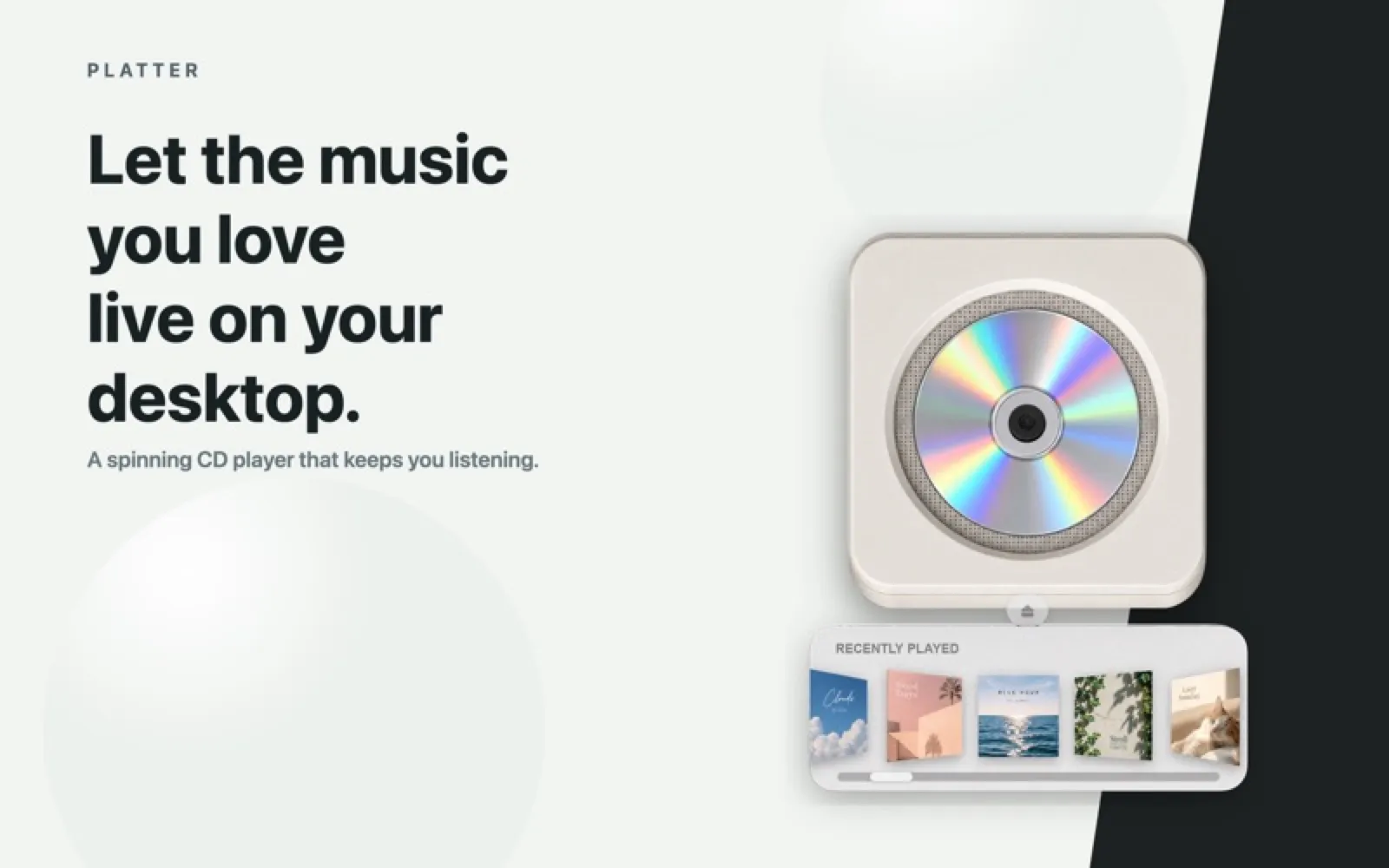
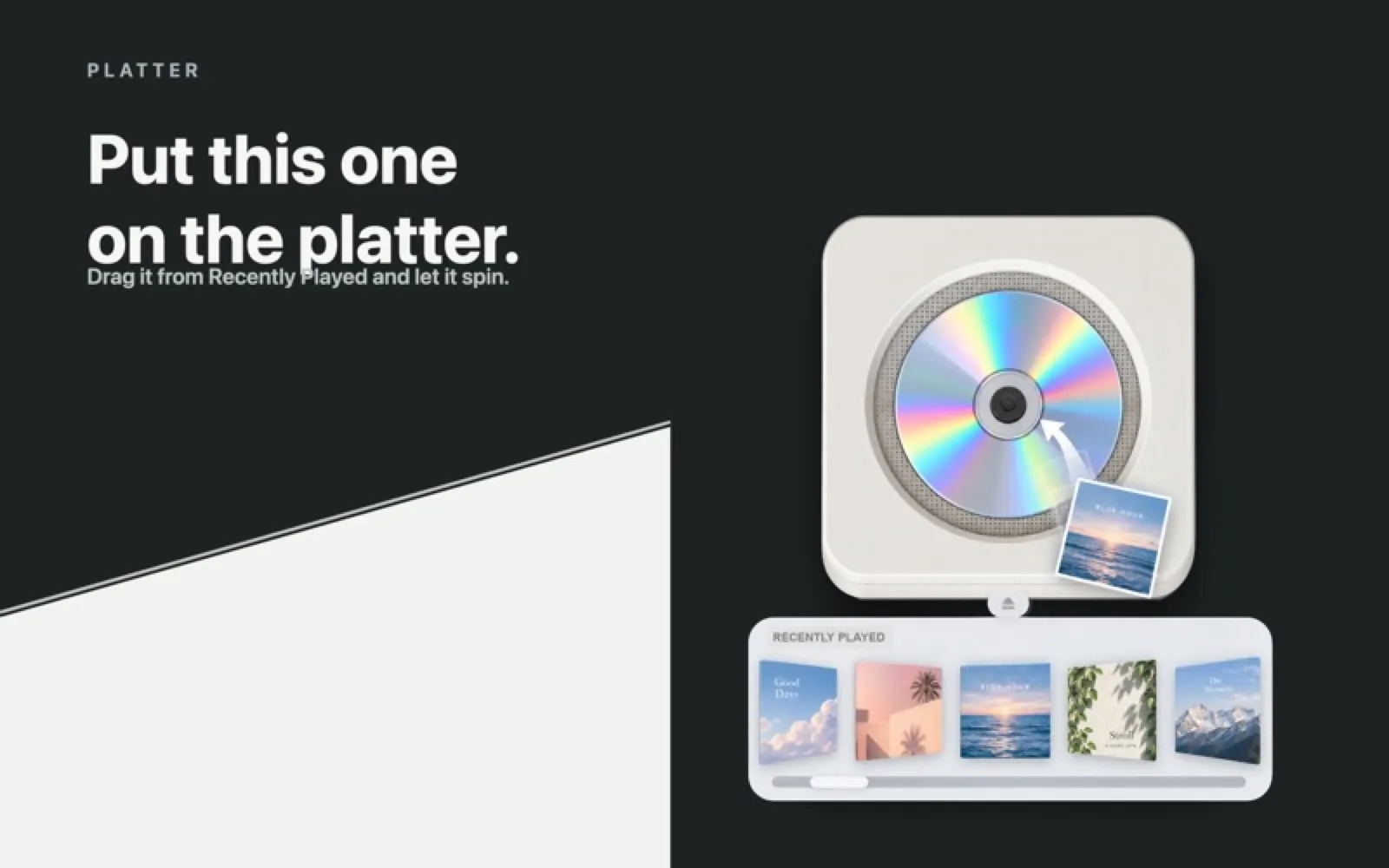
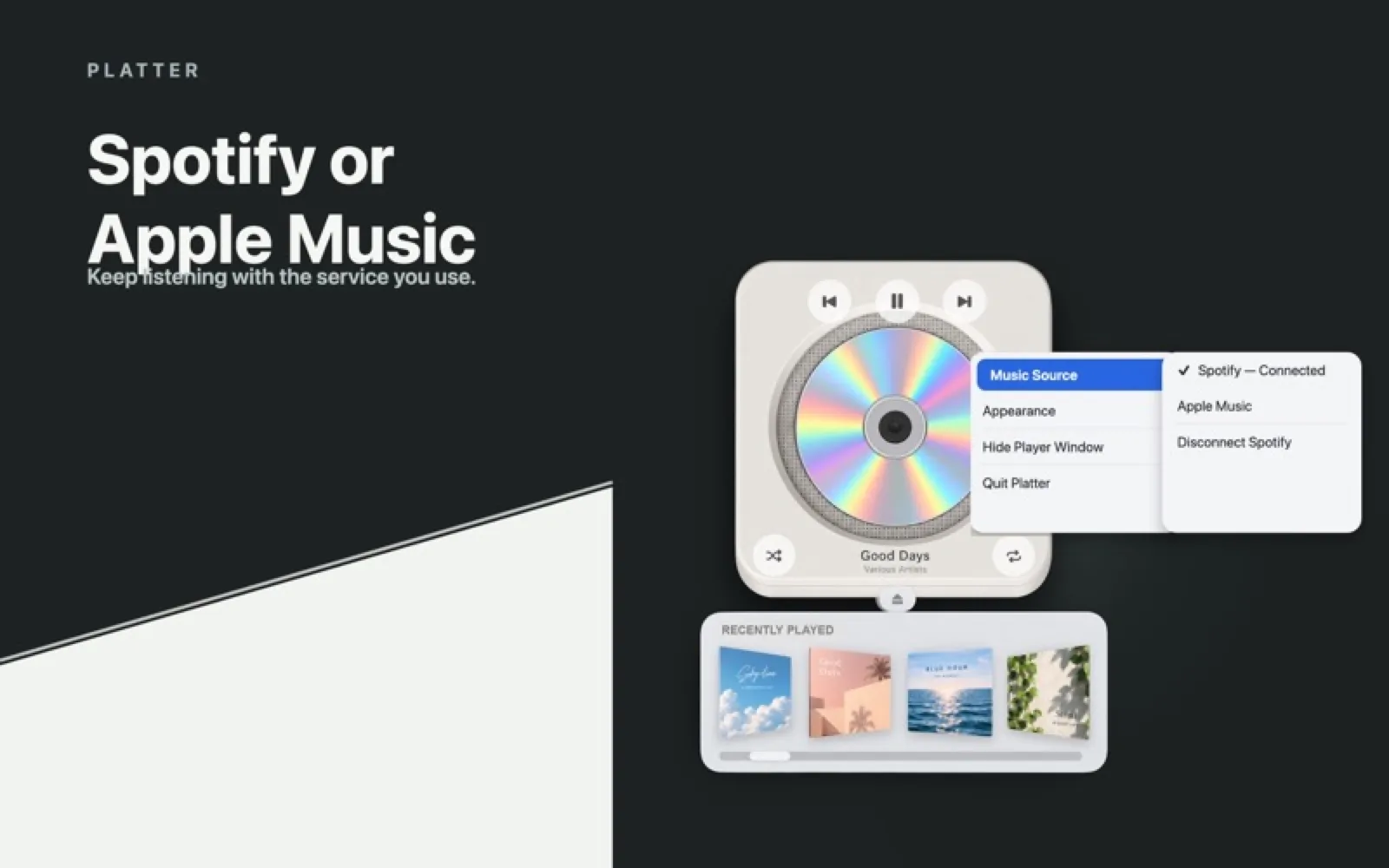
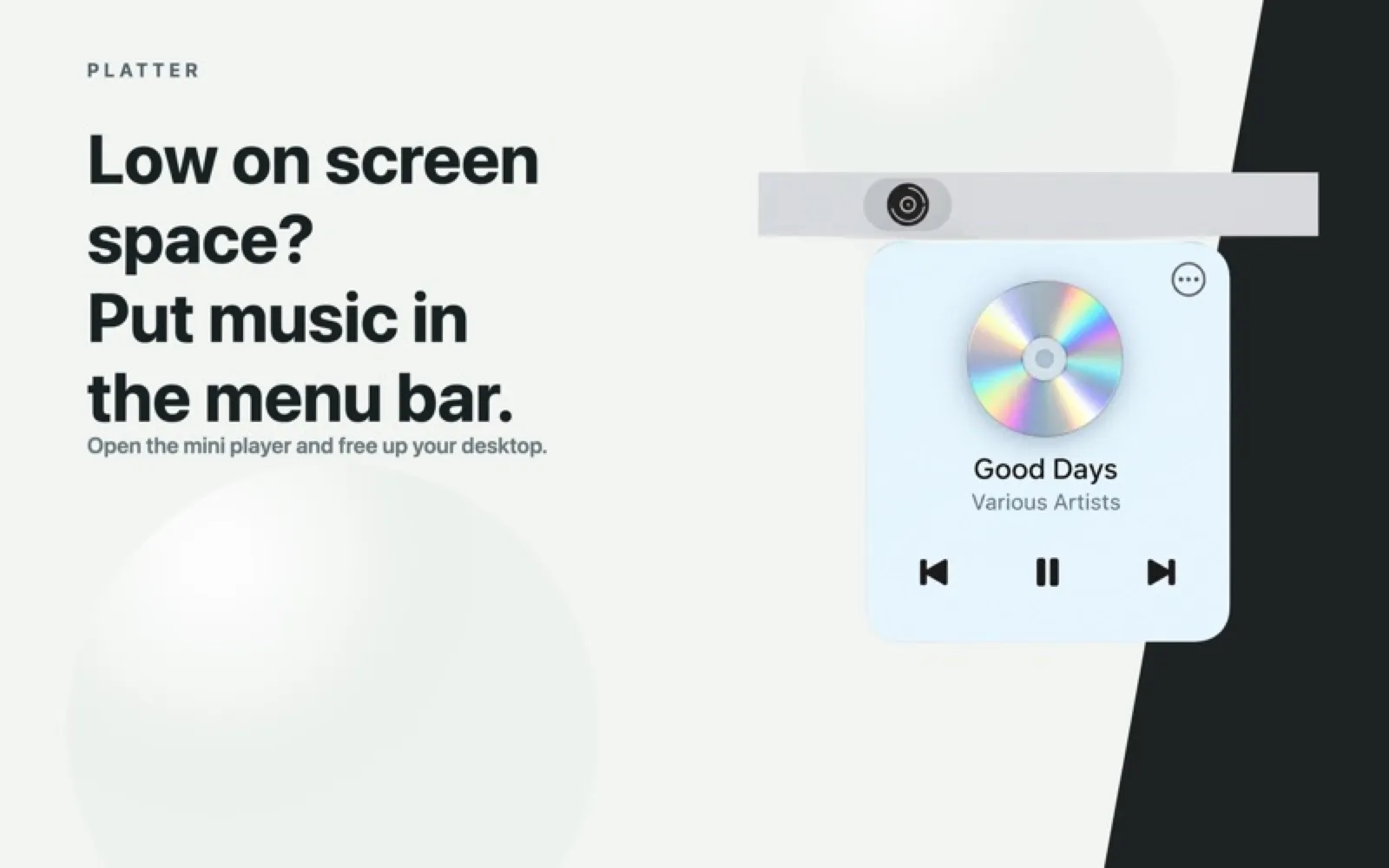
Platter puts a CD player on your desktop: drag an album cover from the shelf onto the deck and the disc spins while it plays. It plays Apple Music without the Music app open and controls the Spotify desktop app, with a menu bar mini player and light and dark looks. A 7-day free trial, then a one-time unlock; Apple silicon only.
Install Platter
Download it from the links above, or install it from the Terminal:
mas install 6805896449 Questions about Platter
How much does Platter cost?
Platter: Free 7-day trial, then $3.99 once (Mac App Store).
Where can I download Platter for Mac?
Download Platter from the Mac App Store and the developer's website (littlecreative.agency). MacWorthy links only to official sources.
Can I install Platter from the Terminal?
Yes. With Mac App Store CLI, run mas install 6805896449.
Which macOS version does Platter need?
The Mac App Store version of Platter requires macOS 14.0 or later.
What are good alternatives to Platter?
Other audio & voice apps for Mac worth a look are Doppler (one-time purchase), MacWhisper (free + pro), Superwhisper (subscription) and VoiceInk (open source).
Other audio & voice apps like Platter

Doppler
A music player for the music you own.
MacWhisper
Accurate transcription that stays on your Mac.
Superwhisper
Dictation that writes like you do.
VoiceInk
Open-source, on-device voice typing.
Audio Hijack
Record any audio, from any app.
Loopback
Cable-free audio routing.
SoundSource
Per-app volume and effects, from the menu bar.
Fission
Lossless audio editing, fast.