
Flincth Workspace Manager
Window layouts and a clipboard history for each kind of work, switched from the menu bar.
About Flincth Workspace Manager
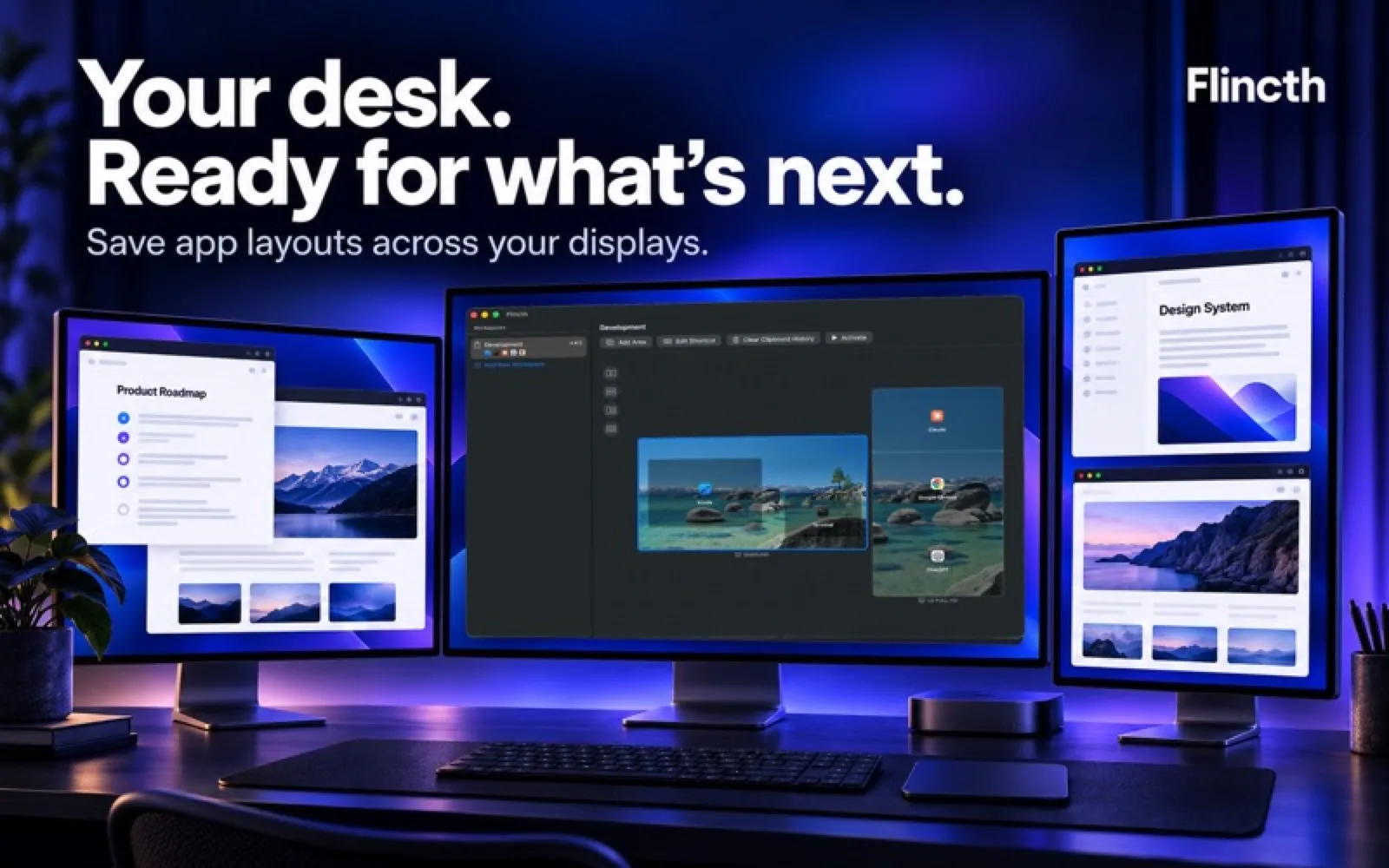
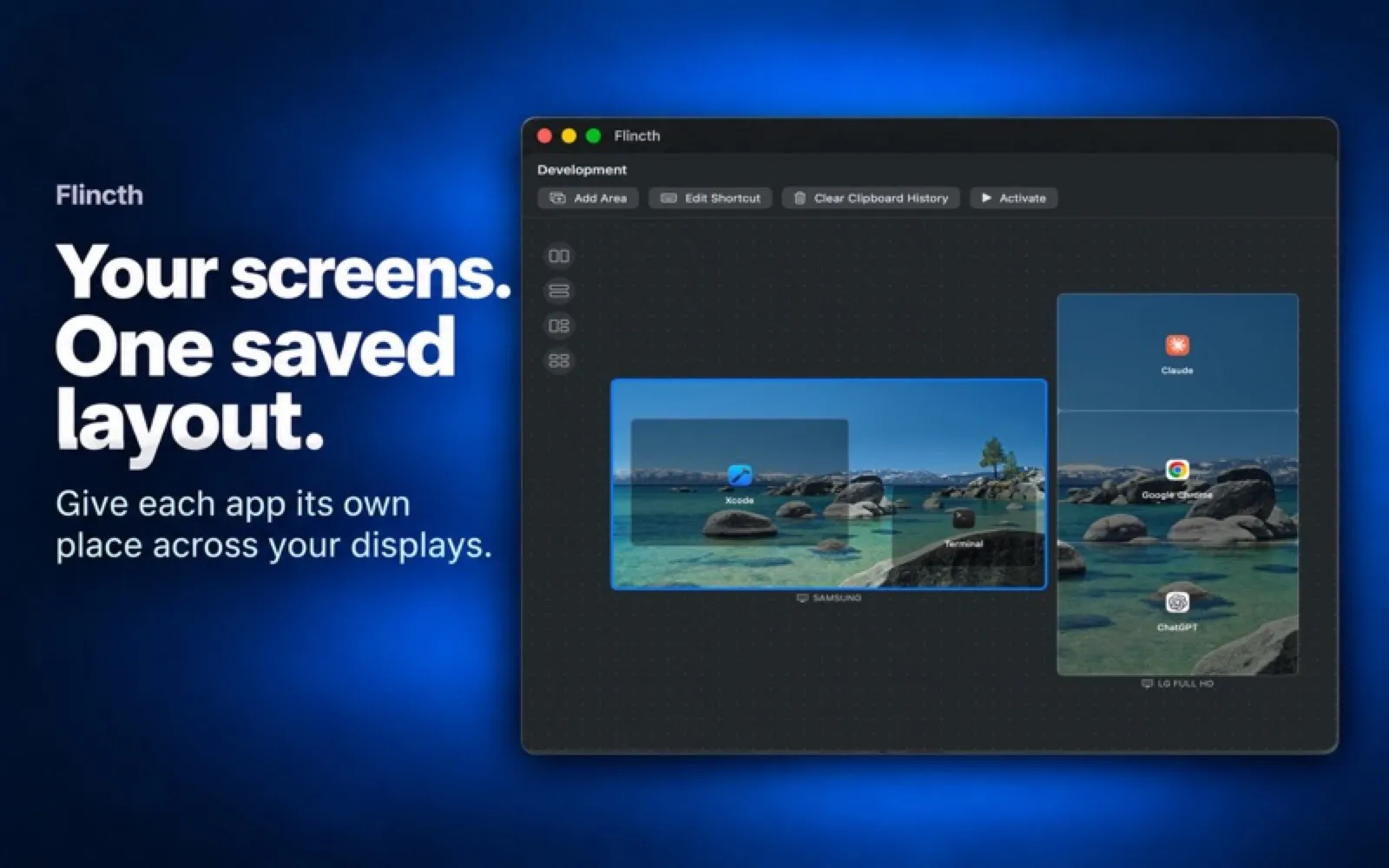
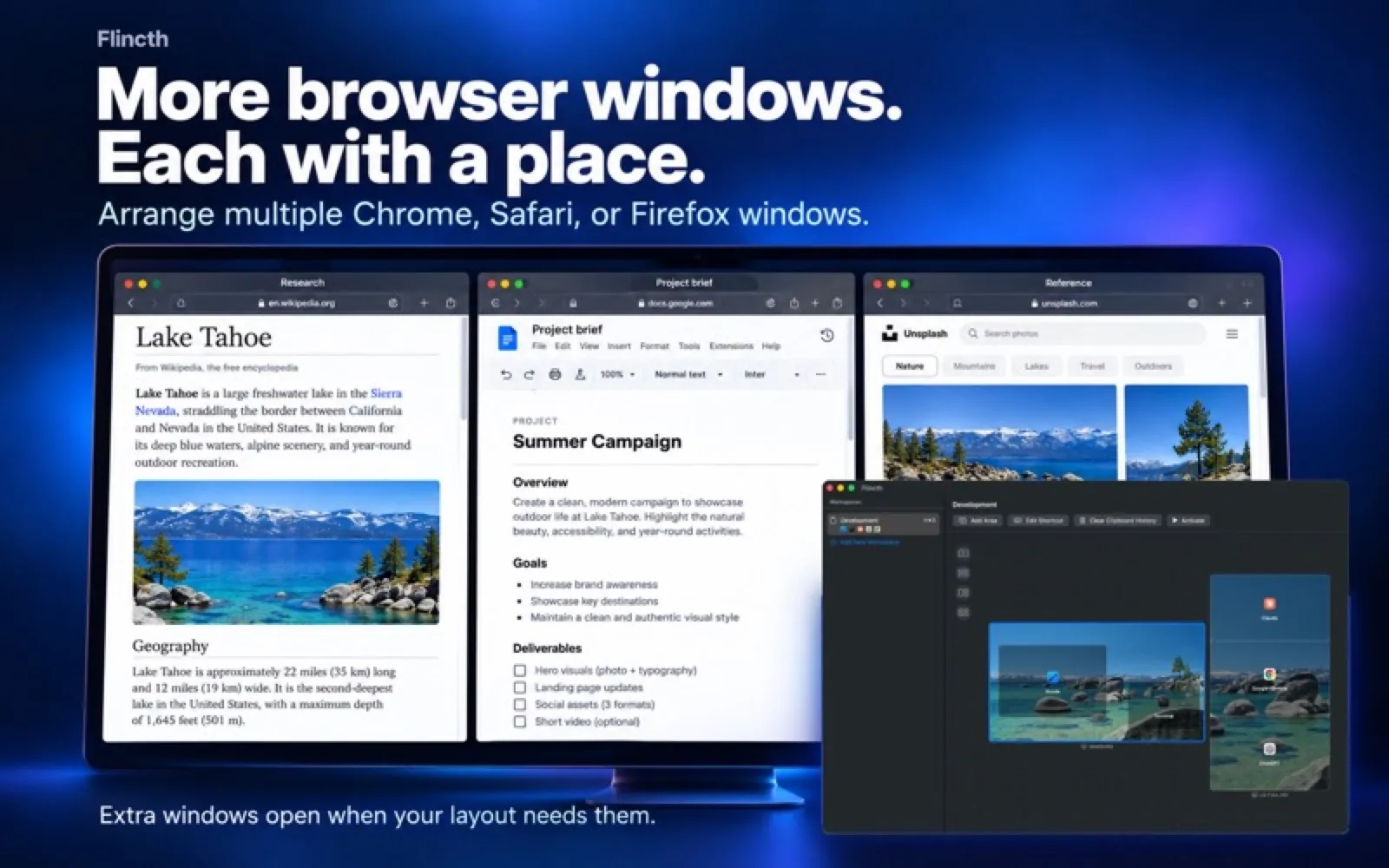
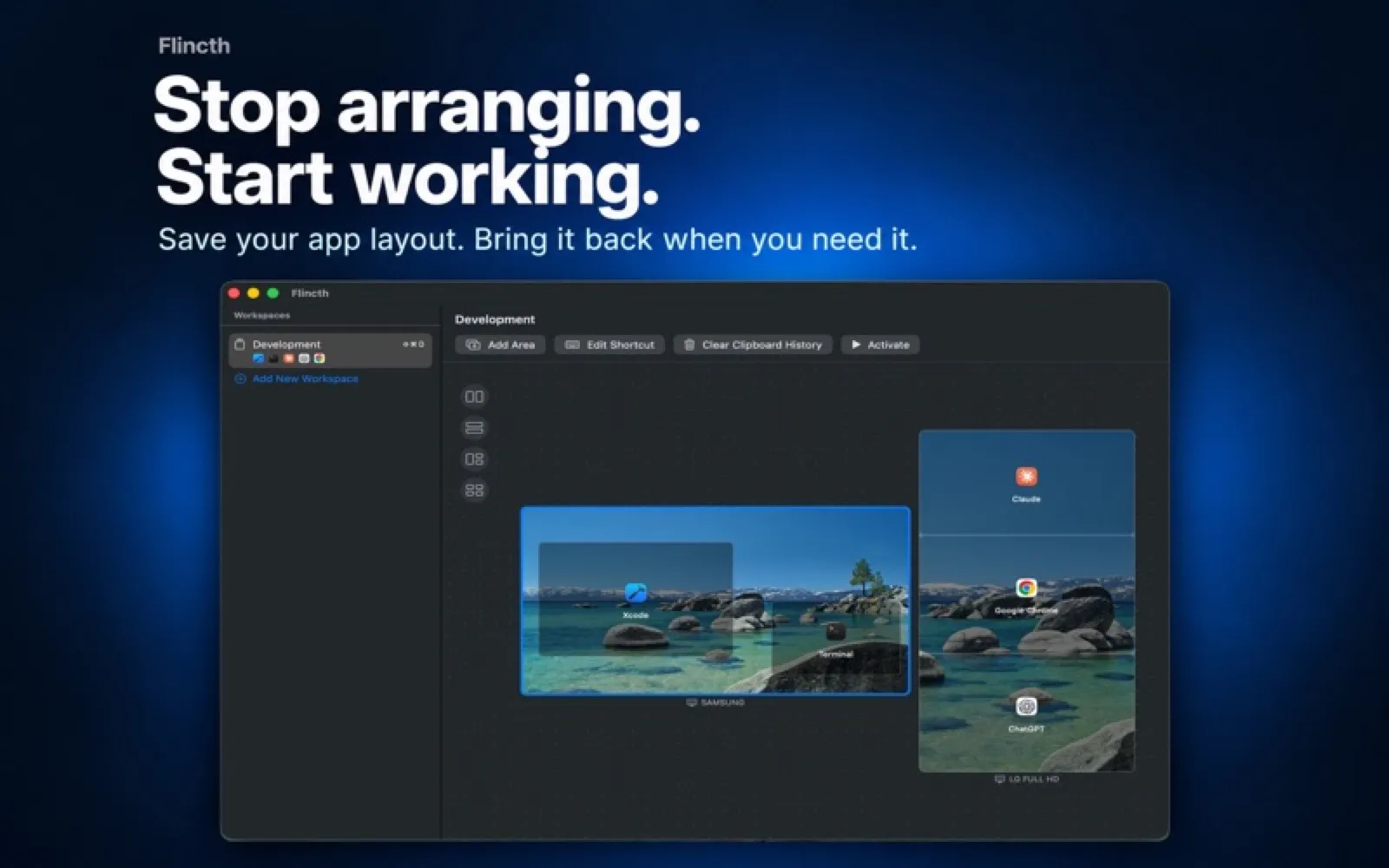
Flincth Workspace Manager keeps setups for different kinds of work, such as coding, writing or research, each with its own apps, a screen region for each app and its own text clipboard history. Activating a setup from the menu bar, a keyboard shortcut or the circular Quick Shifter places the open windows into their regions and switches to that setup's clipboard history. Displays, including ultrawide and external monitors, can be divided into regions, so windows go back where they belong after you plug a monitor in again. Window placement runs through a Flincth Apply shortcut that you install once in Apple Shortcuts, and it moves only open, non-full-screen windows on the current desktop, not between Mission Control desktops. Setups and clipboard history stay on the Mac with no account, but usage statistics go to Google Analytics for Firebase by default, with an off switch in Settings; the App Store label lists device ID, coarse location and product interaction as data linked to you. Sold through the Mac App Store; requires macOS 14 or later.
Install Flincth Workspace Manager
Download it from the links above, or install it from the Terminal:
mas install 6809227474 Mac App Store CLI: This works once your Apple Account has the app. The first time, get it from the Mac App Store.
Questions about Flincth Workspace Manager
How much does Flincth Workspace Manager cost?
Flincth Workspace Manager: One-time Mac App Store purchase, US$3.99 during its Black Friday sale (US$9.99 regular, per the developer).
Where can I download Flincth Workspace Manager for Mac?
Download Flincth Workspace Manager from the Mac App Store and the developer's website (flincth.com). MacWorthy links only to official sources.
Can I install Flincth Workspace Manager from the Terminal?
Yes. With Mac App Store CLI, run mas install 6809227474. This works once your Apple Account has the app. The first time, get it from the Mac App Store.
Which macOS version does Flincth Workspace Manager need?
The Mac App Store version of Flincth Workspace Manager requires macOS 14.0 or later.
What are good alternatives to Flincth Workspace Manager?
Other windows & desktop apps for Mac worth a look are BetterStage (free + pro), SnapState (one-time purchase), Lanes (open source) and DockLatch (one-time purchase).
Other windows & desktop apps like Flincth Workspace Manager
BetterStage
Window and workspace manager that groups each project's windows into stages across displays.
SnapState
Puts every window back where it was after sleep or a monitor swap.
Lanes
Sorts every open window by kind into lanes, with a strip to flip through each stack.
DockLatch
Keeps the macOS Dock on the display you choose.
Hand Mirror
Check your camera with one click.

Thaw
A free menu bar manager for recent macOS.
HazeOver
Dims every window except the one you're using.

PulseTiles
Window snapping that only happens while you hold ⌘.