KarmaDisk
Storage maps, duplicates and lossless photo compression.
About KarmaDisk
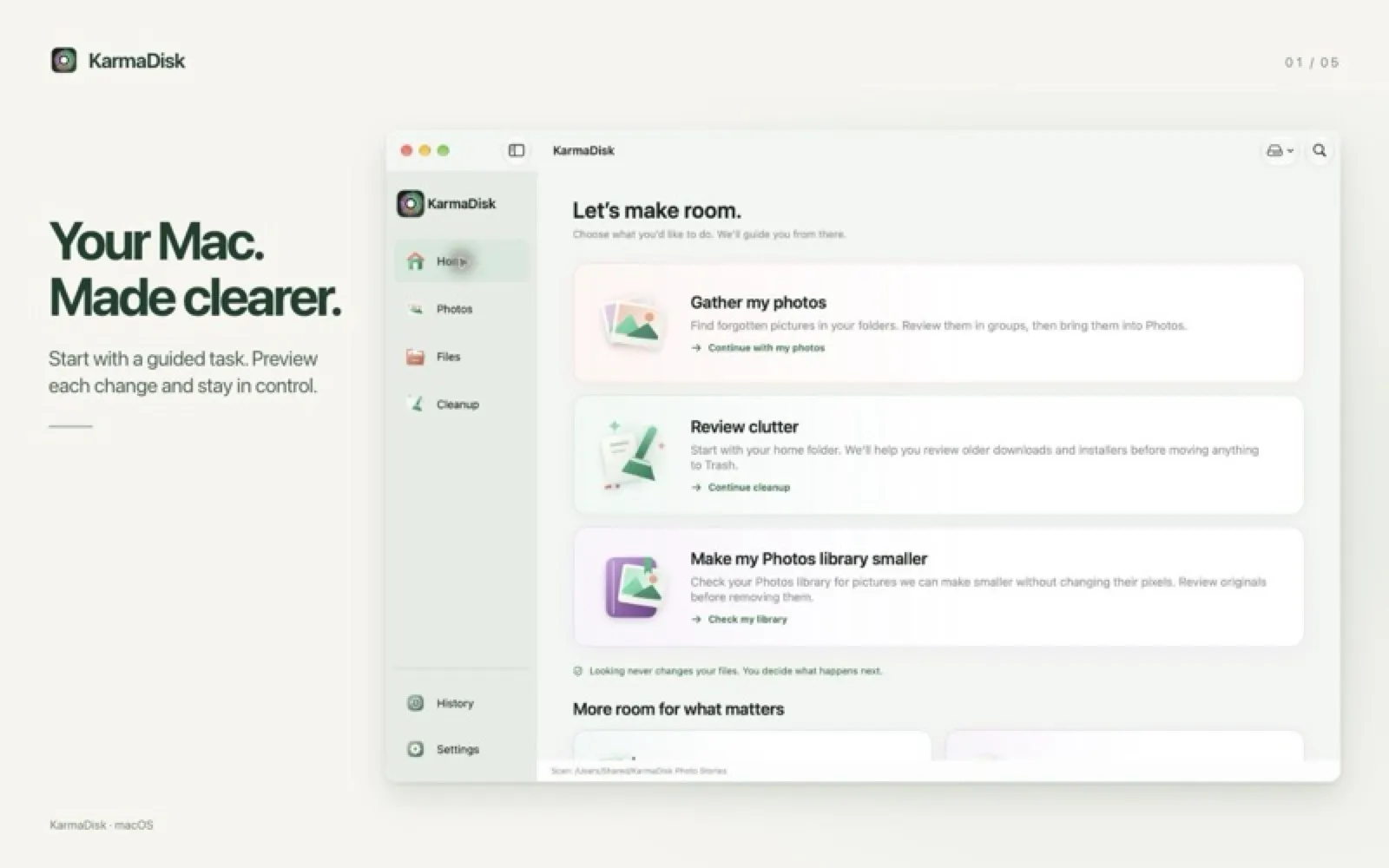
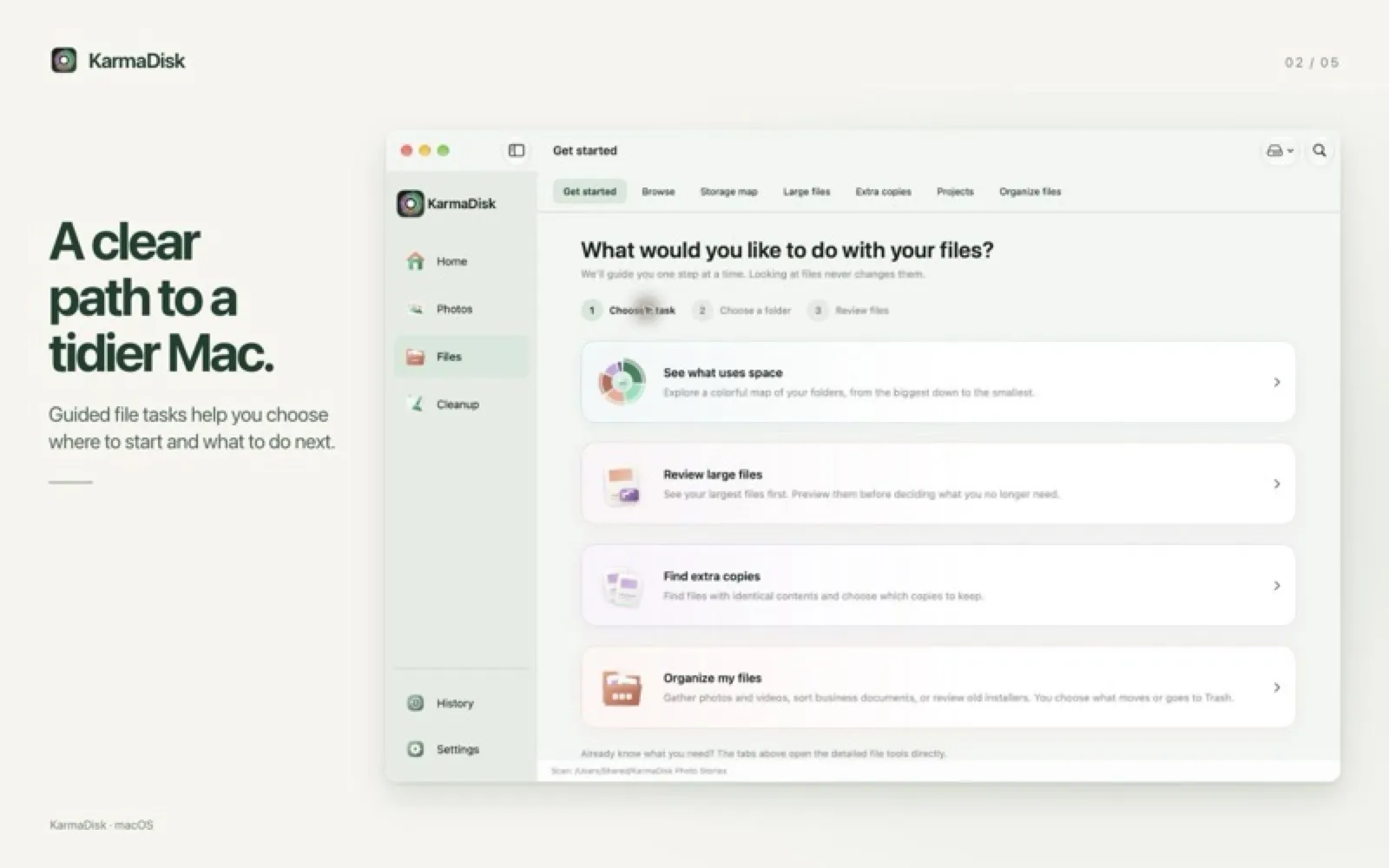
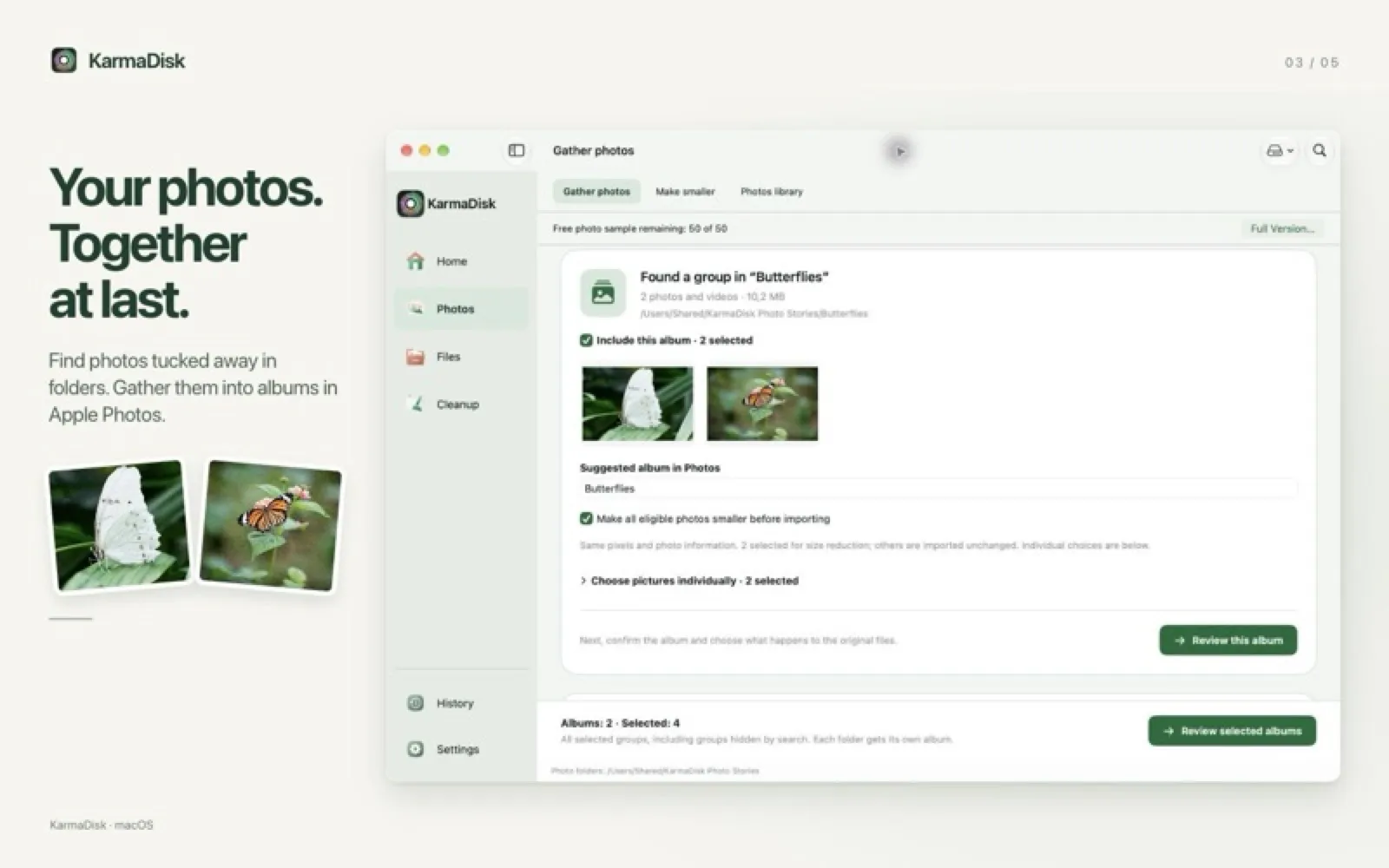
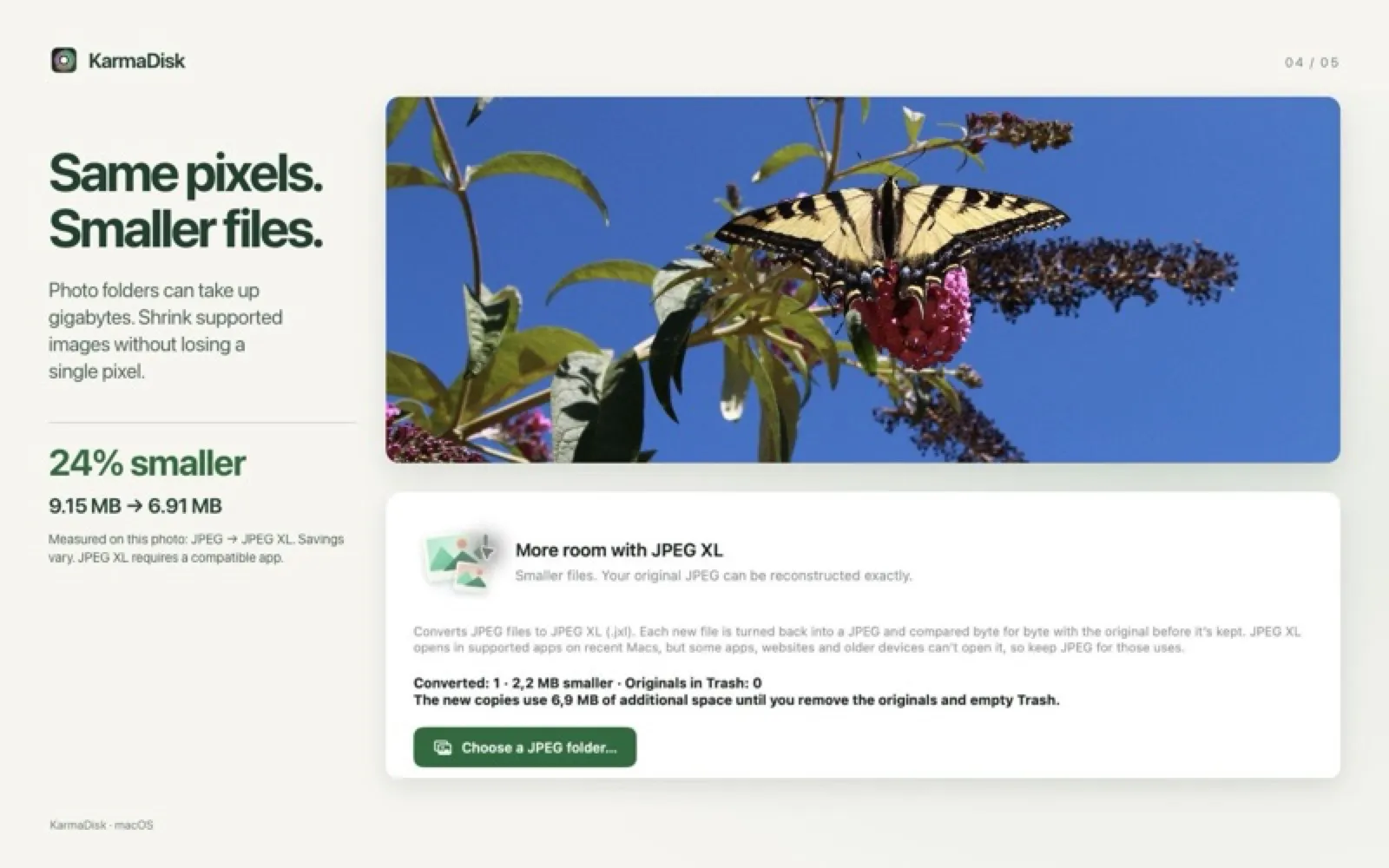
KarmaDisk maps your storage, finds duplicates and walks you through cleanup, then shrinks supported JPEG, PNG and TIFF files losslessly and checks every result. A JPEG XL workflow verifies the original JPEG can be rebuilt exactly, and photo workflows gather scattered pictures into Apple Photos, keeping the originals until you approve removing them. Free with a 50-photo sample; needs macOS 15.
Install KarmaDisk
Download it from the links above, or install it from the Terminal:
mas install 6816219976 Questions about KarmaDisk
Is KarmaDisk free?
KarmaDisk is free to download and use, with paid upgrades for extra features. Price: Free, with a one-time $9.90 Full Version (Mac App Store).
Where can I download KarmaDisk for Mac?
Download KarmaDisk from the Mac App Store and the developer's website (karmadisk.eu). MacWorthy links only to official sources.
Can I install KarmaDisk from the Terminal?
Yes. With Mac App Store CLI, run mas install 6816219976.
Which macOS version does KarmaDisk need?
The Mac App Store version of KarmaDisk requires macOS 15.0 or later.
What are good alternatives to KarmaDisk?
Other utilities apps for Mac worth a look are SpaceFix (subscription), MacClean (free), Strata Mac Cleaner (free + pro) and MacOS Cleaner (free).
Other utilities apps like KarmaDisk

SpaceFix
Shows what's safe to delete and what needs a look.

MacClean
A cleaner that knows where WeChat, QQ and AI models hide gigabytes.

Strata Mac Cleaner
Labels what's safe to clean and what to review first.
MacOS Cleaner
A free cleaner and uninstaller that shows you everything first.

Bartender 6
Organize and hide menu bar icons.

Ice
A powerful, free menu bar manager.

iStat Menus
Your Mac's vital signs, in the menu bar.

Stats
Free system monitor for the menu bar.