
SpaceFix
Shows what's safe to delete and what needs a look.
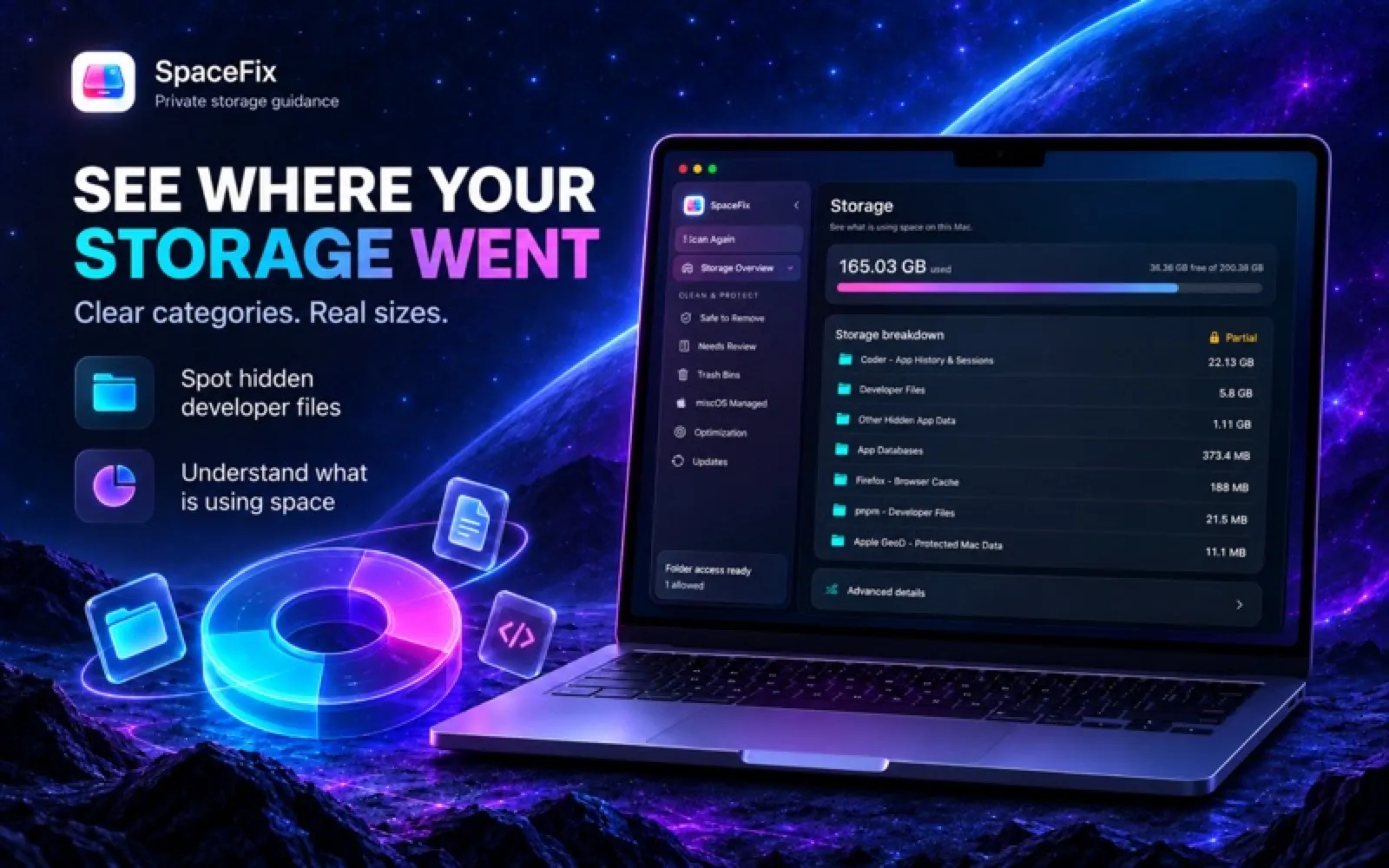

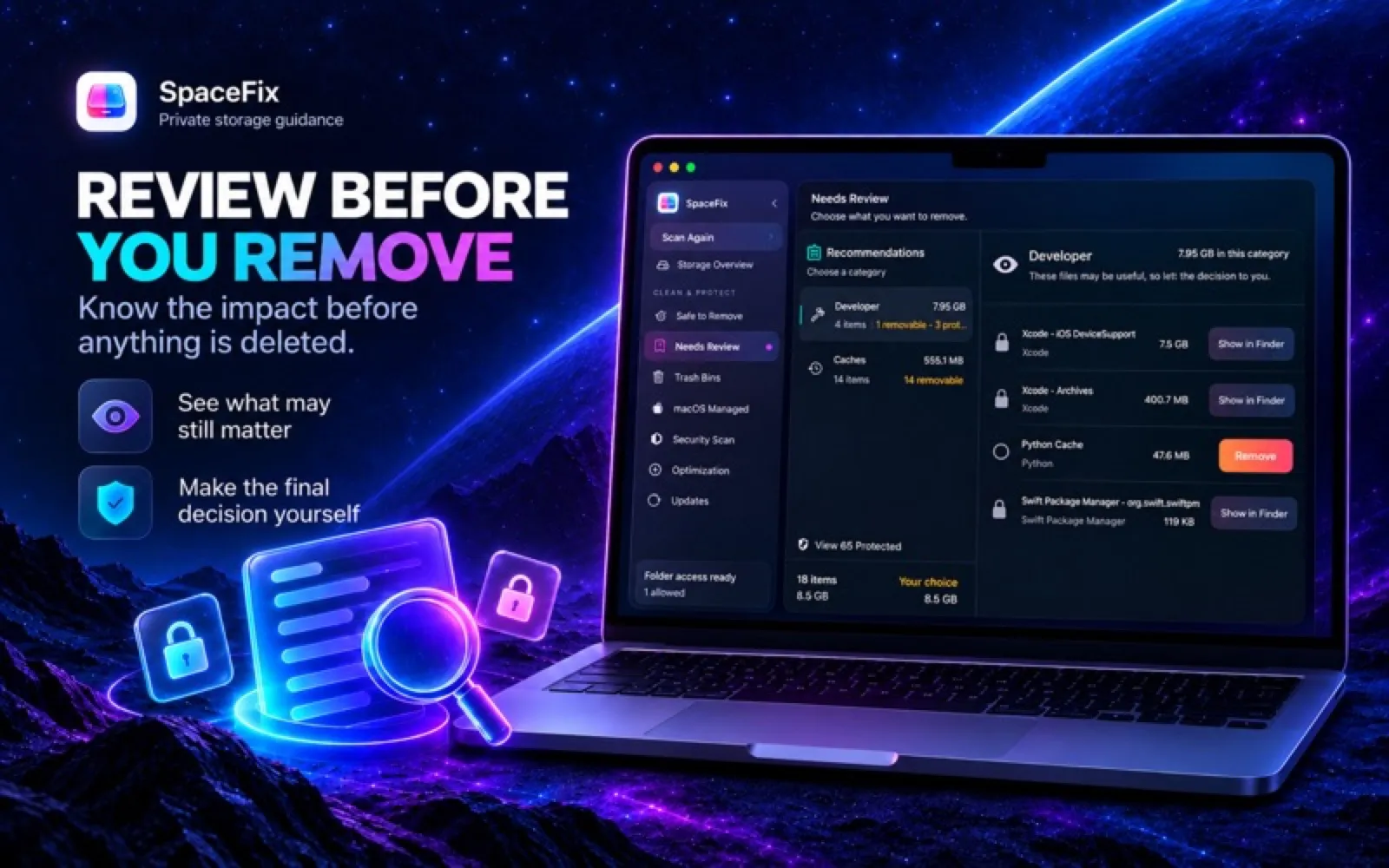
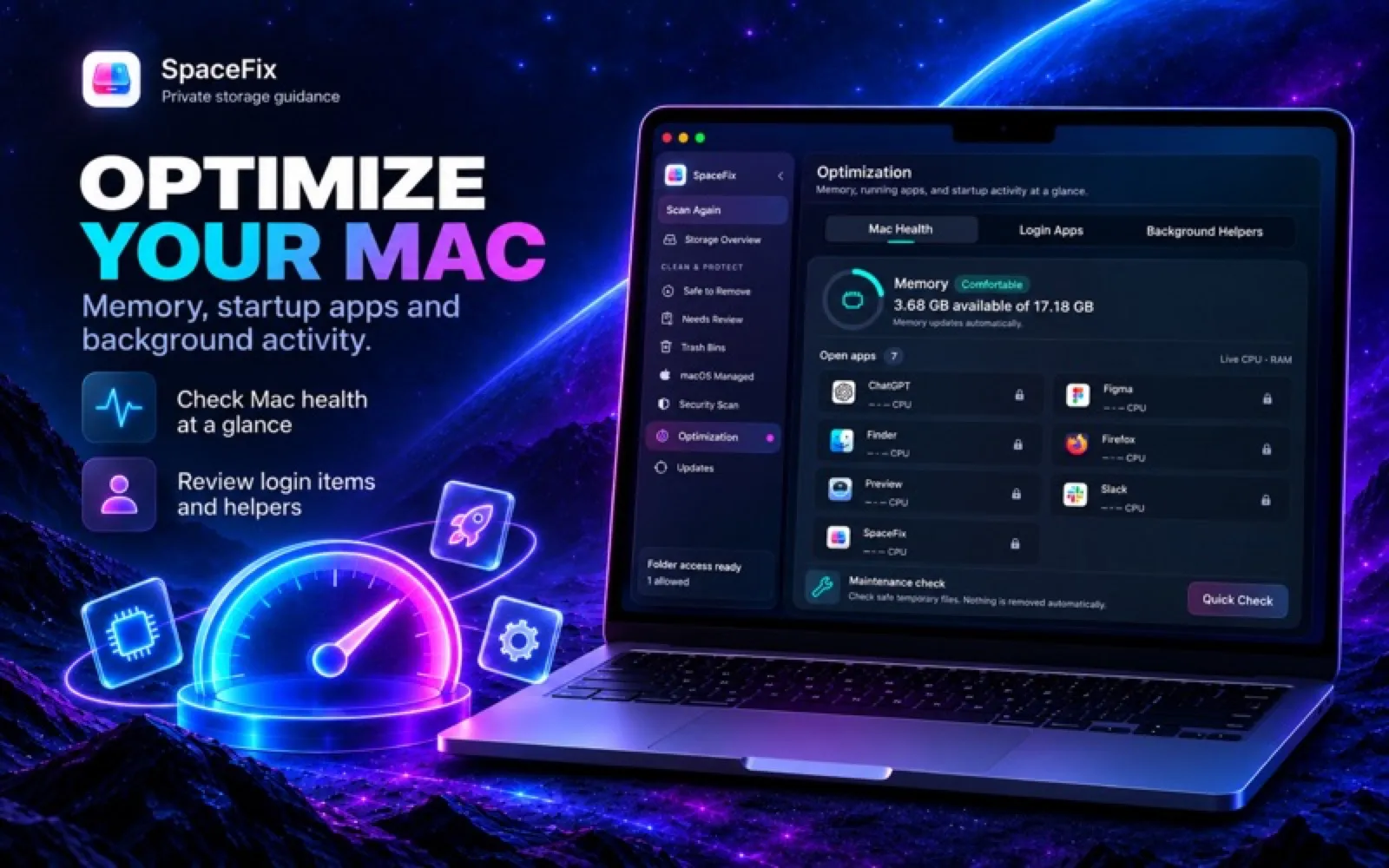
About SpaceFix
SpaceFix scans your storage and sorts what it finds into items it has verified are safe to remove, files to review first, and storage macOS manages itself, which it leaves alone. Look over the scan, then clear the eligible items in one step. Needs macOS 13 or later; a 7-day free trial for eligible new subscribers, then a monthly subscription.
Install SpaceFix
Download it from the links above, or install it from the Terminal:
mas install 6814561038 Questions about SpaceFix
Is SpaceFix free?
No. SpaceFix is sold as a subscription; the Mac App Store download is free and the subscription is bought inside the app. Price: 7-day free trial for eligible new subscribers, then $3.99/month.
Where can I download SpaceFix for Mac?
Download SpaceFix from the Mac App Store and the developer's website (macspacefix.com). MacWorthy links only to official sources.
Can I install SpaceFix from the Terminal?
Yes. With Mac App Store CLI, run mas install 6814561038.
Which macOS version does SpaceFix need?
The Mac App Store version of SpaceFix requires macOS 13.0 or later.
What are good alternatives to SpaceFix?
Other utilities apps for Mac worth a look are Mole (one-time purchase), Purge (open source), MacClean (free) and Strata Mac Cleaner (free + pro).
Other utilities apps like SpaceFix
Mole
Cleanup, uninstalls and system stats in one window.

Purge
A careful Mac cleaner that uses the Trash.

MacClean
A cleaner that knows where WeChat, QQ and AI models hide gigabytes.
Strata Mac Cleaner
Labels what's safe to clean and what to review first.
KarmaDisk
Storage maps, duplicates and lossless photo compression.
MacOS Cleaner
A free cleaner and uninstaller that shows you everything first.

Bartender 6
Organize and hide menu bar icons.

Ice
A powerful, free menu bar manager.