
LottieGo
Shrink Lottie JSON and export it as MP4, transparent MOV or GIF.
About LottieGo
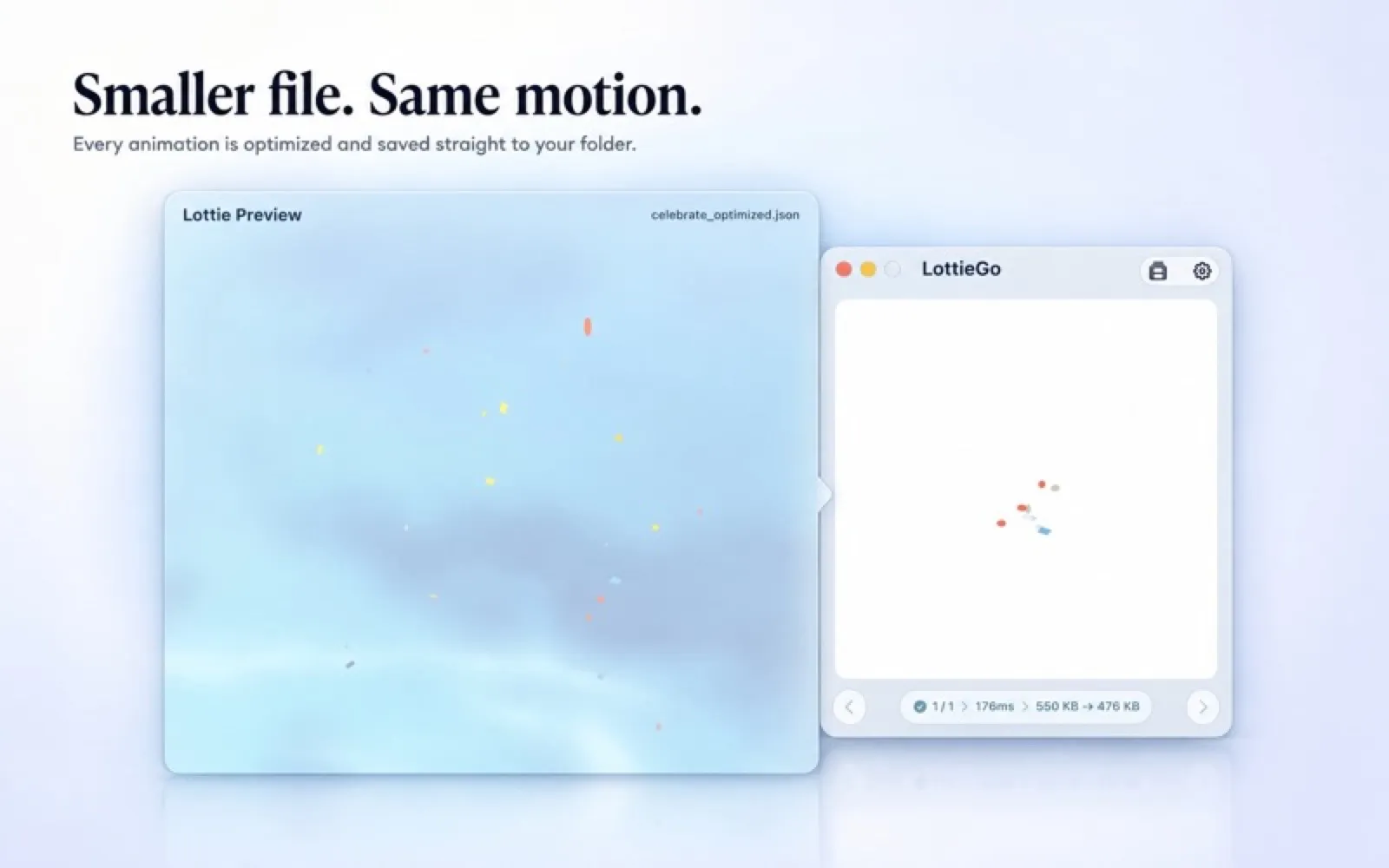
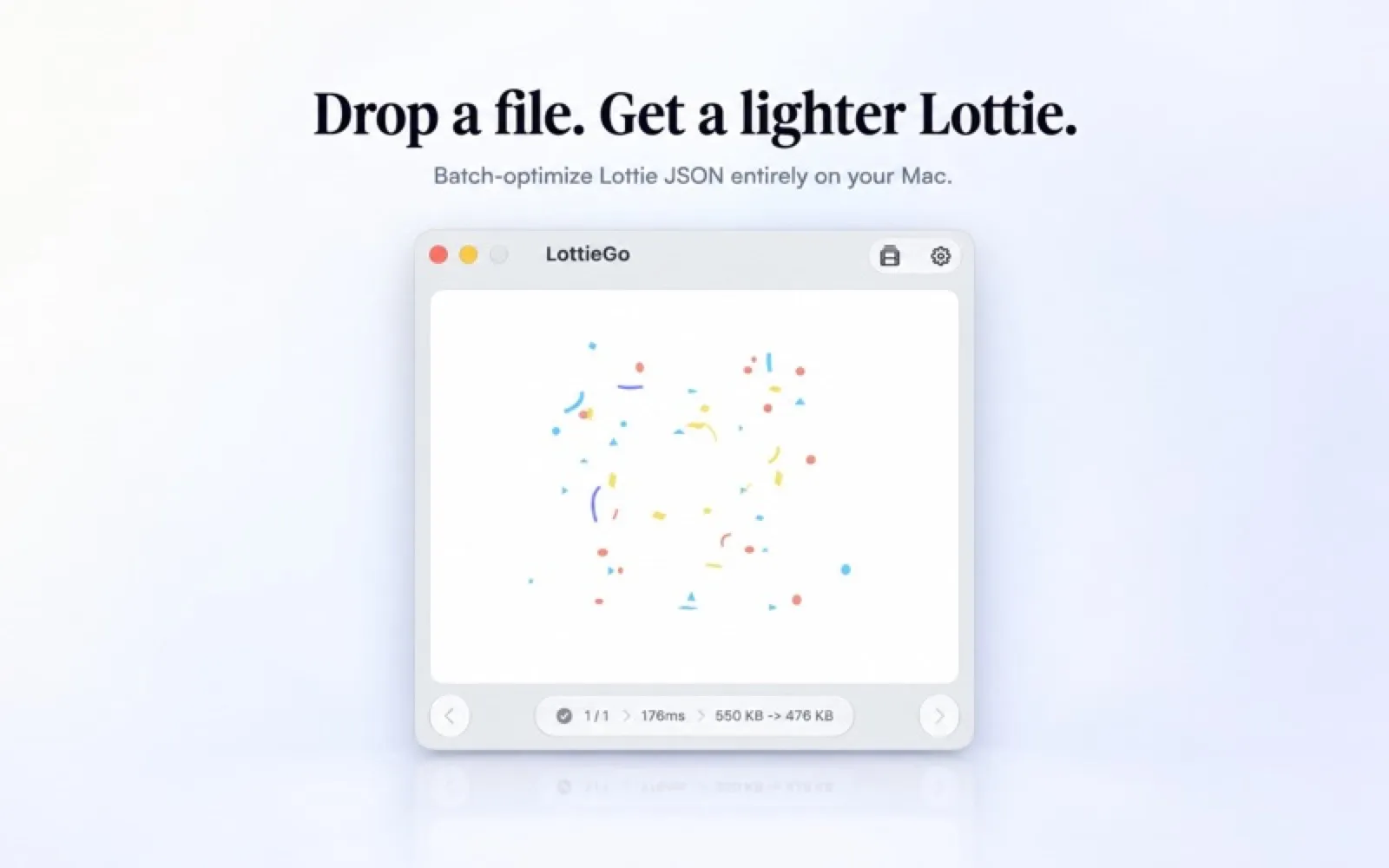
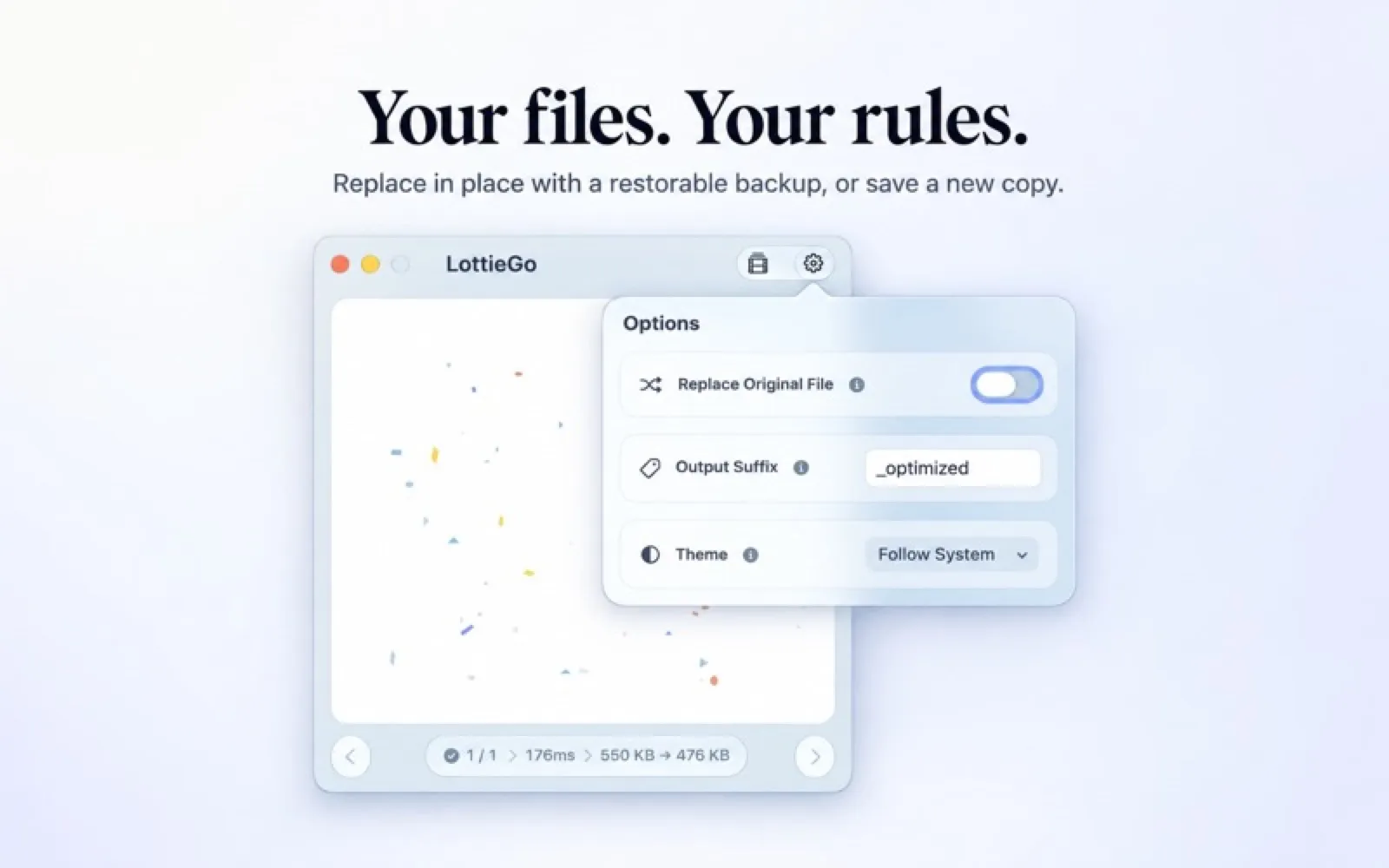
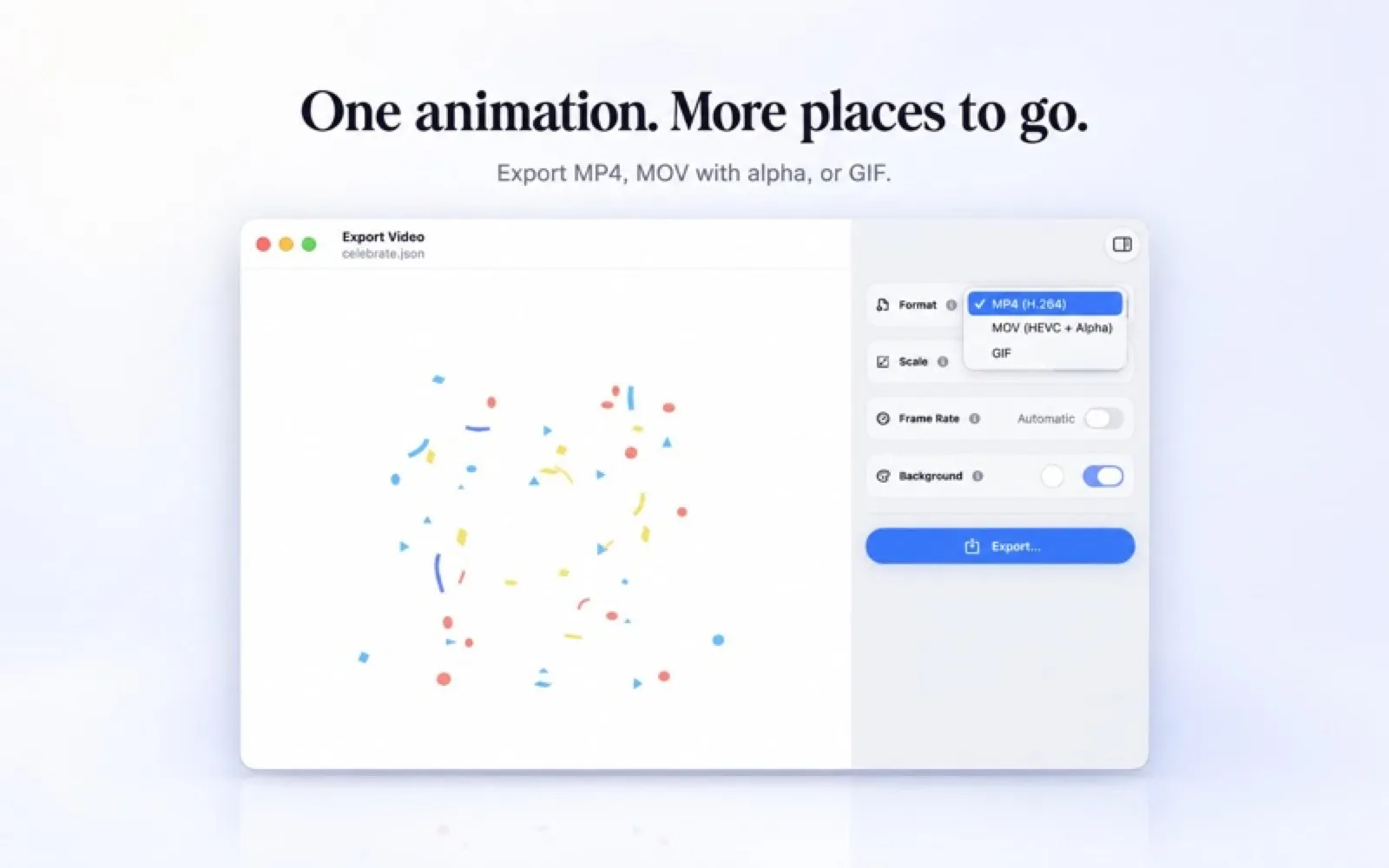
LottieGo trims Lottie animation files by removing redundant metadata and hidden layers and rounding numbers the animation doesn't need, then shows the old and new size next to a preview so you can check nothing broke before saving. It can save a copy with your own suffix or replace the original with a local backup you can restore, and copy the optimized JSON straight to the clipboard. The same files export as H.264 MP4, HEVC MOV with transparency or looping GIF, with a chosen scale, frame rate and background. The free version optimizes up to five files per batch and includes three video or GIF exports per Mac; Pro, a one-time purchase, removes both limits and adds Shortcuts actions and lottiego:// URLs. Files are processed on the Mac without an account, and the App Store label says no data is collected. Mac App Store only; requires macOS 14 or later.
Install LottieGo
Download it from the links above, or install it from the Terminal:
mas install 6813296384 Mac App Store CLI: This works once your Apple Account has the app. The first time, get it from the Mac App Store.
Questions about LottieGo
Is LottieGo free?
LottieGo is free to download and use, with paid upgrades for extra features. Price: Free; LottieGo Pro is a one-time $4.99 in-app purchase (US price, Mac App Store).
Where can I download LottieGo for Mac?
Download LottieGo from the Mac App Store and the developer's website (lottiego.com). MacWorthy links only to official sources.
Can I install LottieGo from the Terminal?
Yes. With Mac App Store CLI, run mas install 6813296384. This works once your Apple Account has the app. The first time, get it from the Mac App Store.
Which macOS version does LottieGo need?
The Mac App Store version of LottieGo requires macOS 14.0 or later.
What are good alternatives to LottieGo?
Other design & photo apps for Mac worth a look are Rotato (subscription), Pixelmator Pro (one-time purchase), PixRoom (free + pro) and Flipic Lens (free + pro).
Other design & photo apps like LottieGo

Rotato
Animated 3D device mockups in minutes.
Pixelmator Pro
A pro image editor, built entirely for the Mac.

PixRoom
Local photo and video library manager with on-device AI search.

Flipic Lens
A fast photo viewer and culling tool that works straight from your folders.

Affinity
Pro vector, pixel and layout tools in one app.

Sketch
The native interface design tool.

Acorn
The image editor for humans.
Photomator
Powerful photo editing for your Photos library.