OneFocus
A focus timer that hides chosen apps and websites, with history synced through iCloud.
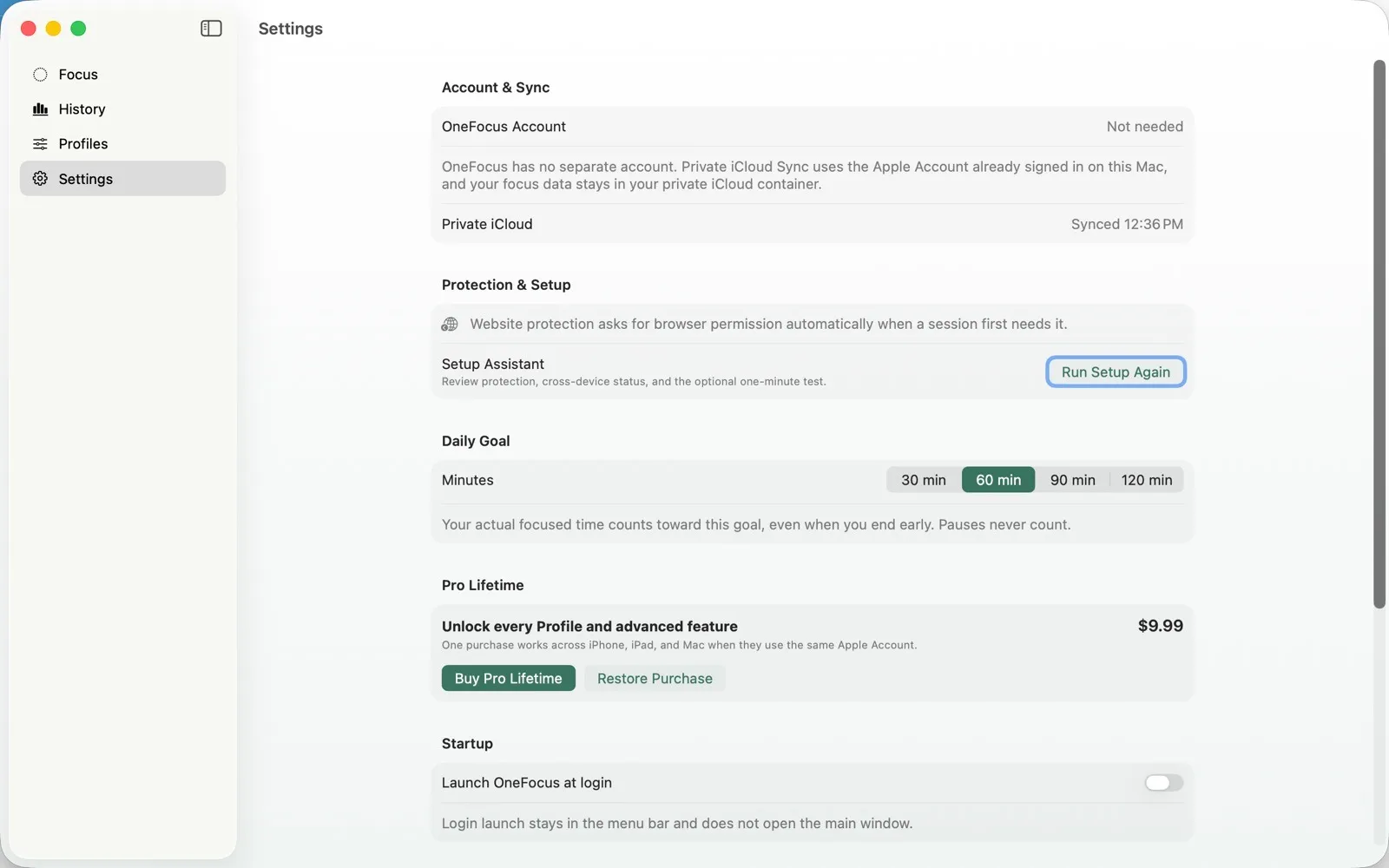
About OneFocus
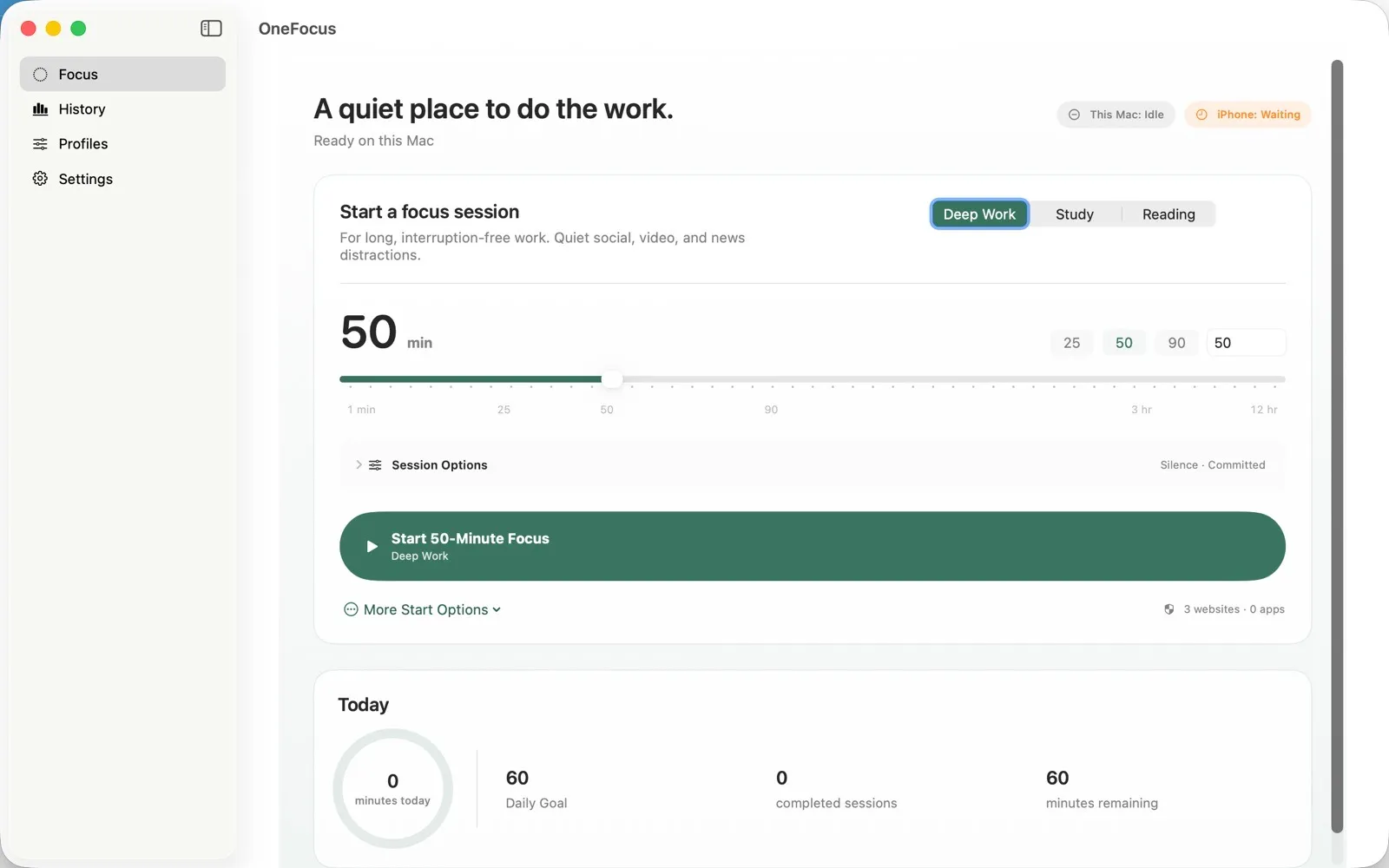
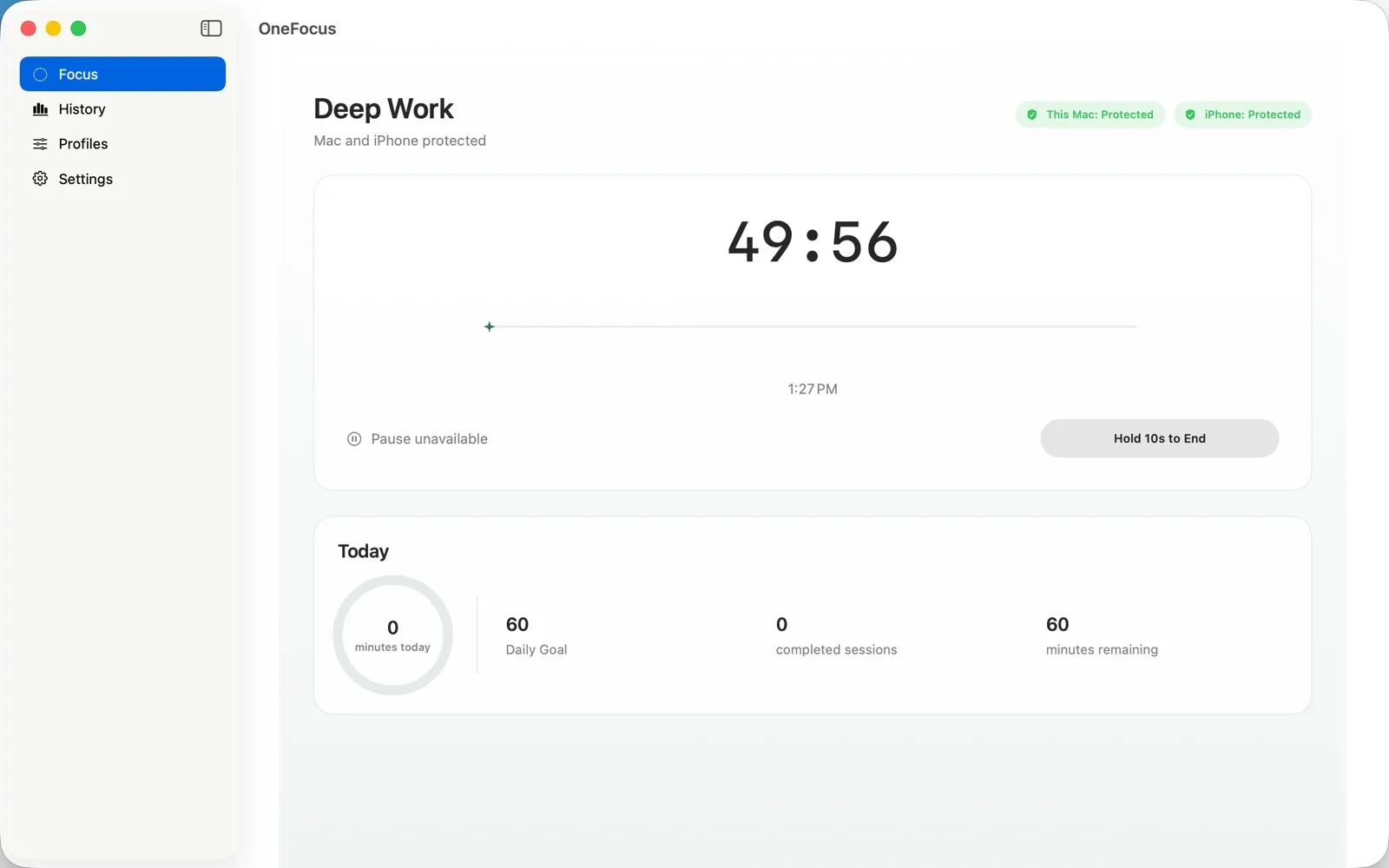
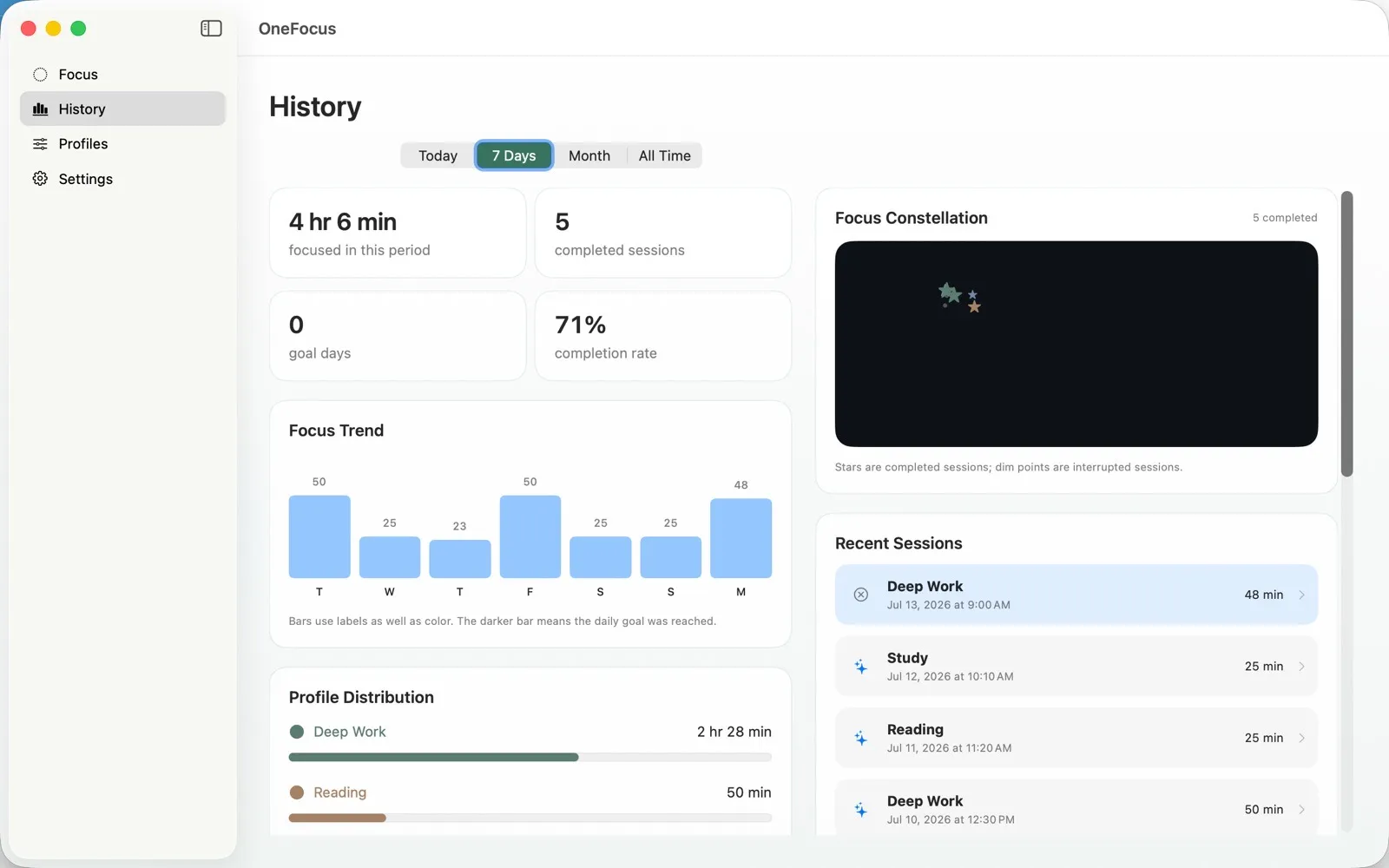
OneFocus starts a focus session from its window or the menu bar, for 25, 50 or 90 minutes or a custom length, with Profiles such as Deep Work, Study and Reading, and records only the time you actually focused. During a session it hides the apps you pick and, through Automation access you approve, redirects blocked websites in supported browsers; an optional Committed mode quits chosen apps after a 10-second save window. It never edits the hosts file or installs a privileged helper. Sessions, Profiles, schedules and history sync through your own iCloud, with no OneFocus account, and the App Store label says no data is collected. The free version has one custom Profile, four sounds and recent history; Pro Lifetime adds unlimited Profiles, repeating schedules, full history, Committed mode, advanced Shortcuts and export. Mac App Store only; needs macOS 14 or later.
Install OneFocus
Download it from the links above, or install it from the Terminal:
mas install 6790143964 Mac App Store CLI: This works once your Apple Account has the app. The first time, get it from the Mac App Store.
Questions about OneFocus
Is OneFocus free?
OneFocus is free to download and use, with paid upgrades for extra features. Price: Free; Pro Lifetime is a $9.99 one-time in-app purchase shared with iPhone and iPad (US price).
Where can I download OneFocus for Mac?
Download OneFocus from the Mac App Store and the developer's website (oneapps.studio). MacWorthy links only to official sources.
Can I install OneFocus from the Terminal?
Yes. With Mac App Store CLI, run mas install 6790143964. This works once your Apple Account has the app. The first time, get it from the Mac App Store.
Which macOS version does OneFocus need?
The Mac App Store version of OneFocus requires macOS 14.0 or later.
What are good alternatives to OneFocus?
Other productivity apps for Mac worth a look are TimeGo Clock (one-time purchase), DeskMinder (free + pro), Session (free + pro) and Amnesia (one-time purchase).
Other productivity apps like OneFocus
TimeGo Clock
A tiny menu bar countdown timer with chained timers and a floating HUD.
DeskMinder
Quick desktop reminders with full-screen alerts that are hard to miss.

Session
A focus timer that blocks the noise.

Amnesia
Asks why you opened a distracting app and keeps the answer on screen.
DropToDo
Set a reminder by dragging down from the menu bar: the distance is the time.
Fadeclock
A slide-friendly timer that shows when an activity ends, with music that fades out before time's up.

Blinkivo
A menu bar eye-break timer that can pause for, or run only with, the apps you choose.
Things 3
The task manager that feels like paper, only smarter.