PrintCalm
Lay out photos at real print sizes, from a framed print to a sheet of ID photos.
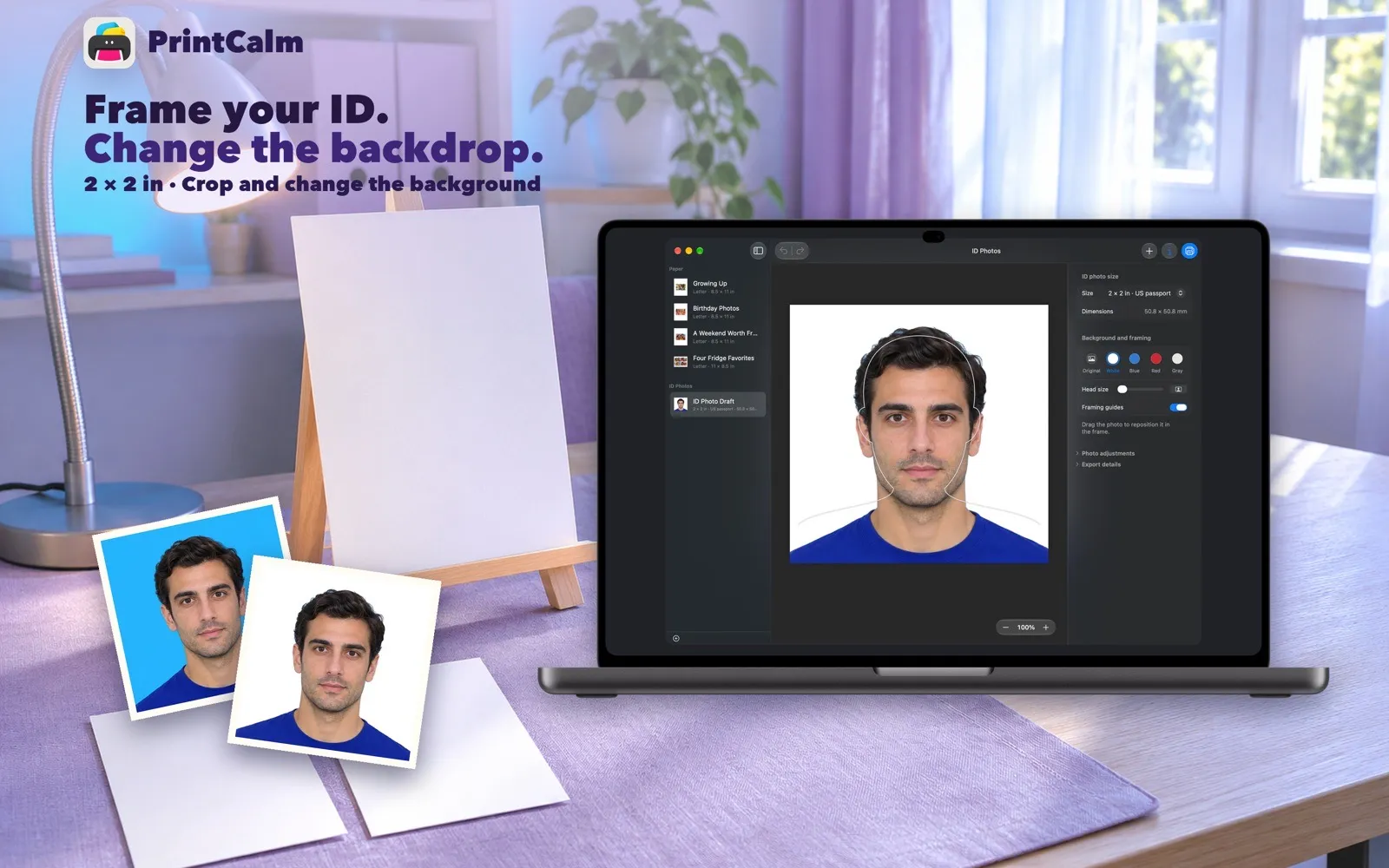
About PrintCalm
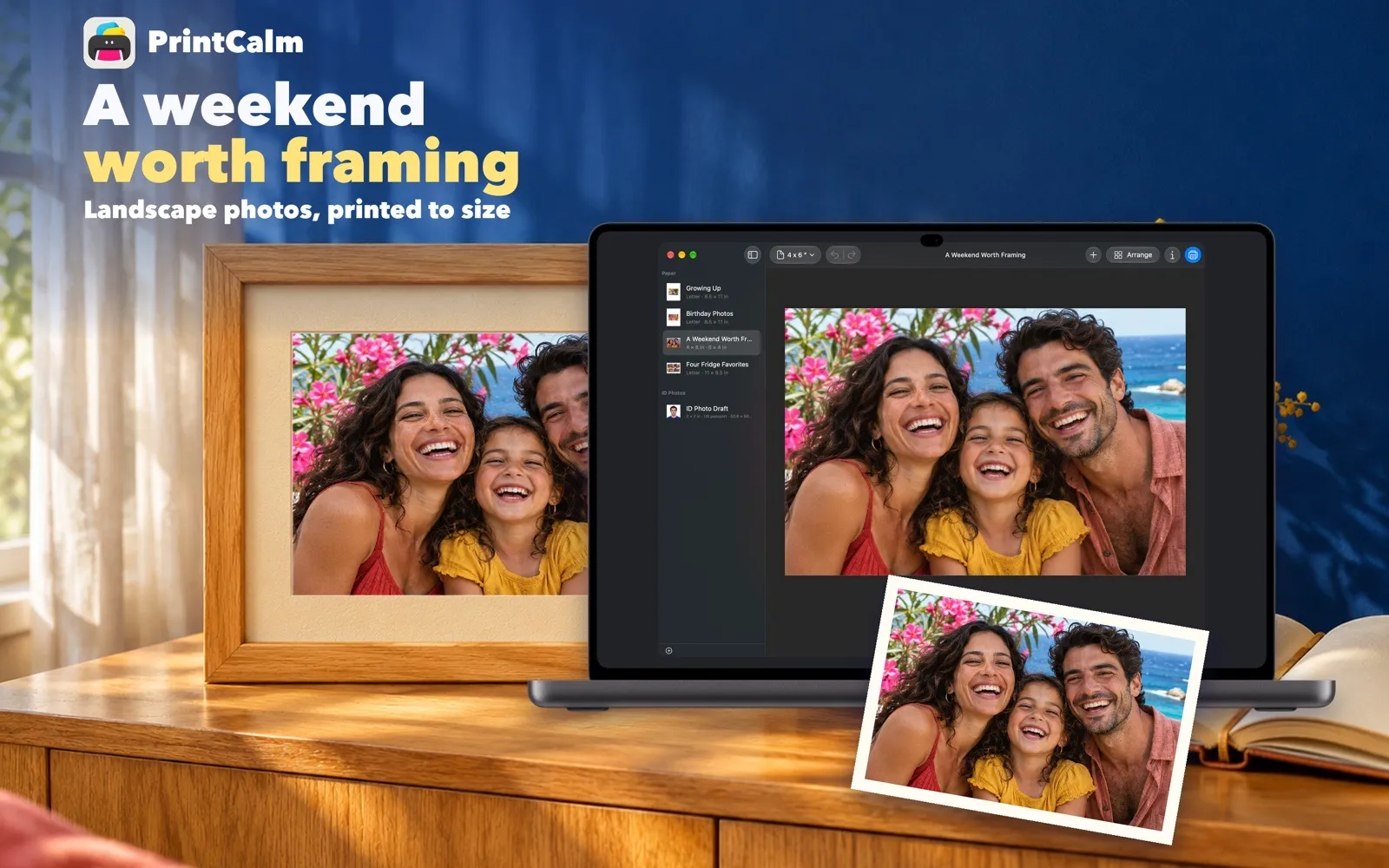
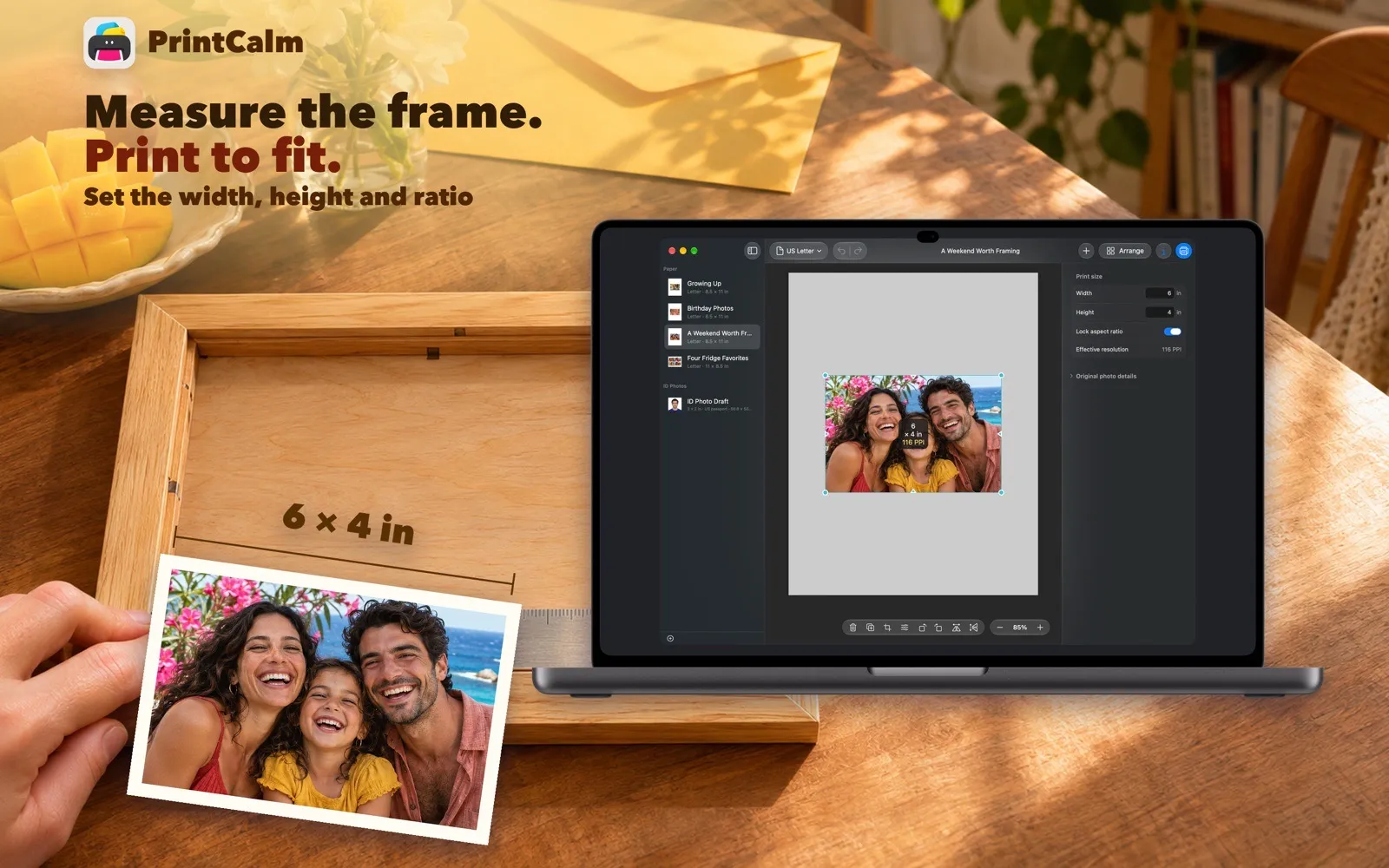
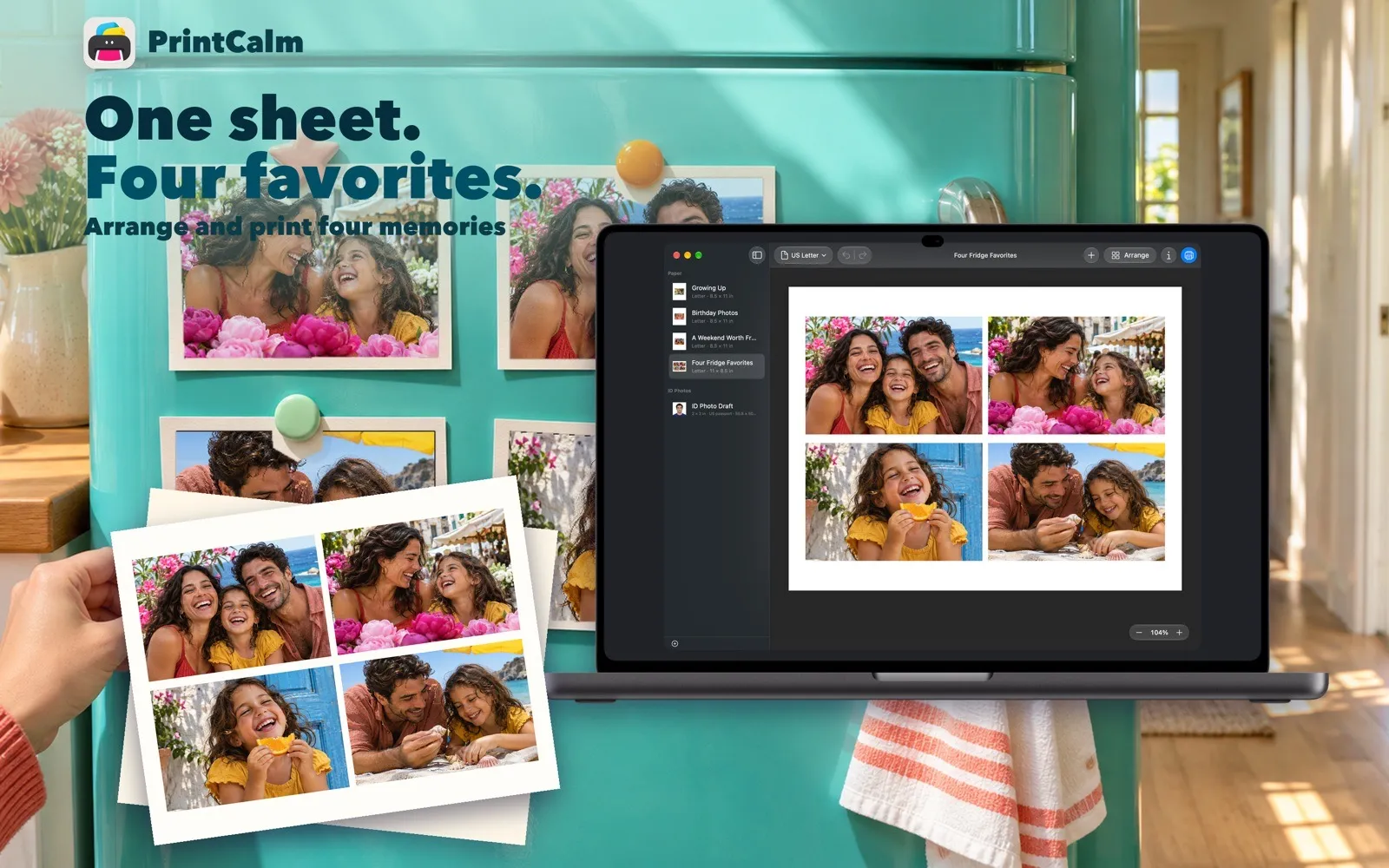
PrintCalm lays out photos by physical size: set the paper and each photo's dimensions in inches, centimetres or millimetres, choose from common photo papers, Letter, A4 and more, then use automatic layouts and templates or move, crop, rotate and fine-tune photos by hand. ID photo presets or a custom size let you frame a portrait and preview several copies on one sheet. Before you print it shows the layout and the effective resolution, then prints through the system print dialog or saves a PDF or JPG. Pages and ID photo drafts stay on the device and your original photos are left untouched; there is no account, and the App Store label says Data Not Collected. It is one purchase for Mac, iPhone and iPad, first released in November 2026. Sold through the Mac App Store; requires macOS 14 or later.
Install PrintCalm
Download it from the links above, or install it from the Terminal:
mas install 6829440421 Mac App Store CLI: This works once your Apple Account has the app. The first time, get it from the Mac App Store.
Questions about PrintCalm
Is PrintCalm free?
PrintCalm is free to download and use, with paid upgrades for extra features. Price: Free; PrintCalm Pro is a US$3.99 one-time in-app purchase.
Where can I download PrintCalm for Mac?
Download PrintCalm from the Mac App Store and the developer's website (apps.apple.com). MacWorthy links only to official sources.
Can I install PrintCalm from the Terminal?
Yes. With Mac App Store CLI, run mas install 6829440421. This works once your Apple Account has the app. The first time, get it from the Mac App Store.
Which macOS version does PrintCalm need?
The Mac App Store version of PrintCalm requires macOS 14.0 or later.
What are good alternatives to PrintCalm?
Other design & photo apps for Mac worth a look are Pixelmator Pro (one-time purchase), PixRoom (free + pro), Flipic Lens (free + pro) and Affinity (free).
Other design & photo apps like PrintCalm
Pixelmator Pro
A pro image editor, built entirely for the Mac.
PixRoom
Local photo and video library manager with on-device AI search.
Flipic Lens
A fast photo viewer and culling tool that works straight from your folders.

Affinity
Pro vector, pixel and layout tools in one app.

Sketch
The native interface design tool.

Acorn
The image editor for humans.
Photomator
Powerful photo editing for your Photos library.

Darkroom
A fast, flexible photo and video editor.