Rugberry
A cloth-simulated rug over your desktop clutter, with a corner you can lift.
About Rugberry
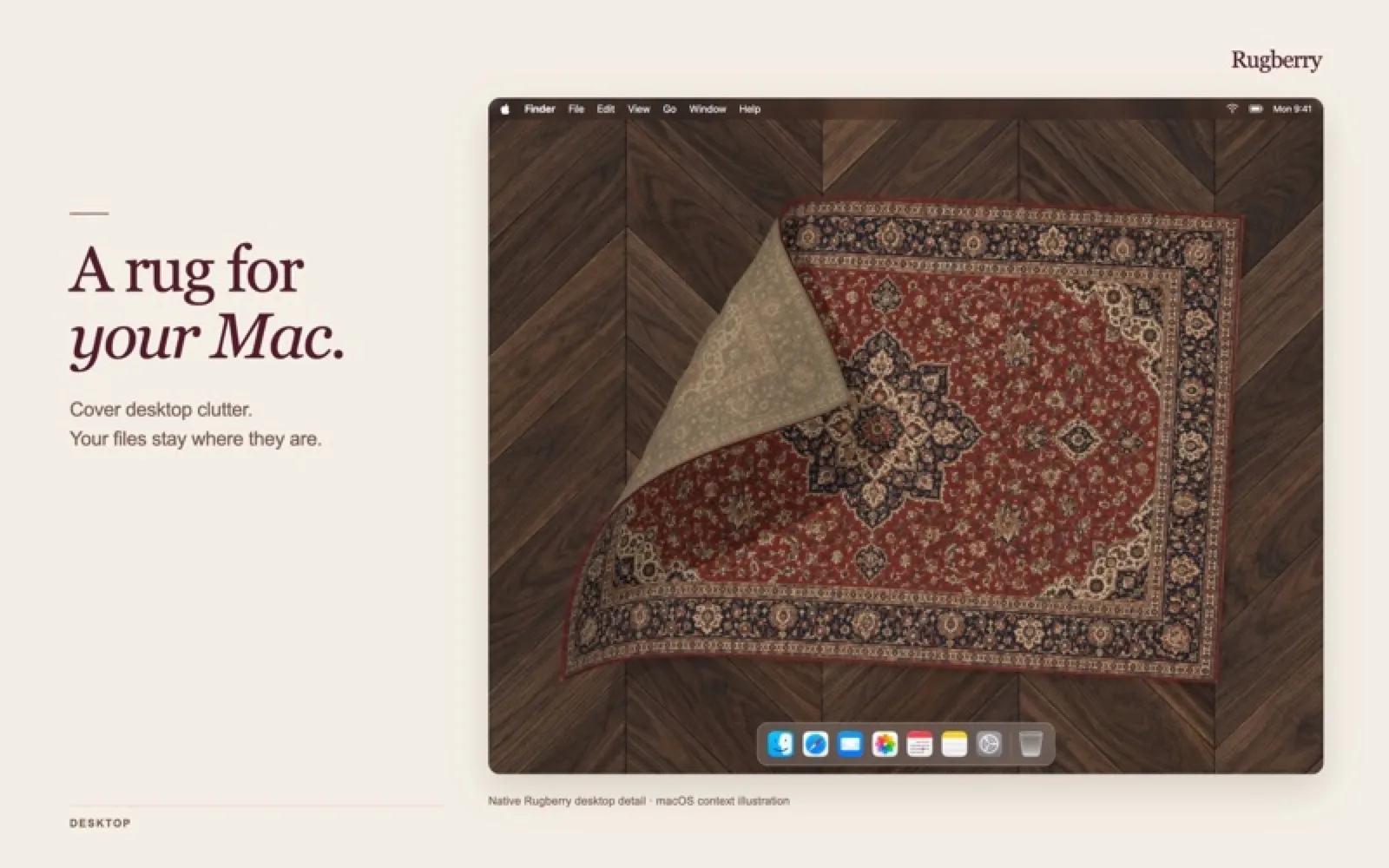
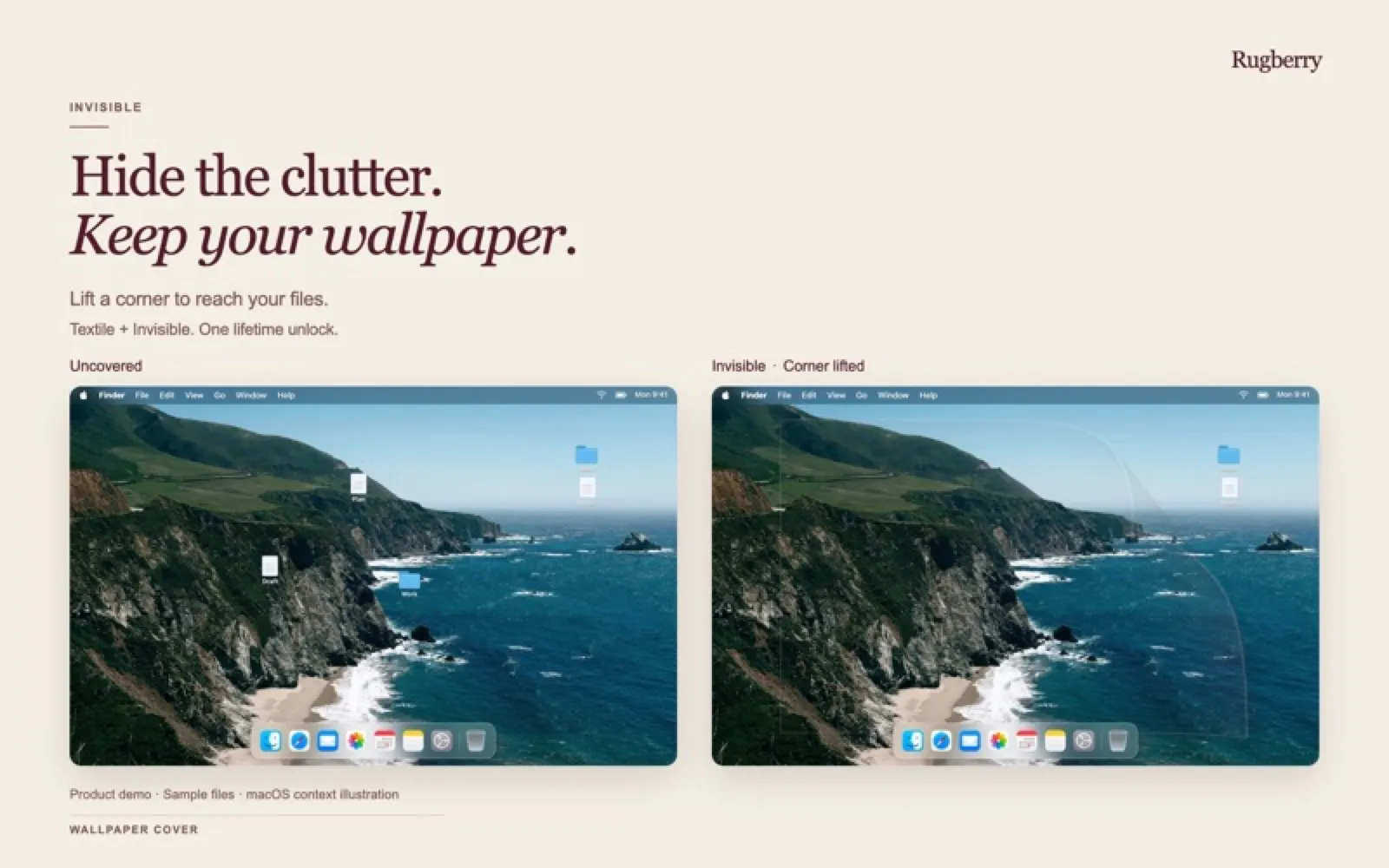
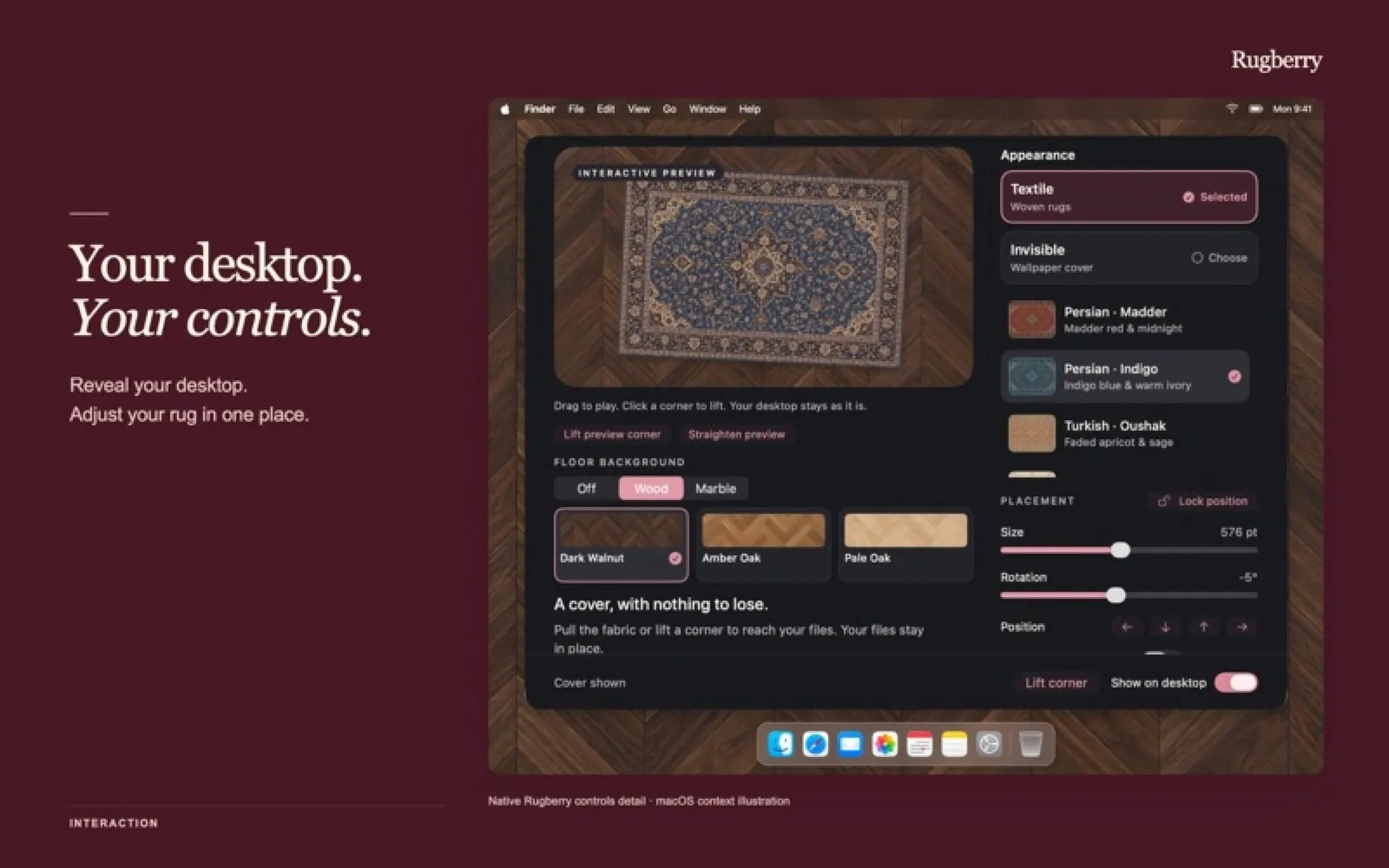
Rugberry is a menu bar app that lays a cloth-simulated rug over part of the desktop, which you can pull, fold and lift by a corner to reach the files underneath; it never moves, deletes or changes them. It comes with ten textile designs and five optional wood and marble finishes, plus an Invisible mode that matches a supported static wallpaper so the covered icons seem to disappear; for that it reads the wallpaper image on the Mac and may ask you to pick the file. It shows one cover on one display at a time, and it is a visual cover, not a privacy screen for screen sharing or recordings. There is no account; RevenueCat verifies the purchase, and usage events with a random app identifier go to PostHog by default, which you can turn off in its Privacy settings. You can try it free inside the app window, and a one-time $4.99 in-app purchase puts it on the desktop. Mac App Store only; requires macOS 14 or later and a Metal-capable Mac.
Install Rugberry
Download it from the links above, or install it from the Terminal:
mas install 6823999873 Mac App Store CLI: This works once your Apple Account has the app. The first time, get it from the Mac App Store.
Questions about Rugberry
How much does Rugberry cost?
Rugberry: Free to try inside the app window; $4.99 one-time in-app unlock to use it on the desktop.
Where can I download Rugberry for Mac?
Download Rugberry from the Mac App Store and the developer's website (rugberry.brry.co). MacWorthy links only to official sources.
Can I install Rugberry from the Terminal?
Yes. With Mac App Store CLI, run mas install 6823999873. This works once your Apple Account has the app. The first time, get it from the Mac App Store.
Which macOS version does Rugberry need?
The Mac App Store version of Rugberry requires macOS 14.0 or later.
What are good alternatives to Rugberry?
Other windows & desktop apps for Mac worth a look are Desktop Gull (free + pro), DockLatch (one-time purchase), Hand Mirror (free + pro) and Thaw (open source).
Other windows & desktop apps like Rugberry

Desktop Gull
An Istanbul seagull that lives on your Dock and windows.
DockLatch
Keeps the macOS Dock on the display you choose.
Hand Mirror
Check your camera with one click.

Thaw
A free menu bar manager for recent macOS.
HazeOver
Dims every window except the one you're using.
SnapState
Puts every window back where it was after sleep or a monitor swap.

PulseTiles
Window snapping that only happens while you hold ⌘.

Spacepal
Names, live previews and instant switching for macOS Spaces.