
bitLight
A one-time-purchase RAW editor for culling and developing shoots on Apple silicon.
About bitLight
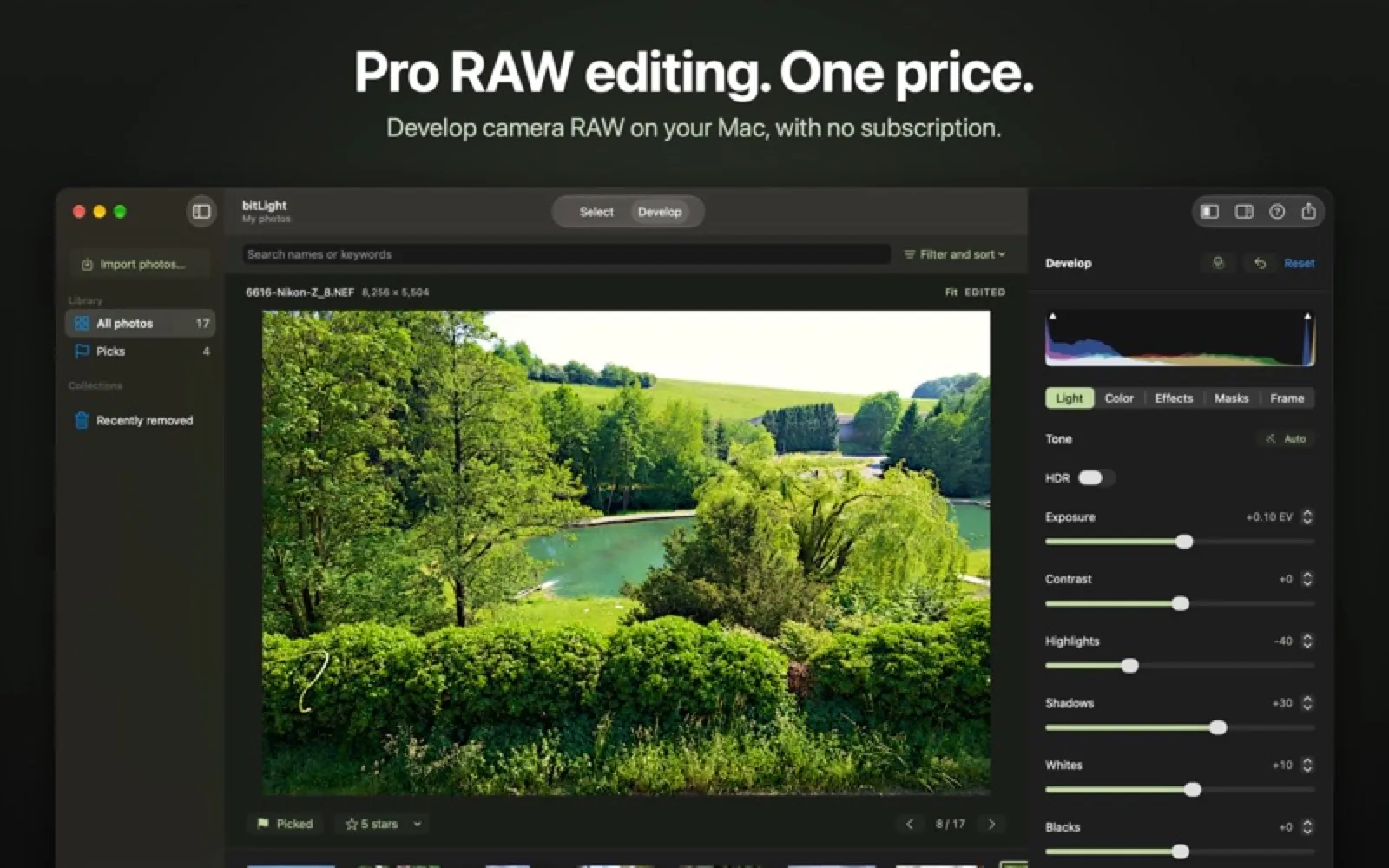
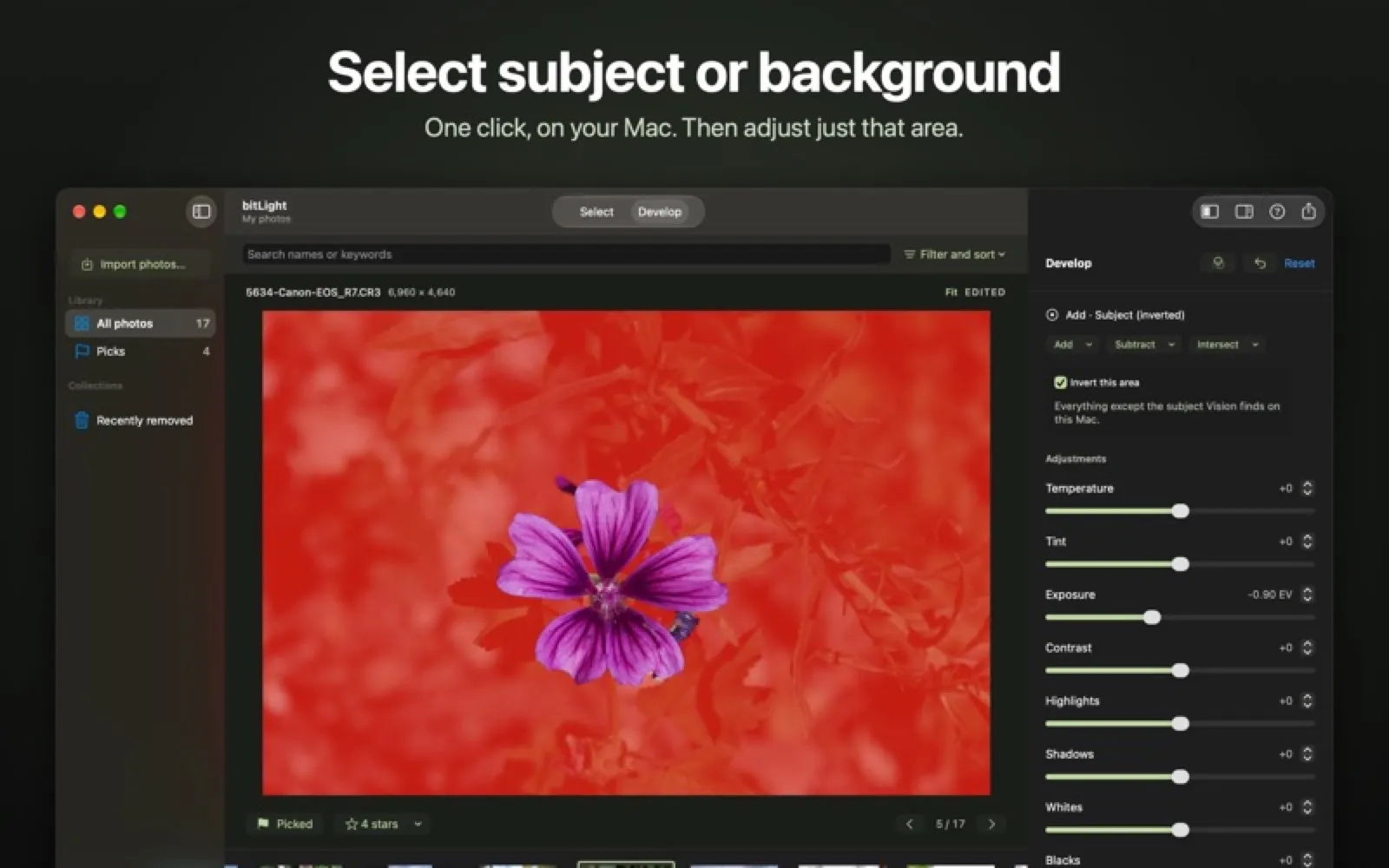
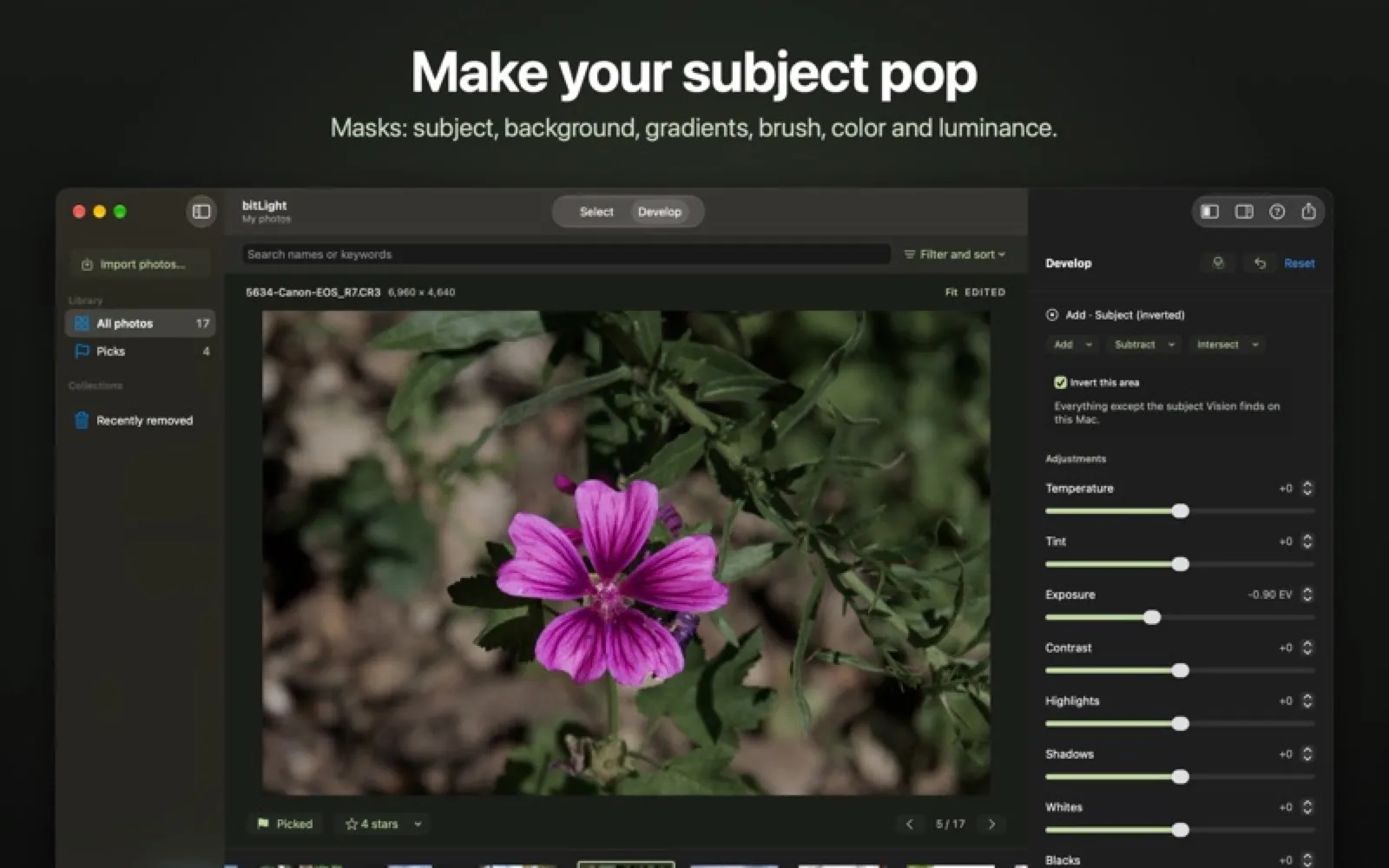
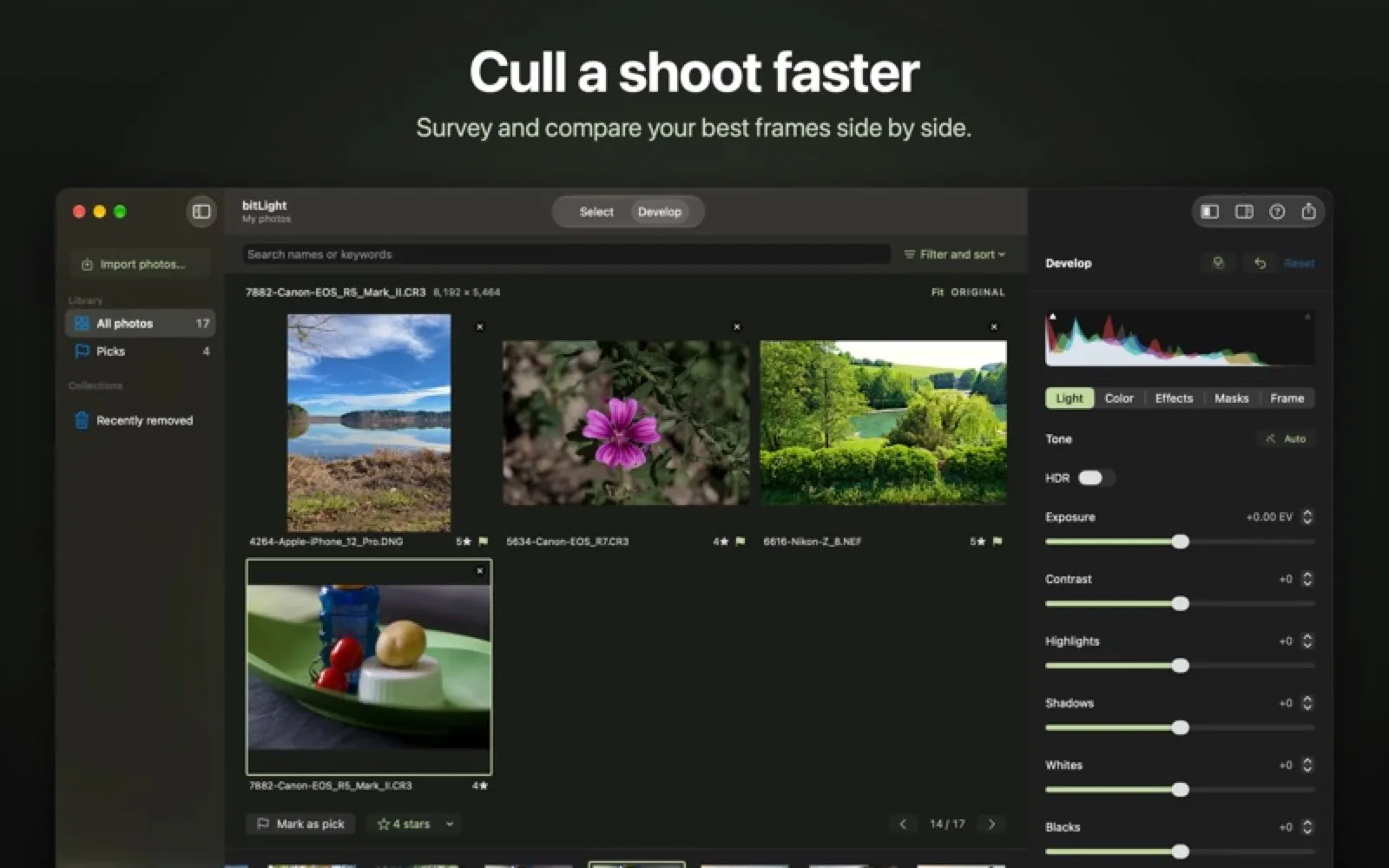
bitLight copies a shoot into its library without touching the originals, then lets you cull with flags, stars, colour labels and keywords, compare photos side by side, and organise them in collections, smart albums and stacks. Develop tools cover Kelvin white balance, tone and point curves, an 8-band colour mixer, colour grading, camera calibration, noise reduction and grain, with linear, radial, brush, luminance and colour range masks plus Select Subject and Select Background (Apple Vision) and Select Sky. It applies the lens correction data stored in RAW files, heals and clones, edits HDR and exports HDR JPEG or HEIC with a gain map, and merges bracketed exposures. Export recipes write JPEG, PNG, TIFF, HEIC and AVIF and leave location out unless you include it. There is no account, analytics or cloud sync, and the App Store label says no data is collected; RAW support follows the macOS camera list. Mac App Store only; requires macOS 15 or later on Apple silicon.
Install bitLight
Download it from the links above, or install it from the Terminal:
mas install 6822924026 Mac App Store CLI: This works once your Apple Account has the app. The first time, get it from the Mac App Store.
Questions about bitLight
How much does bitLight cost?
bitLight: $29.99 one-time (US price, Mac App Store), no in-app purchases.
Where can I download bitLight for Mac?
Download bitLight from the Mac App Store and the developer's website (pocketbitsllc.com). MacWorthy links only to official sources.
Can I install bitLight from the Terminal?
Yes. With Mac App Store CLI, run mas install 6822924026. This works once your Apple Account has the app. The first time, get it from the Mac App Store.
Which macOS version does bitLight need?
The Mac App Store version of bitLight requires macOS 15.0 or later.
What are good alternatives to bitLight?
Other design & photo apps for Mac worth a look are Flipic Lens (free + pro), masoc (free + pro), Photomator (subscription) and FloatViewer (free + pro).
Other design & photo apps like bitLight
Flipic Lens
A fast photo viewer and culling tool that works straight from your folders.
masoc
A RAW photo and Log video editor with on-device masks, film looks and Lightroom preset import.
Photomator
Powerful photo editing for your Photos library.

FloatViewer
A borderless image viewer that floats above your work, with EXIF, histogram and OCR.
RevelRaw
A RAW photo editor that ranks film-style looks for each frame and syncs edits across a shoot.
Pixelmator Pro
A pro image editor, built entirely for the Mac.
PixRoom
Local photo and video library manager with on-device AI search.
Affinity
Pro vector, pixel and layout tools in one app.