
Disklio
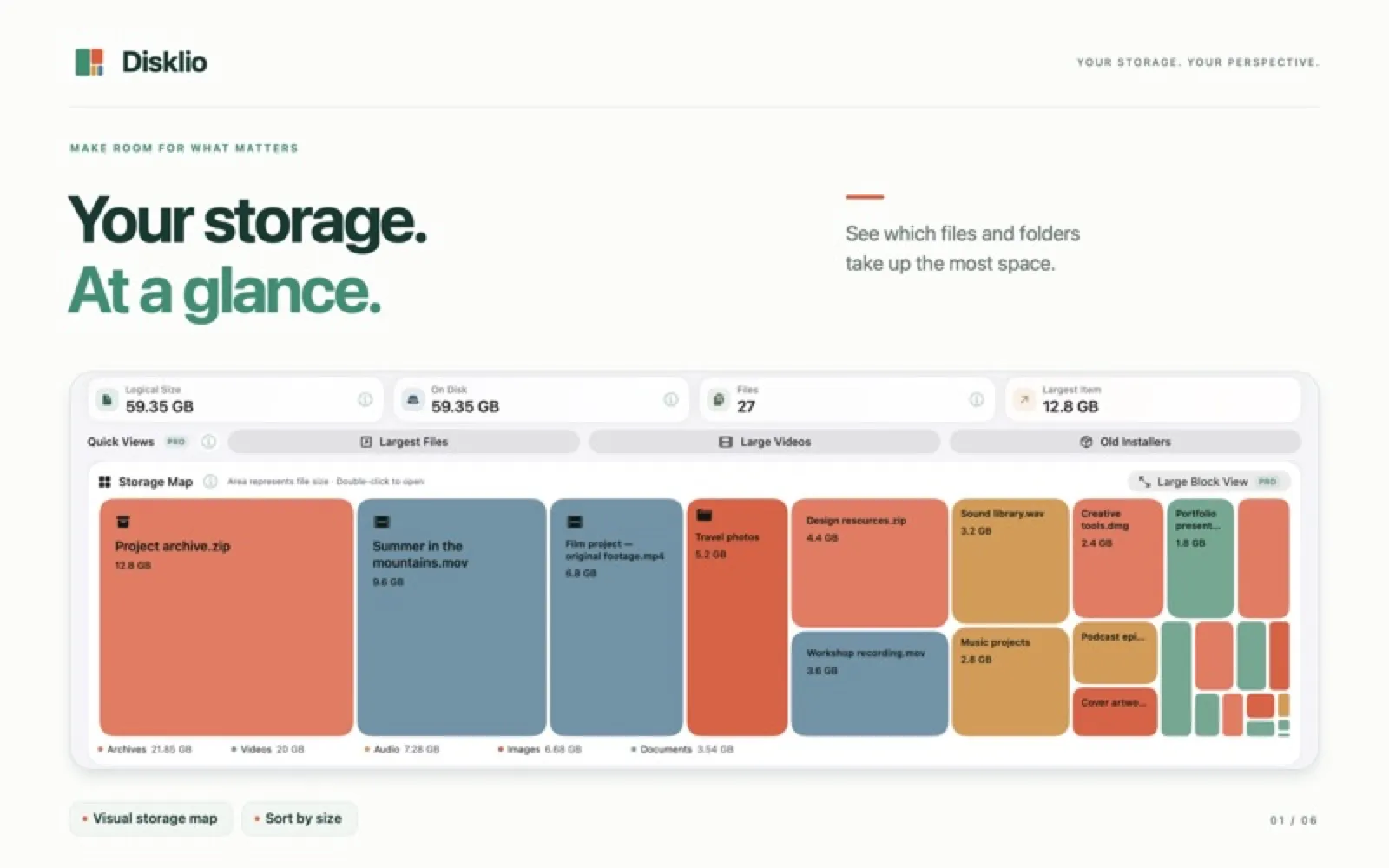
Shows a folder as a map of blocks sized by space, so forgotten big files stand out.
About Disklio
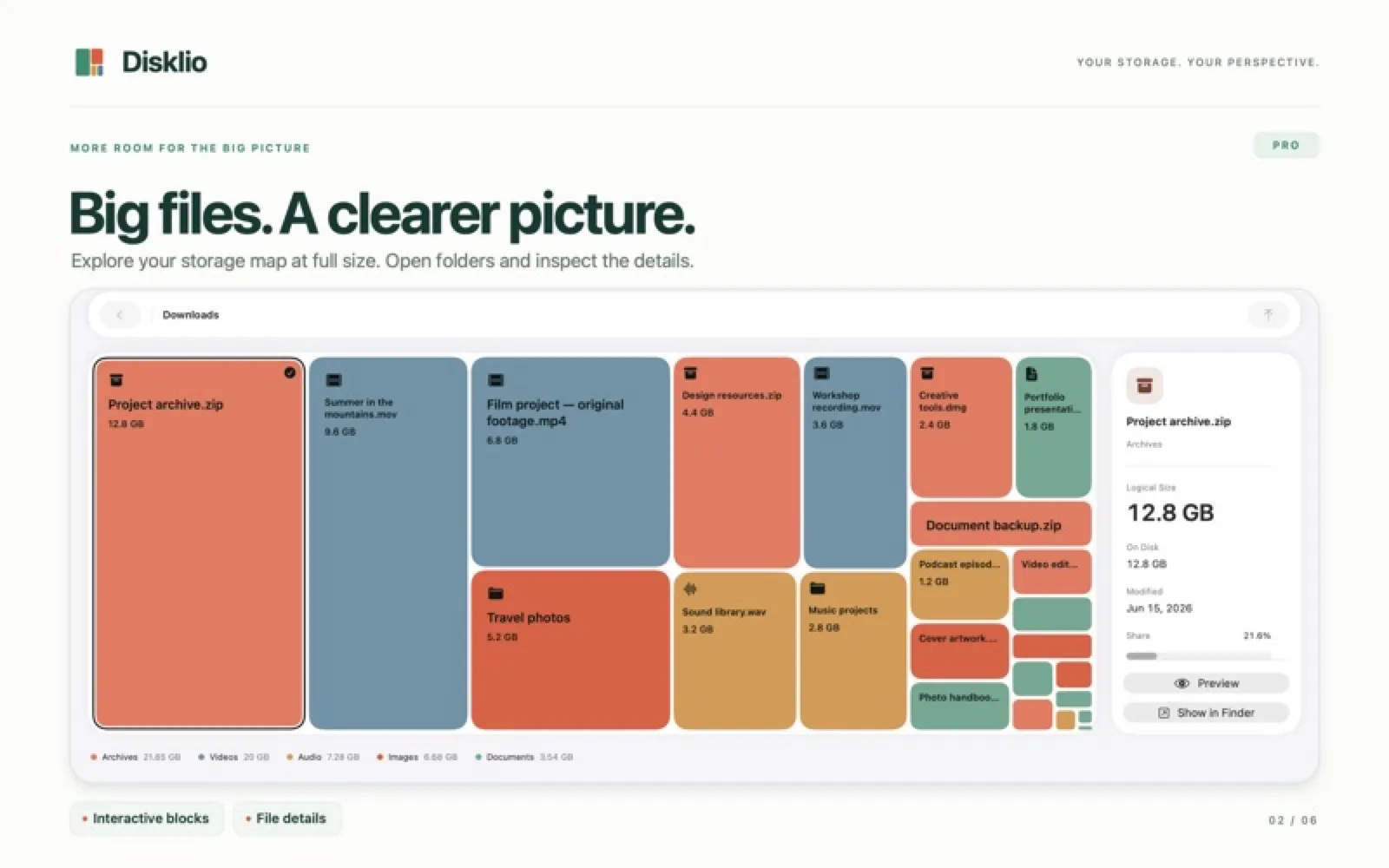
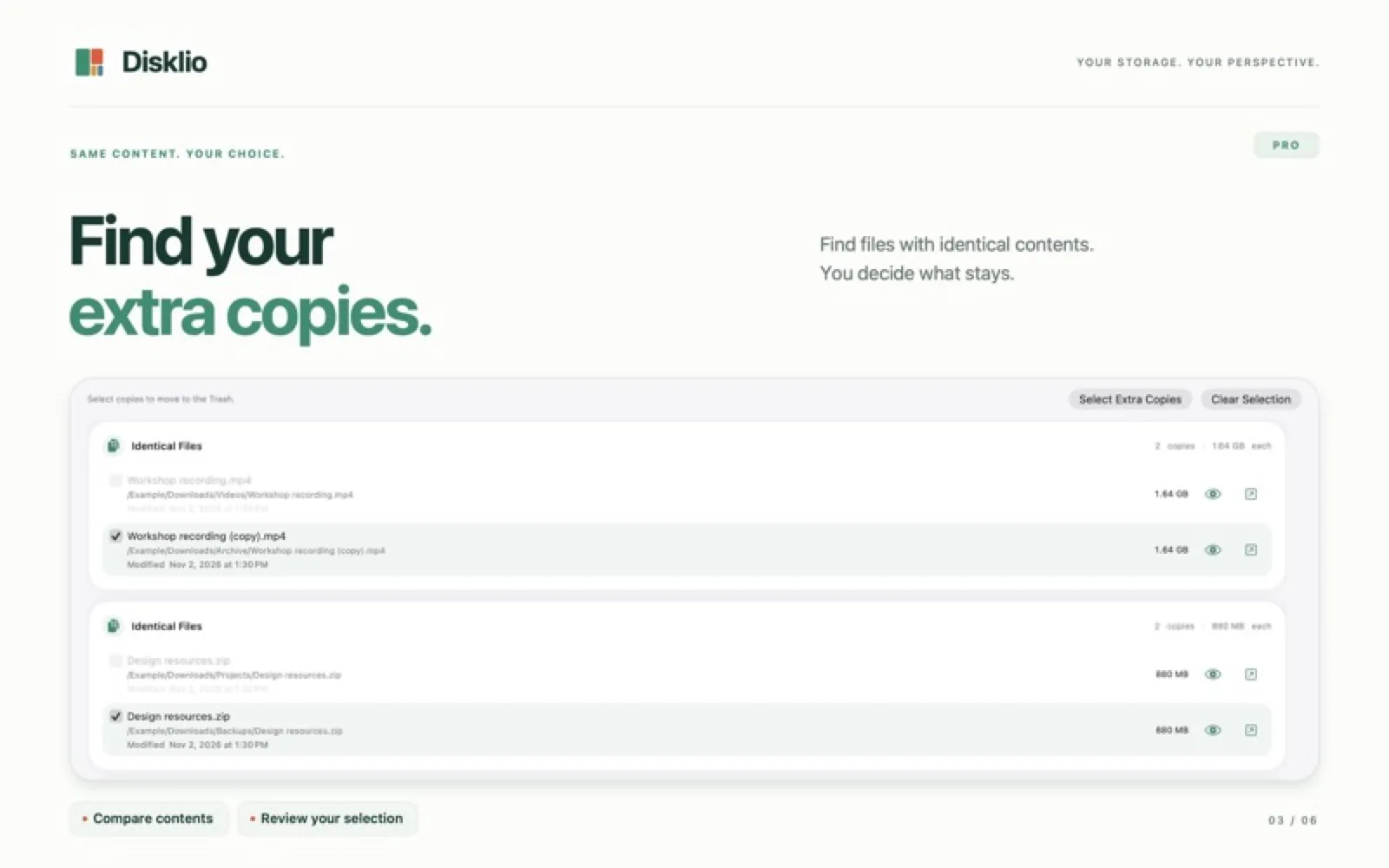
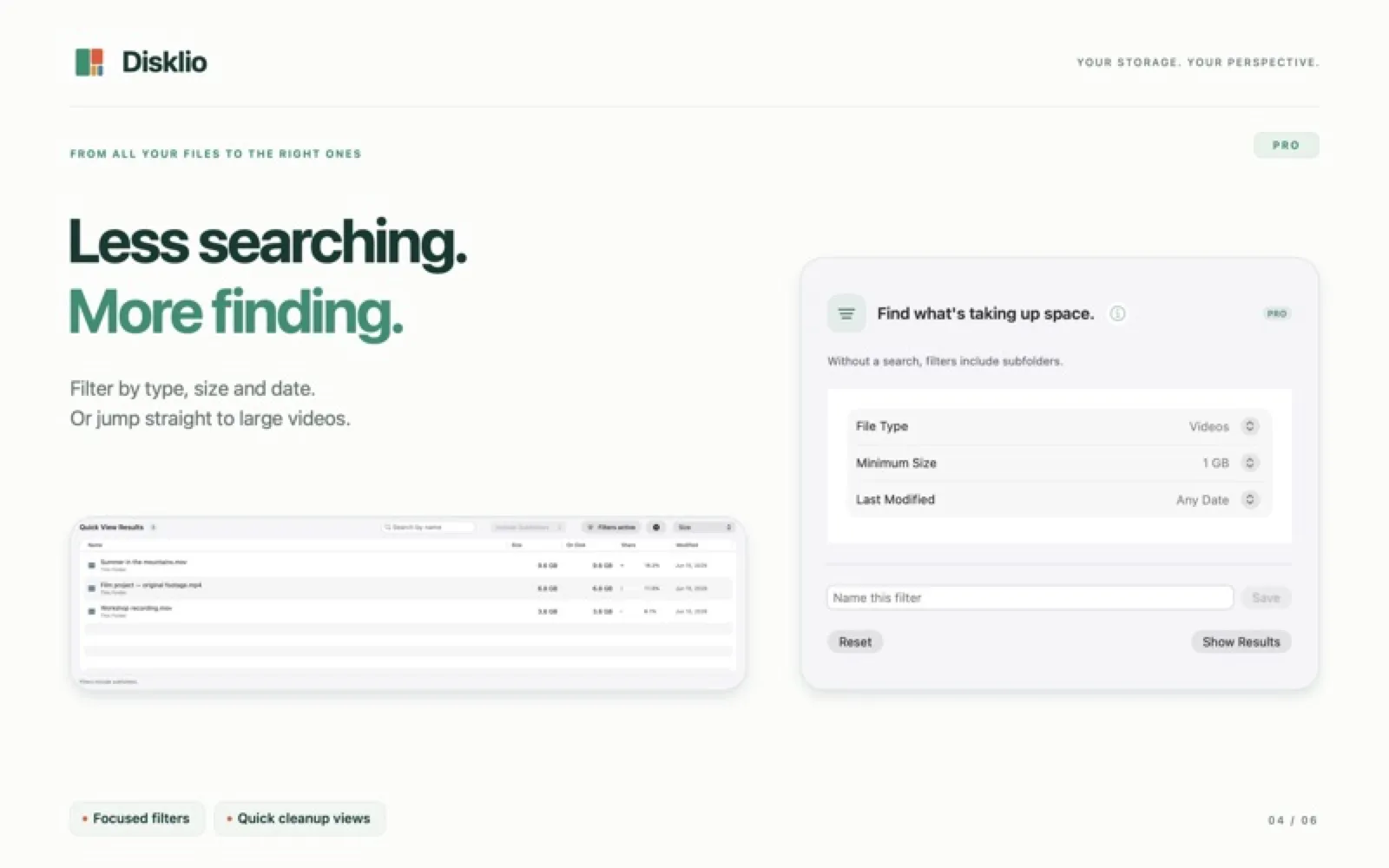
Disklio scans a folder or drive you choose and draws it as a storage map in which every block is a file or folder and its area is the space it takes, next to a file list you can search and sort by size, with Quick Look previews, Reveal in Finder and favourite folders. Files you choose go to the Trash only after you confirm, and Disklio leaves emptying the Trash to you. The one-time Pro upgrade adds a duplicate finder that compares file contents and always keeps at least one copy in each group, a full-window map, saved filters by type, size and date, quick views of the largest files, big videos and old installers, batch review, CSV export and a history of up to ten scans. Scans and comparisons run on the Mac with no account, and the App Store label says Data Not Collected. Mac App Store only, first released in November 2026; requires macOS 26 or later.
Install Disklio
Download it from the links above, or install it from the Terminal:
mas install 6829841241 Mac App Store CLI: This works once your Apple Account has the app. The first time, get it from the Mac App Store.
Questions about Disklio
Is Disklio free?
Disklio is free to download and use, with paid upgrades for extra features. Price: Free; Disklio Pro is a $9.99 one-time in-app purchase.
Where can I download Disklio for Mac?
Download Disklio from the Mac App Store and the developer's website (disklio.app). MacWorthy links only to official sources.
Can I install Disklio from the Terminal?
Yes. With Mac App Store CLI, run mas install 6829841241. This works once your Apple Account has the app. The first time, get it from the Mac App Store.
Which macOS version does Disklio need?
The Mac App Store version of Disklio requires macOS 26.0 or later.
What are good alternatives to Disklio?
Other utilities apps for Mac worth a look are SpaceFix (subscription), KarmaDisk (free + pro), XicoClean (one-time purchase) and Mole (one-time purchase).
Other utilities apps like Disklio

SpaceFix
Shows what's safe to delete and what needs a look.
KarmaDisk
Storage maps, duplicates and lossless photo compression.

XicoClean
Shows what fills your disk, and cleans caches only after you review them.

Mole
Cleanup, uninstalls and system stats in one window.

Purge
A careful Mac cleaner that uses the Trash.

MacClean
A cleaner that knows where WeChat, QQ and AI models hide gigabytes.

Strata Mac Cleaner
Labels what's safe to clean and what to review first.
Headroom
Shows what fills a developer's disk and clears it safely.