QuickRight
Adds new-file, copy-path, terminal and file tools to the Finder right-click menu.
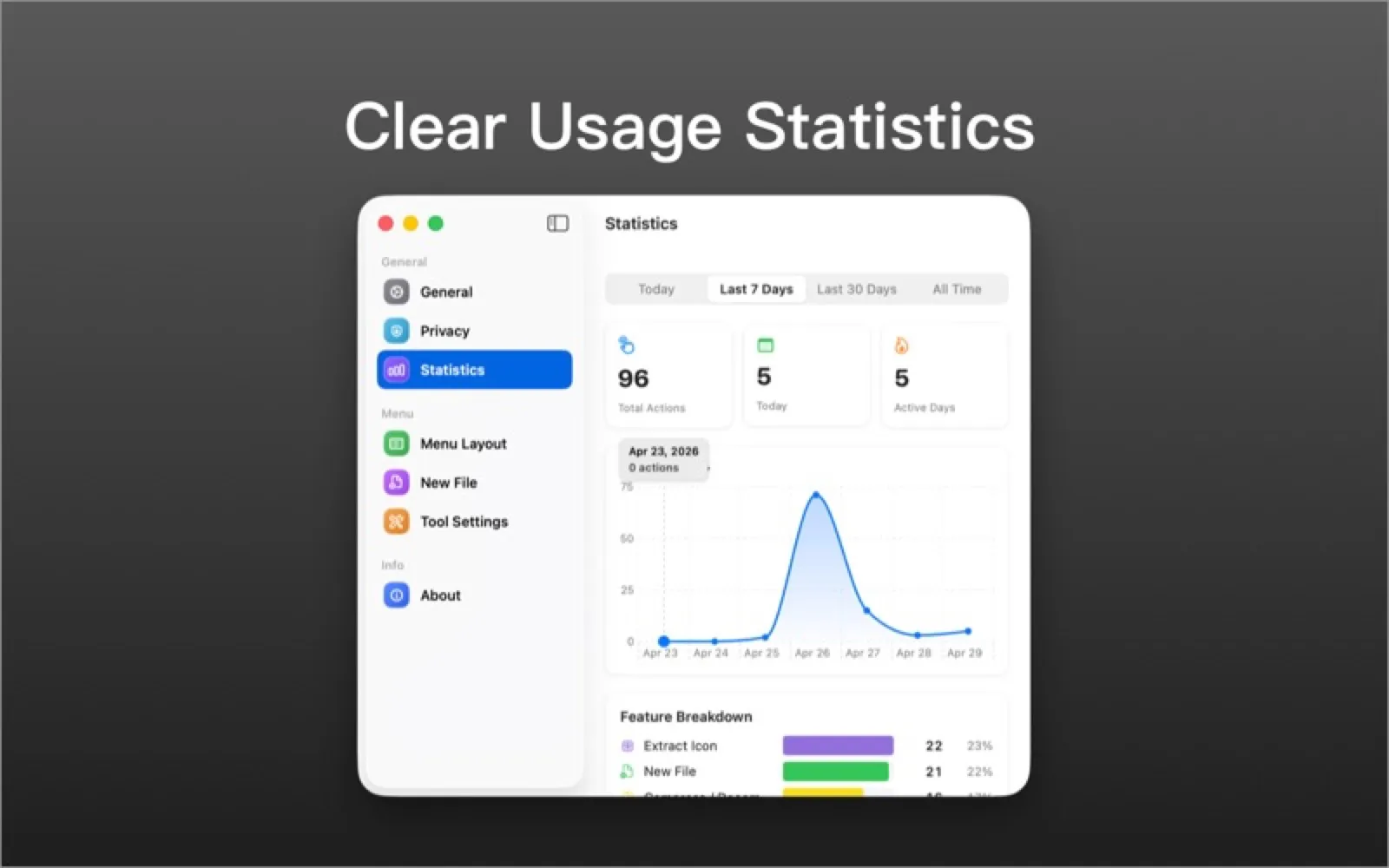
About QuickRight
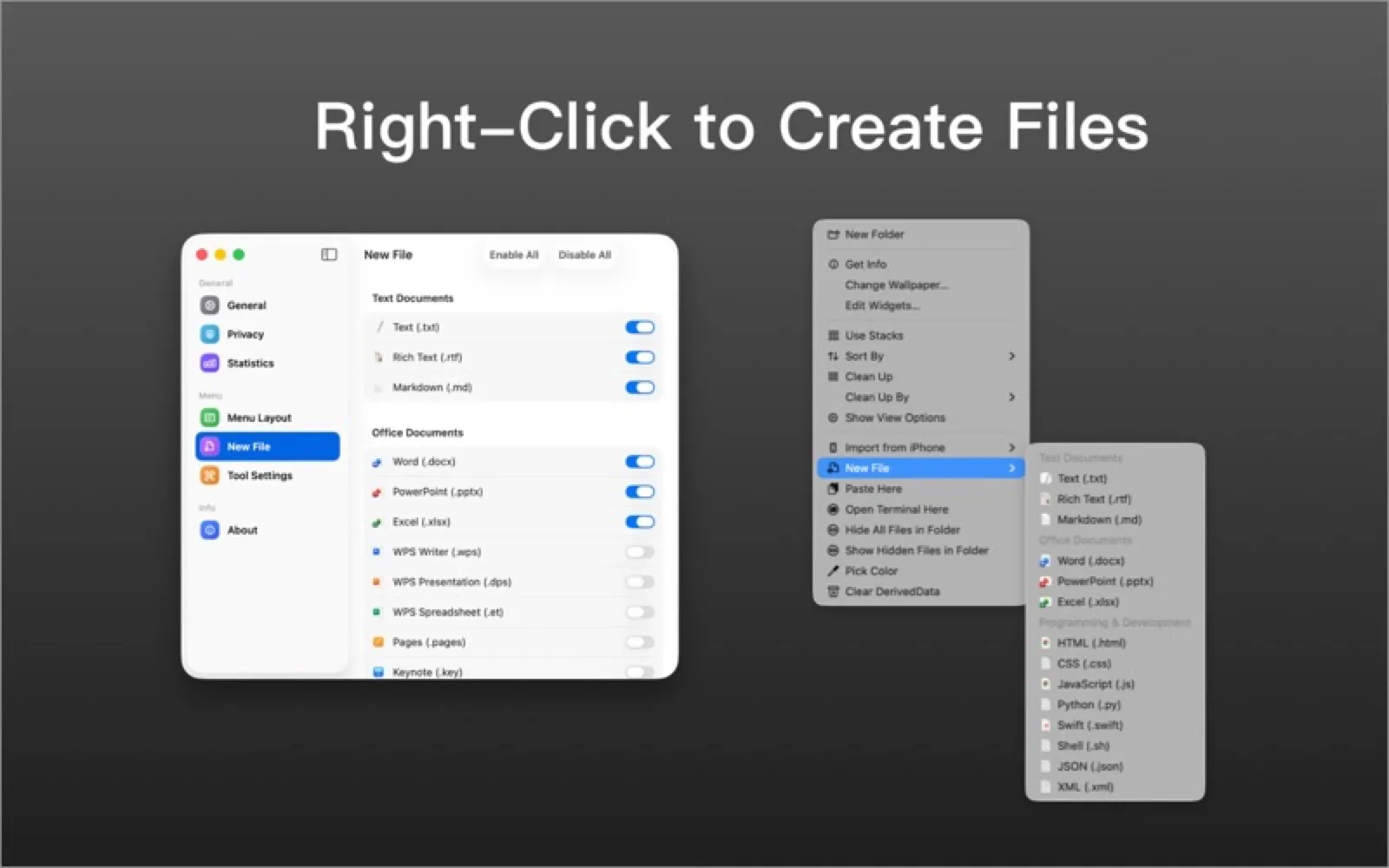
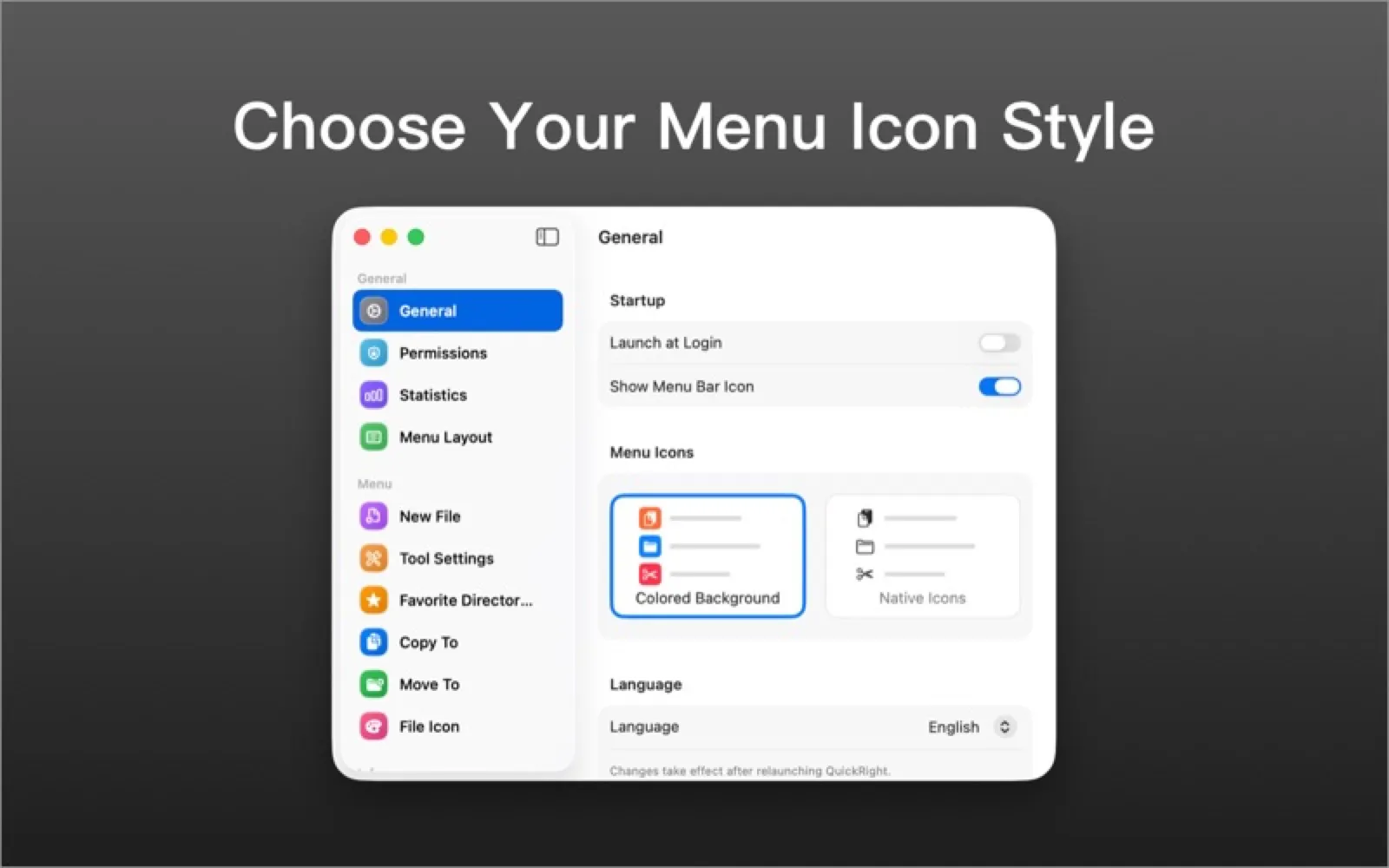
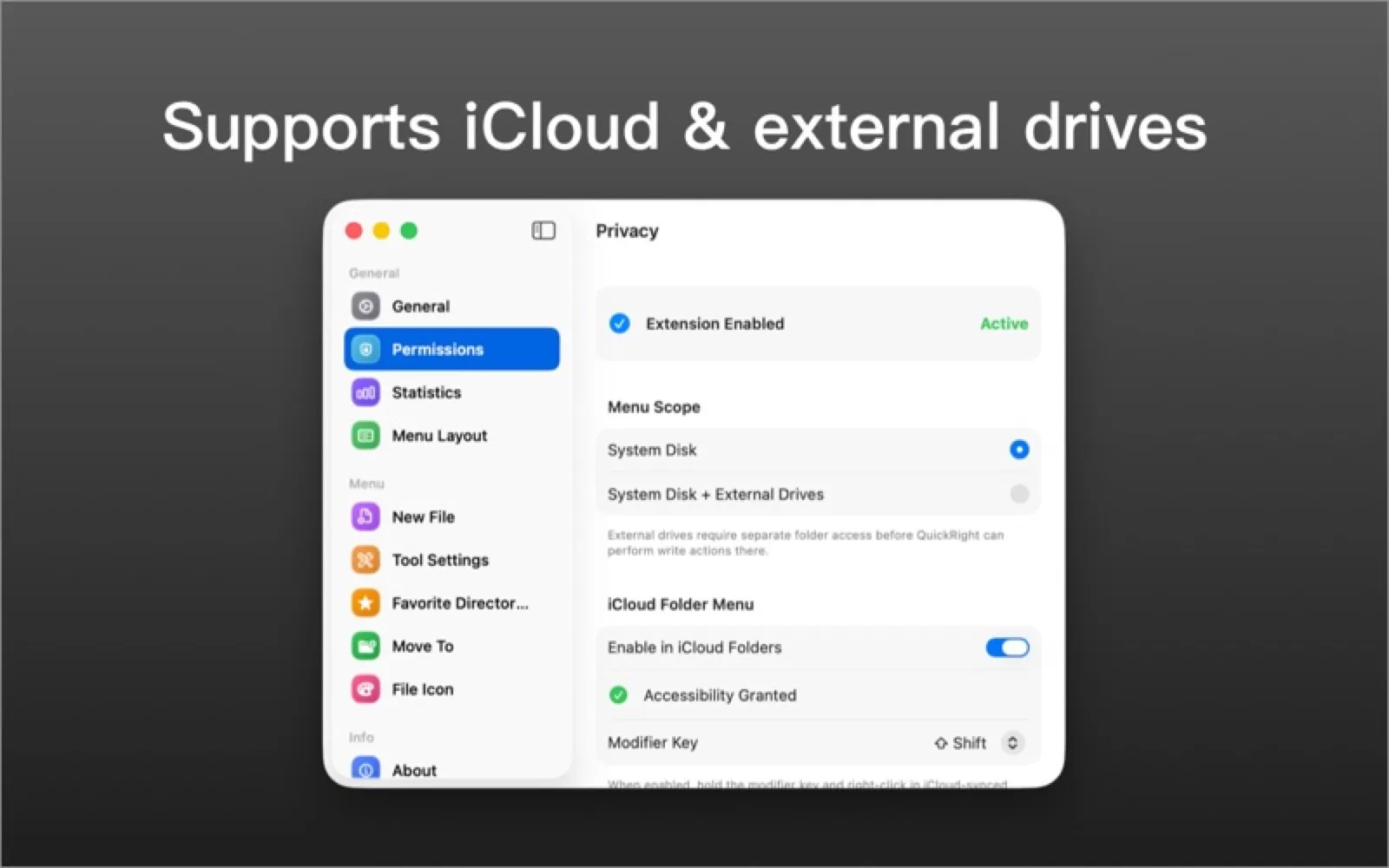
QuickRight is a menu bar app with a Finder extension that adds its own items to the right-click menu in the folders you grant it access to. It can create text, Markdown, Office, Pages or code files and subfolders from built-in or custom templates, copy paths (also in Windows format), open a folder in Terminal, iTerm2, Warp or Ghostty or a file in your editor, and cut, copy or move items to preset folders. Other actions hide and show files, make and extract ZIP archives, show MD5 and SHA hashes, convert and compress images, pick colours and set custom folder icons, and the menu can be reordered and trimmed. In iCloud Drive and OneDrive folders the menu opens with Shift-right-click, which uses the optional Accessibility permission and briefly borrows the clipboard. Every feature is free, with optional tips handled through RevenueCat, no account, and usage analytics sent to TelemetryDeck only if you turn them on. Mac App Store only; requires macOS 14 or later.
Install QuickRight
Download it from the links above, or install it from the Terminal:
mas install 6763963598 Mac App Store CLI: This works once your Apple Account has the app. The first time, get it from the Mac App Store.
Questions about QuickRight
Is QuickRight free?
Yes. QuickRight is free to download and use.
Where can I download QuickRight for Mac?
Download QuickRight from the Mac App Store and the developer's website (quickright.vercel.app). MacWorthy links only to official sources.
Can I install QuickRight from the Terminal?
Yes. With Mac App Store CLI, run mas install 6763963598. This works once your Apple Account has the app. The first time, get it from the Mac App Store.
Which macOS version does QuickRight need?
The Mac App Store version of QuickRight requires macOS 14.0 or later.
What are good alternatives to QuickRight?
Other utilities apps for Mac worth a look are Seek (one-time purchase), FlexiBackup (one-time purchase), SafeNTFS (one-time purchase) and Mac Ninja (one-time purchase).
Other utilities apps like QuickRight

Seek
Find files by describing them.

FlexiBackup
Moves Finder's iPhone and iPad backups to an external or network drive of your choice.

SafeNTFS
Writes to Windows NTFS drives in Finder, through Apple's FSKit with no kernel extension.

Mac Ninja
Unloads idle browser tabs and slows background CPU hogs, without closing anything.

Locseek
Everything-style file-name search for the Mac, with results as you type.

Yado
Clean up, back up and organize an iPhone from your Mac.

Bartender 6
Organize and hide menu bar icons.

Ice
A powerful, free menu bar manager.