SafeNTFS
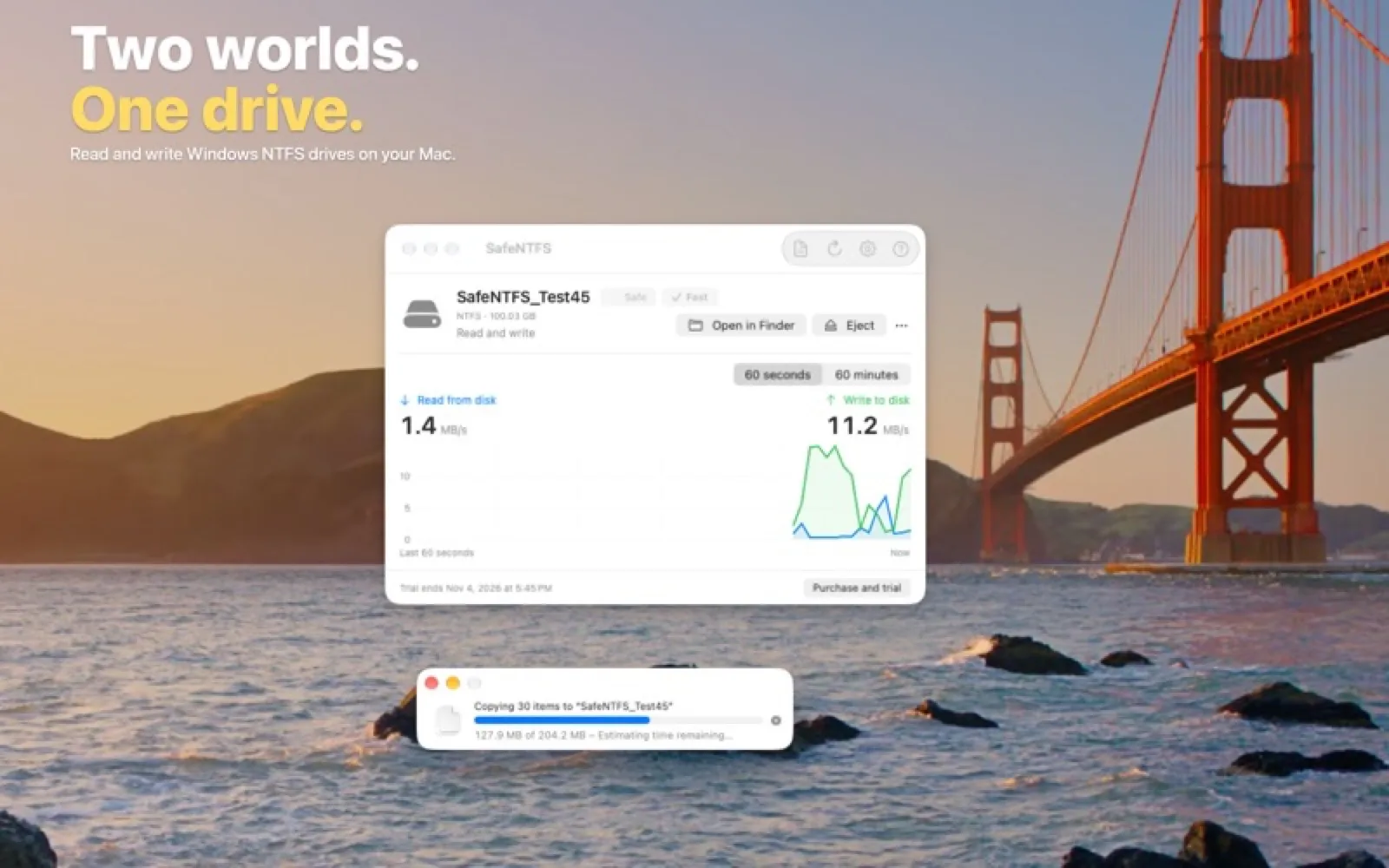
Writes to Windows NTFS drives in Finder, through Apple's FSKit with no kernel extension.
About SafeNTFS
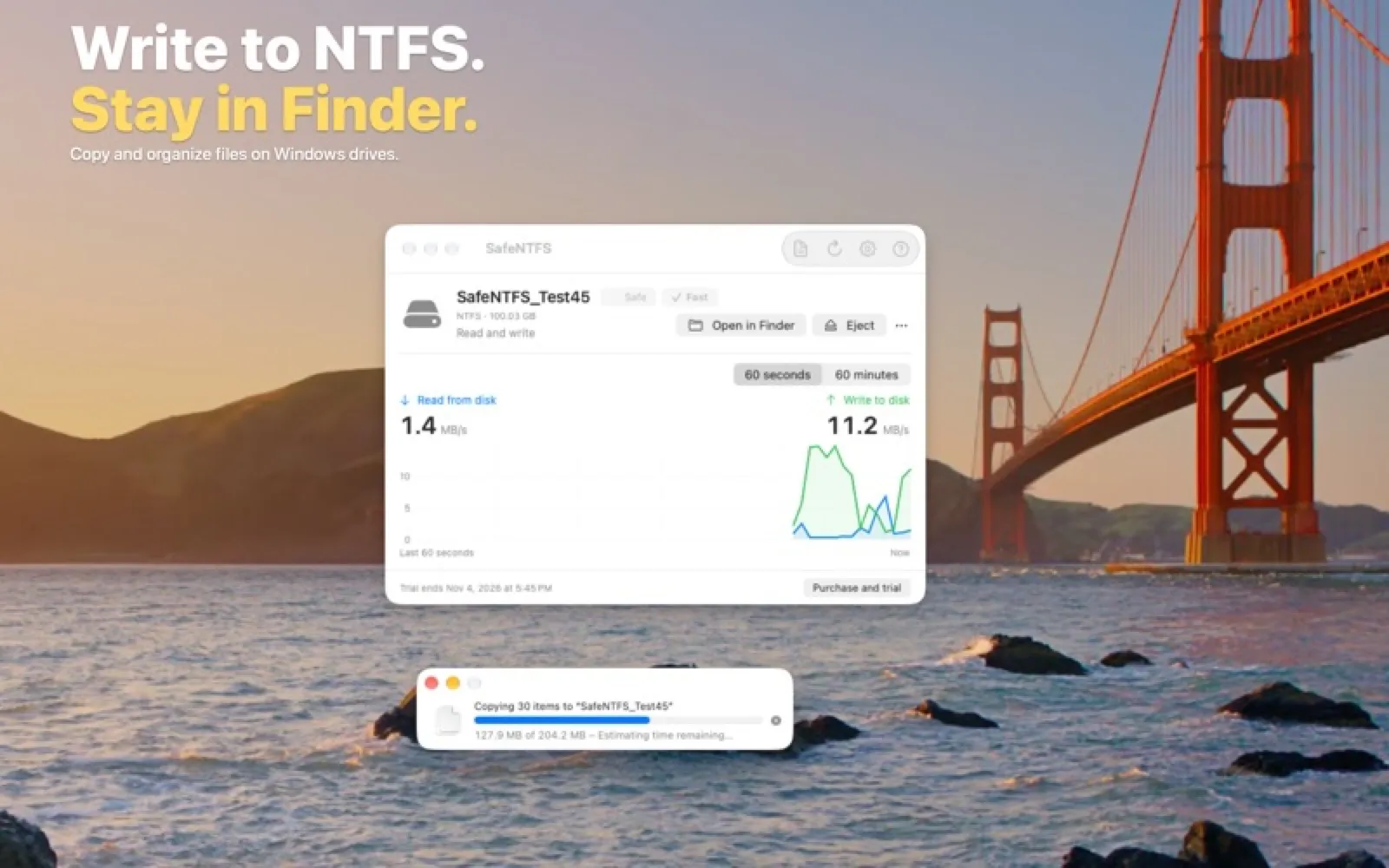
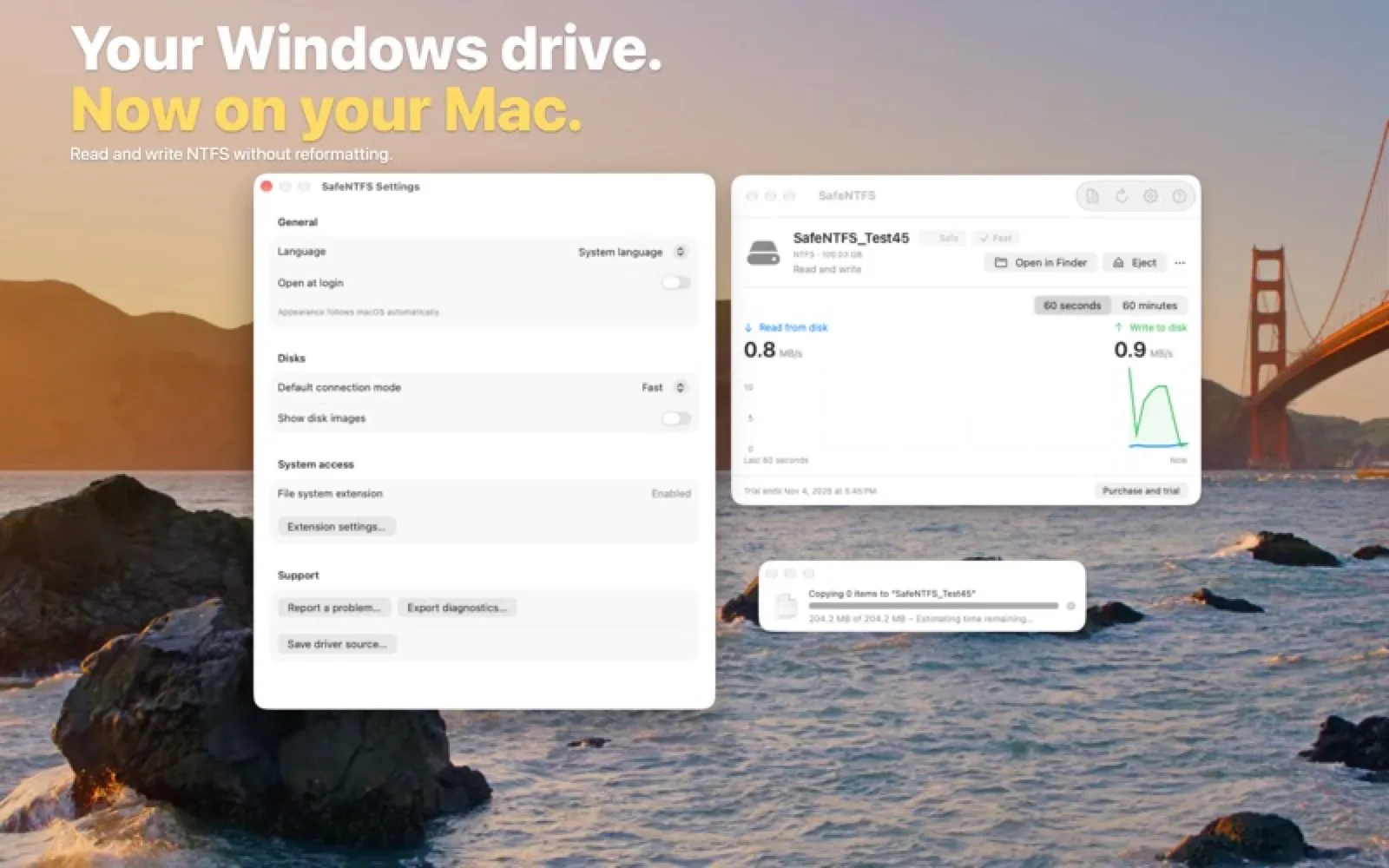
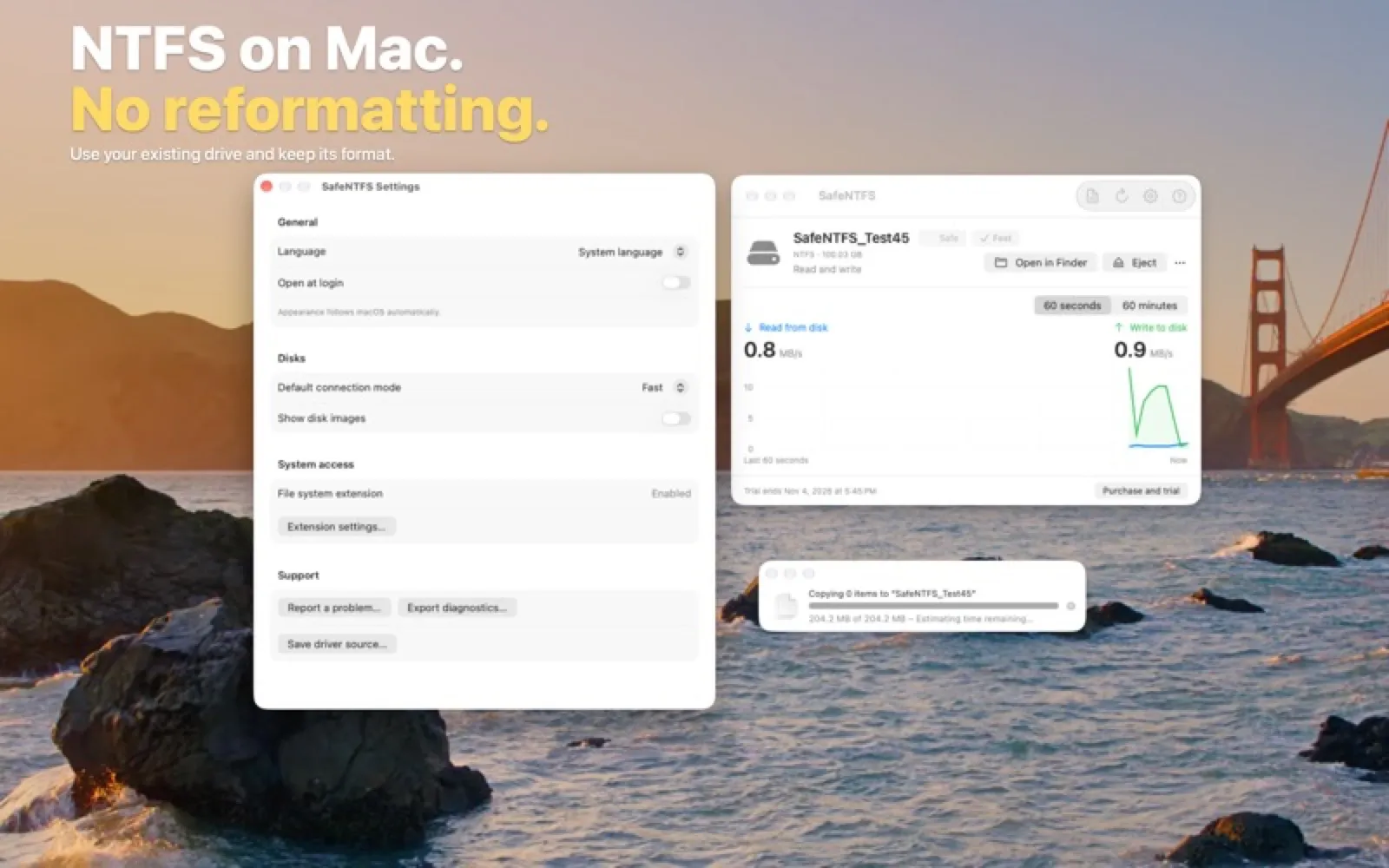
SafeNTFS adds write access to external NTFS drives in Finder, so you can create folders and copy, move, rename, replace and delete files on a drive you share with a Windows PC without reformatting it. It is an FSKit file system extension from the Mac App Store that runs in the App Sandbox, with no kernel extension, no Reduced Security and no change to SIP; you switch it on once under File System Extensions in System Settings, grant access to each drive, and keep the app running while you work. Fast mode writes without extra checks, while Safe mode reads written data back and compares it with the original, and the app shows drive status, an operation history and a diagnostic report you can export. Its NTFS driver is licensed under the GPL, and the app can save the driver's source code. BitLocker volumes and EFS-encrypted or WOF-compressed files are not supported, and it does not format or repair drives. No account and no analytics; the App Store label lists contact info, support content, a device ID and diagnostics, which come from support requests you choose to send. Mac App Store only, so we could not inspect the build; needs macOS 27 on Apple silicon.
Install SafeNTFS
Download it from the links above, or install it from the Terminal:
mas install 6817444498 Mac App Store CLI: This works once your Apple Account has the app. The first time, get it from the Mac App Store.
Questions about SafeNTFS
How much does SafeNTFS cost?
SafeNTFS: Free download with a 4-day trial; Lifetime NTFS Write Access is $9.99 once (US price, through the App Store).
Where can I download SafeNTFS for Mac?
Download SafeNTFS from the Mac App Store and the developer's website (safentfs.clideck.com). MacWorthy links only to official sources.
Can I install SafeNTFS from the Terminal?
Yes. With Mac App Store CLI, run mas install 6817444498. This works once your Apple Account has the app. The first time, get it from the Mac App Store.
Which macOS version does SafeNTFS need?
The Mac App Store version of SafeNTFS requires macOS 27.0 or later.
What are good alternatives to SafeNTFS?
Other utilities apps for Mac worth a look are QuickRight (free), Seek (one-time purchase), FlexiBackup (one-time purchase) and Mac Ninja (one-time purchase).
Other utilities apps like SafeNTFS
QuickRight
Adds new-file, copy-path, terminal and file tools to the Finder right-click menu.

Seek
Find files by describing them.

FlexiBackup
Moves Finder's iPhone and iPad backups to an external or network drive of your choice.

Mac Ninja
Unloads idle browser tabs and slows background CPU hogs, without closing anything.

Locseek
Everything-style file-name search for the Mac, with results as you type.

Yado
Clean up, back up and organize an iPhone from your Mac.

Bartender 6
Organize and hide menu bar icons.

Ice
A powerful, free menu bar manager.